Huu Tho Tran
Huu Tho Tran
  • Informations
Aucun
expérience
31
produits
0
versions de démo
0
offres d’emploi
0
signaux
0
les abonnés
Founder - Strategy & Quality, MT5 trading automation studio à DinexSpace
X
DinexSpace - studio d'automatisation du trading pour MetaTrader 5.

Nous validons votre idée de trading avec des coûts réels en deux étapes avant de la coder. Si l'idée échoue, nous arrêtons - vous ne payez pas le robot.

Historique en réel
- 9 EAs sur l'or (XAUUSD) sur comptes réels. Compte réel vérifié sur Myfxbook (profil : DinexSpace).
- Pas de martingale, pas de grid. Chaque EA publie son drawdown maximal, son nombre moyen de trades par mois et son type de stop loss.
- Détails et location des EAs : https://dinexspace.com/en/marketplace

Services
- Expert Advisors MT5 sur mesure (MQL5), indicateurs et scripts
- Réparation ou conversion d'EAs vers MT5, y compris Pine Script TradingView vers MQL5
- Rapport de validation : backtest en deux étapes sur ticks réels avec coûts réels, test hors échantillon ; résultat Validé / Validé sous conditions / Non validé
- Livraison en .ex5 ; code source uniquement à l'achat

Site : https://dinexspace.com/en
Risque : le trading avec effet de levier peut faire perdre la totalité du capital. Les performances passées ne garantissent pas les résultats futurs. Aucune promesse de gain.

Suivez la chaîne DinexSpace pour de courtes notes MT5/MQL5 et les mises à jour de nos outils : https://www.mql5.com/fr/channels/dinexspace
Huu Tho Tran Produits publiés

Volume Profile shows where volume has built up by price over the last N bars. It draws a horizontal histogram to the right of the last bar and marks three reference levels: the Point of Control, and the high and low of the Value Area. How it works - The price range of the last N bars (200 by default) is split into rows (40 by default). - Each bar's volume is spread evenly over its high-low range and added to the rows it touches. You can use tick volume (always available in MT5) or real volume

Huu Tho Tran Produits publiés

Session and Anchored VWAP plots the volume-weighted average price (VWAP), the average price paid in a period weighted by volume. Two versions are included: one that resets every day, week or month, and one anchored at a moment you choose. How it works - Periodic VWAP: starts fresh at the beginning of each day (broker server time), each week (Monday) or each month, and accumulates price × volume from there. - Up to two bands at a chosen number of standard deviations show how far price has moved

Huu Tho Tran Produits publiés

Account Info Panel puts the numbers you check most often into one small panel on the chart, so you do not have to switch to the Trade tab. What it shows - Balance and equity. - Floating P/L of open positions. - Closed today: profit, swap, commission and fees of deals closed since the start of the server day. Deposits and withdrawals are excluded. - Margin used and free margin. - Margin level, highlighted when it falls below 200%. - Today's drawdown: how far equity is below its level at the start

Huu Tho Tran Produits publiés

ATR Volatility Percentile answers a simple question: is the market quiet or busy compared with its own recent past? Raw ATR values are hard to compare across symbols and periods. A percentile puts them on one 0-100 scale. How it works - ATR (Average True Range, Wilder's smoothing, length 14 by default) measures the typical bar range. - The indicator compares the current ATR with the previous N values (250 bars by default). The percentile is the share of those values that were lower than or equal

Huu Tho Tran Produits publiés

Spread Monitor and Logger keeps a record of your broker's spread on the current symbol. It shows when spreads widen (rollover, news, quiet hours) and keeps a simple log you can open in a spreadsheet. How it works - Every second the indicator reads the current spread in points. A sample is only counted while the symbol is quoting (a new tick in the last minute), so closed hours do not pull the statistics down. - The panel shows the current spread, the average, minimum and maximum of the current

Huu Tho Tran Produits publiés

Average Daily Range (ADR) Panel shows how far a symbol usually travels in a day and how much of that typical range today has already covered. It is a quick way to judge whether today is quiet, normal or unusually active. How it works - The daily range is the D1 bar's high minus its low. ADR is the average of that range over the last 5, 10 and 20 completed days; today's unfinished day is not included. - Today's range is the current D1 bar's high minus its low so far. - "Used of ADR" is today's

Huu Tho Tran Produits publiés

ATR Stop Levels draws price levels a chosen number of ATRs below and above the current price. It shows at a glance where a volatility-based stop would sit for a long or a short position, without measuring by hand. How it works - ATR (Average True Range) measures the typical bar range. You can smooth it with RMA (Wilder's original method), SMA or EMA. - Up to three multipliers (1.5, 2 and 3 by default). Each draws a dashed level below price and one above, with a label showing the price and the

Huu Tho Tran Produits publiés

Risk to Lot Calculator turns "how much am I willing to lose on this trade" into a lot size. It takes your contract data straight from the broker, so it works the same on forex, gold, indices and crypto CFDs. How it works - Risk per trade is a percent of your balance (or equity, or a manual amount) or a fixed amount in the account currency. - The stop loss can be a price, a distance in points or a multiple of ATR. - The loss for 1.00 lot at the stop is the stop distance divided by the tick size

Huu Tho Tran Produits publiés

Market Sessions Clock is a small panel that shows, at a glance, which markets are open right now and when the next one opens or closes. How it works - Four sessions: Sydney, Tokyo, London and New York. Each has its own on/off switch and hours. - Hours are entered in each market's local time (for example 08:00-17:00 London), and daylight saving is applied automatically for Sydney, London and New York. - For every session the panel shows Open or Closed, the time left until it closes or until it

Huu Tho Tran Produits publiés

Daily and Previous Day Levels draws the reference levels intraday traders check every morning: the previous day's high, low and close, today's open, today's running high and low, and the previous week's high and low. How it works - Values come straight from the symbol's own D1 and W1 bars, so the day follows your broker's server day. - Each day gets its own line segment, from the day's first bar to its last. Past days stay readable and old lines never shift. You choose how many days to keep (5

Huu Tho Tran Produits publiés

Session Boxes draws the Asia (Tokyo), Europe (London) and US (New York) trading sessions as rectangles on an intraday chart. Each box spans the session's high and low, so you can see where each market traded, how wide the range was and where sessions overlap. How it works - Session hours are entered in each market's local time (Tokyo 09:00-18:00, London 08:00-17:00 and New York 08:00-17:00 by default). - UK and US daylight saving are applied automatically, so the boxes stay on the right bars all

Huu Tho Tran
Huu Tho Tran
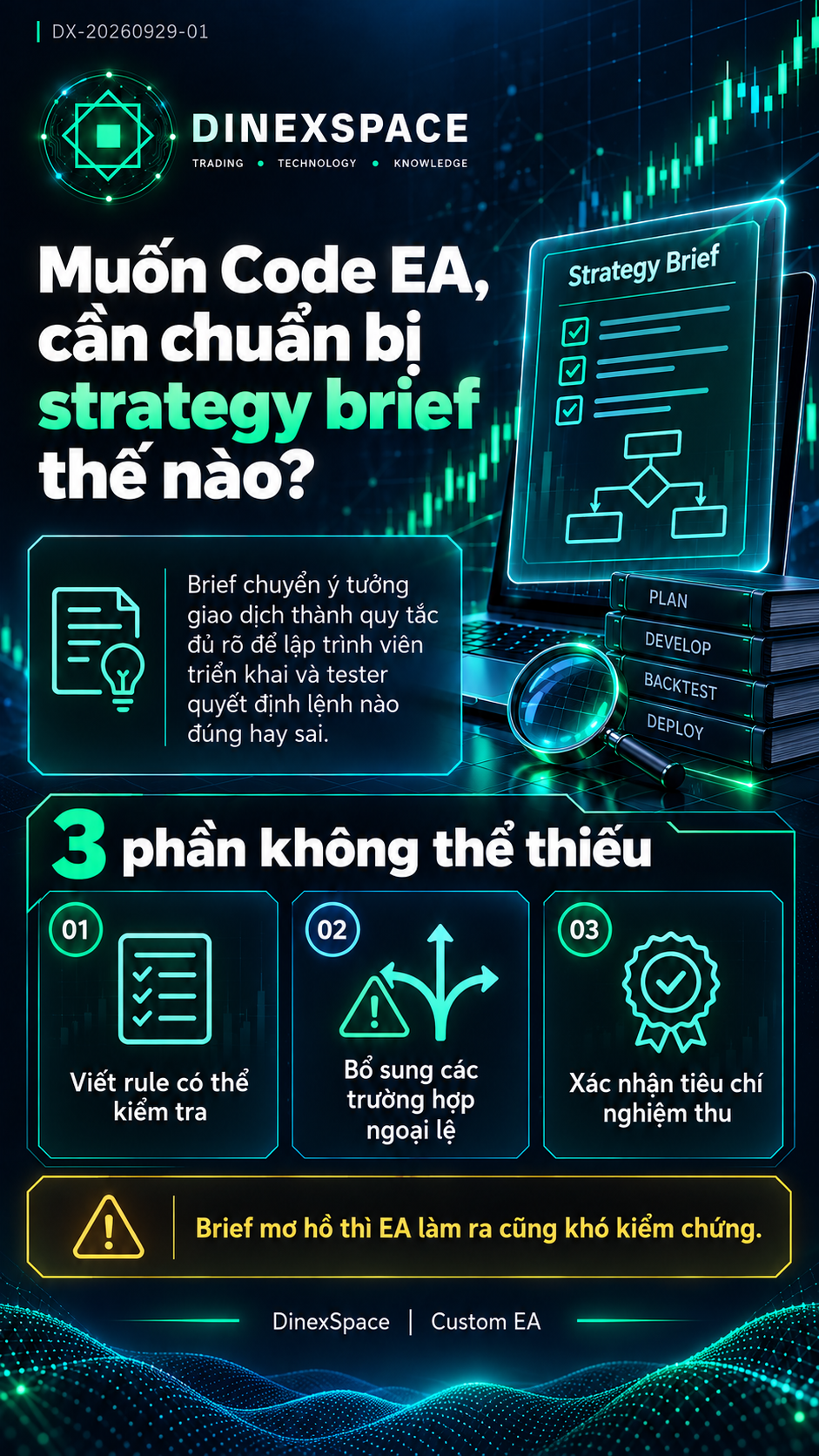
💡 Muốn Code EA, cần chuẩn bị strategy brief như thế nào?

MQL5 / EA | Muốn Code EA, cần chuẩn bị strategy brief như thế nào?

Một brief tốt nên chứa cả ví dụ hợp lệ lẫn trường hợp không được đặt lệnh: tín hiệu trùng, mất mạng, spread quá cao, chạm giới hạn ngày và cuối…
Bước kiểm định: Viết rule có thể kiểm tra • Bổ sung ngoại lệ • Xác nhận tiêu chí nghiệm thu

Bài đầy đủ: https://dinexspace.com/custom-ea
#tradingbot #DinexSpace #EaBot
Huu Tho Tran
Huu Tho Tran
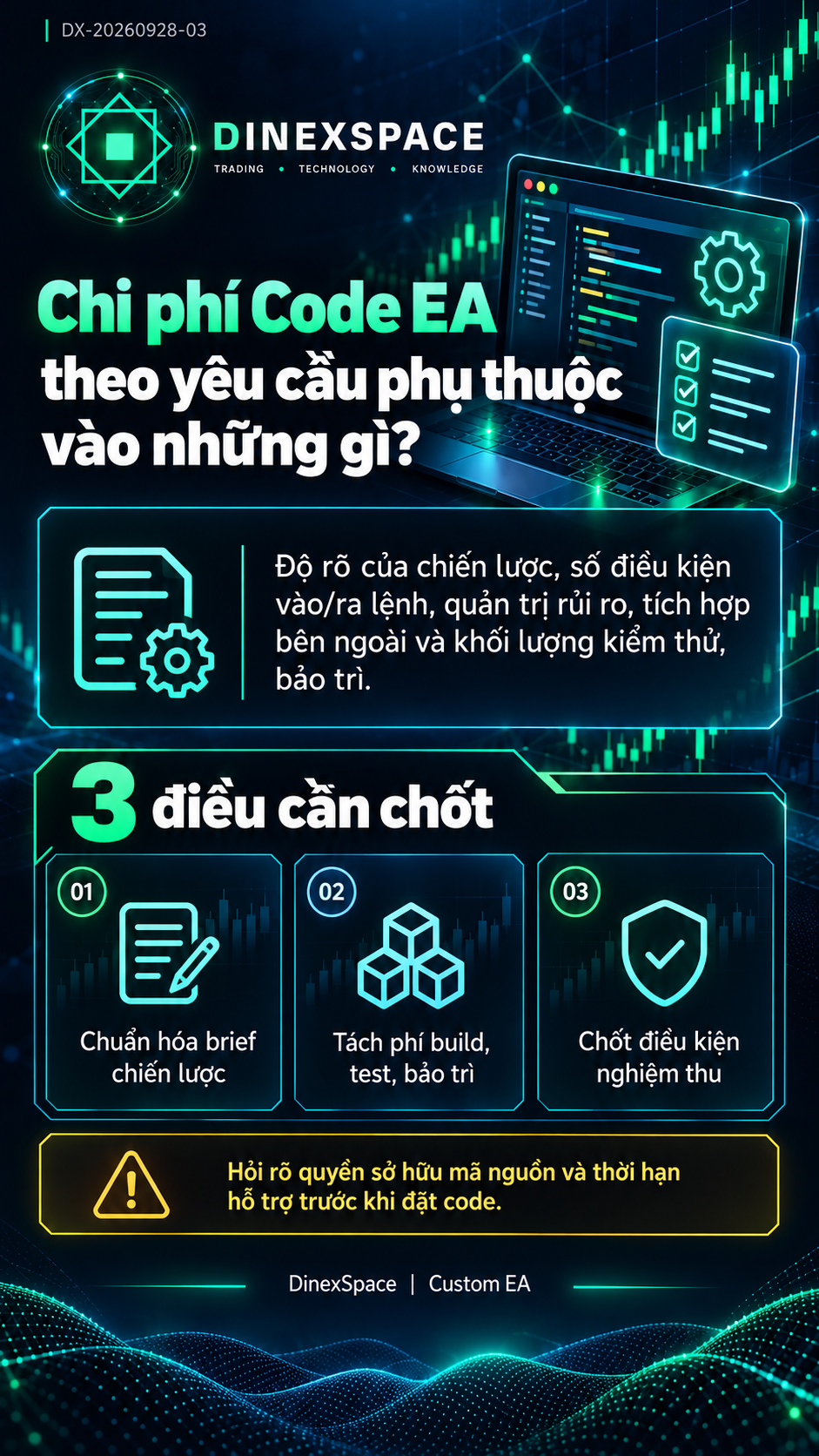
💡 Chi phí Code EA theo yêu cầu phụ thuộc vào những gì?

MQL5 / EA | Chi phí Code EA theo yêu cầu phụ thuộc vào những gì?

Khi nhận báo giá, cần có tài liệu rule, phạm vi đầu ra, số vòng nghiệm thu, mã nguồn thuộc về ai, thời hạn hỗ trợ và điều kiện sửa lỗi.
Bước kiểm định: Chuẩn hóa brief • Tách phí build/test/bảo trì • Chốt điều kiện nghiệm thu

Bài đầy đủ: https://dinexspace.com/custom-ea
#tradingbot #DinexSpace #EaBot
Huu Tho Tran
Huu Tho Tran
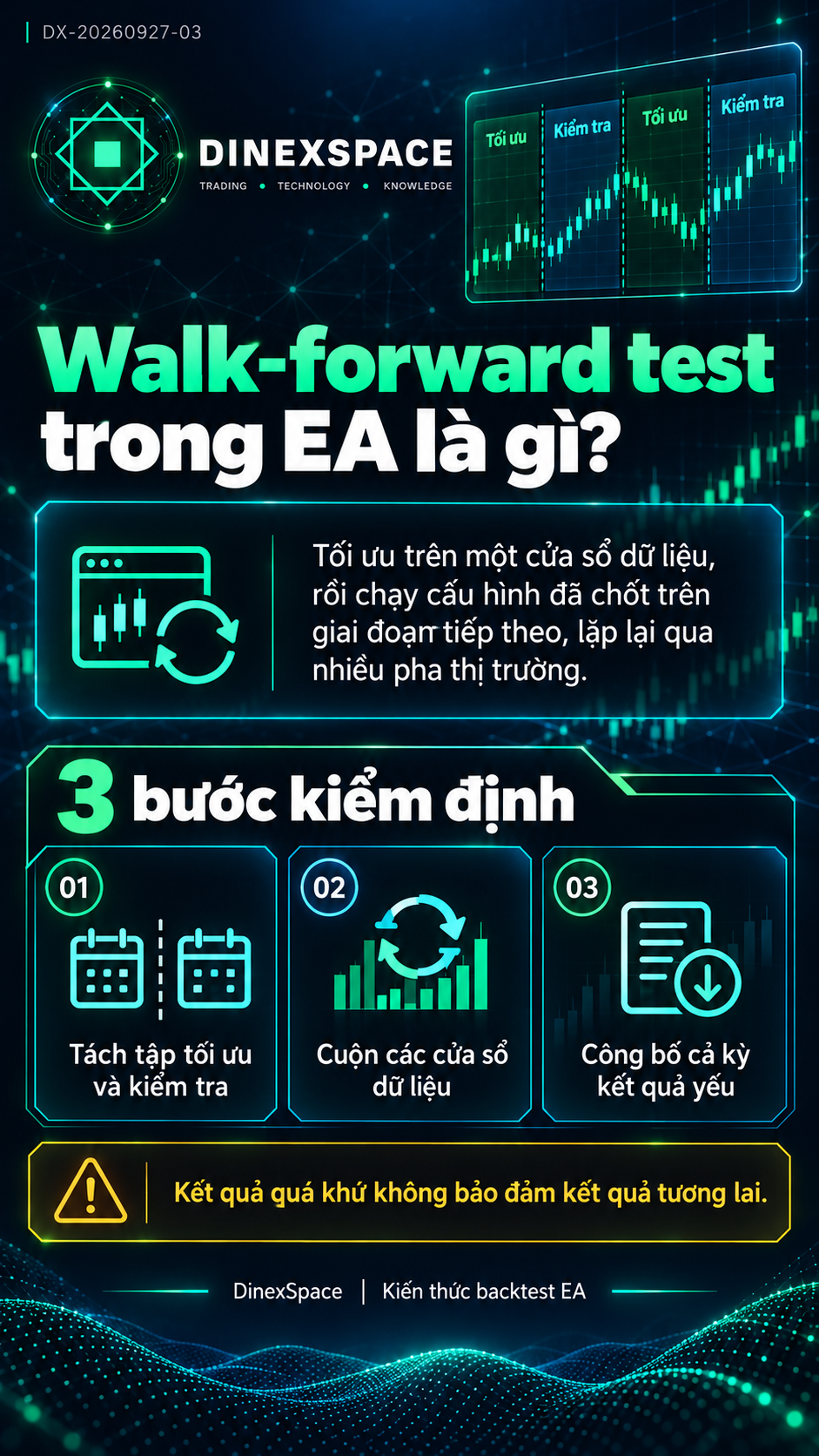
💡 Walk-forward test trong EA là gì?

MQL5 / EA | Walk-forward test trong EA là gì?

Với EA XAUUSD, nên có cửa sổ bao phủ các pha xu hướng, đi ngang và thời kỳ biến động khác nhau, đồng thời thống nhất spread, commission và điều kiện…
Bước kiểm định: Tách tập tối ưu và kiểm tra • Cuộn các cửa sổ • Công bố cả kỳ yếu
Tham khảo: https://www.mql5.com/en/articles/156

Bài đầy đủ: https://dinexspace.com/kien-thuc/cach-doc-ket-qua-backtest-mt5
#tradingbot #DinexSpace #EaBot
Huu Tho Tran
Huu Tho Tran
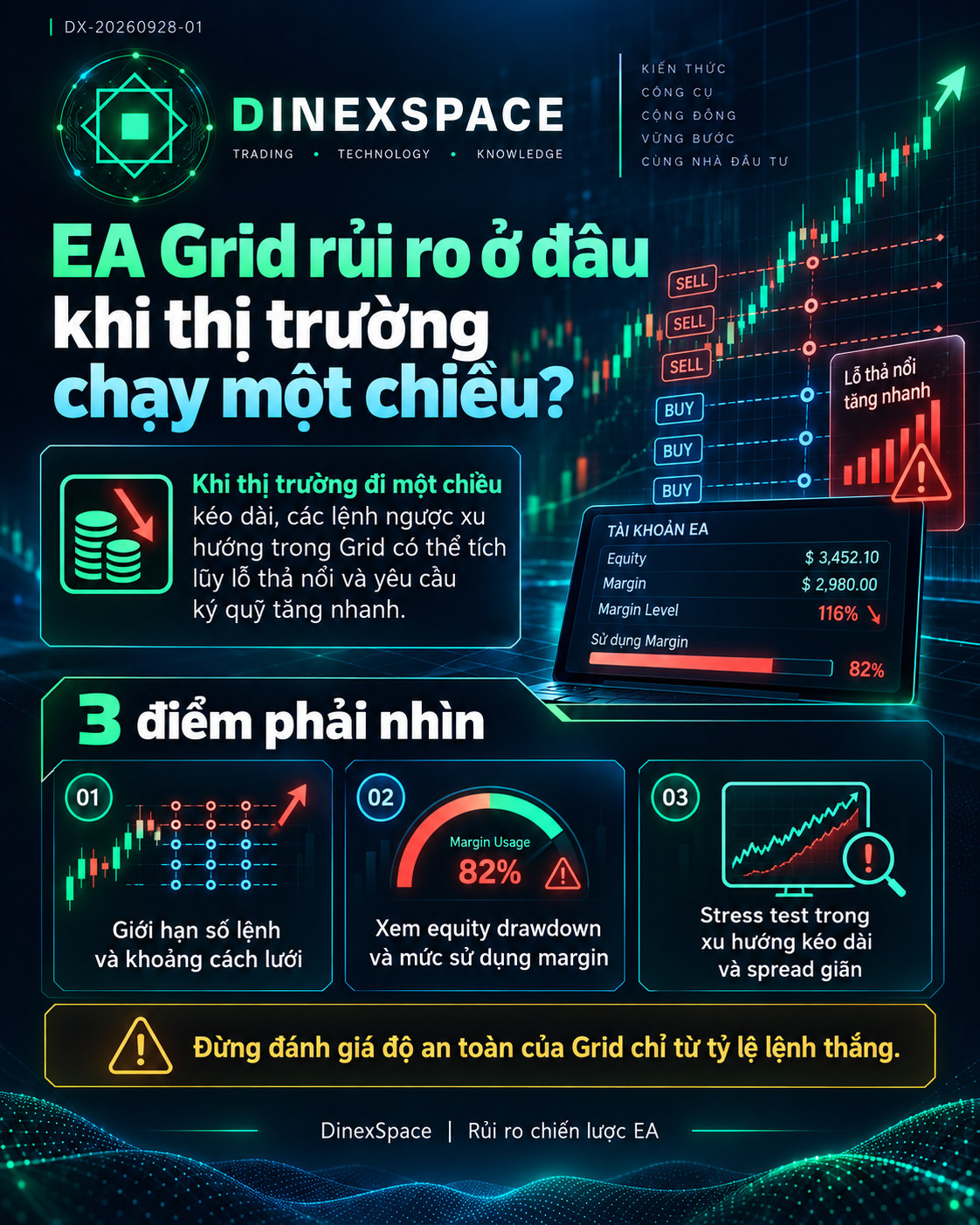
💡 EA Grid rủi ro ở đâu khi thị trường chạy một chiều?

MQL5 / EA | EA Grid rủi ro ở đâu khi thị trường chạy một chiều?

Stress test nên mô phỏng giai đoạn biến động lớn và spread giãn, đo đỉnh sử dụng margin và xác định hành động khi chạm giới hạn.
Bước kiểm định: Xem giới hạn số lệnh • Xem equity drawdown và margin • Kiểm tra xu hướng kéo dài
Tham khảo: https://www.mql5.com/en/articles/156

Bài đầy đủ: https://dinexspace.com/strategies
Số liệu trong ảnh là ví dụ minh hoạ, không phải kết quả của sản phẩm DinexSpace. Giao dịch luôn có rủi ro.
#tradingbot #DinexSpace #EaBot
Huu Tho Tran
Huu Tho Tran
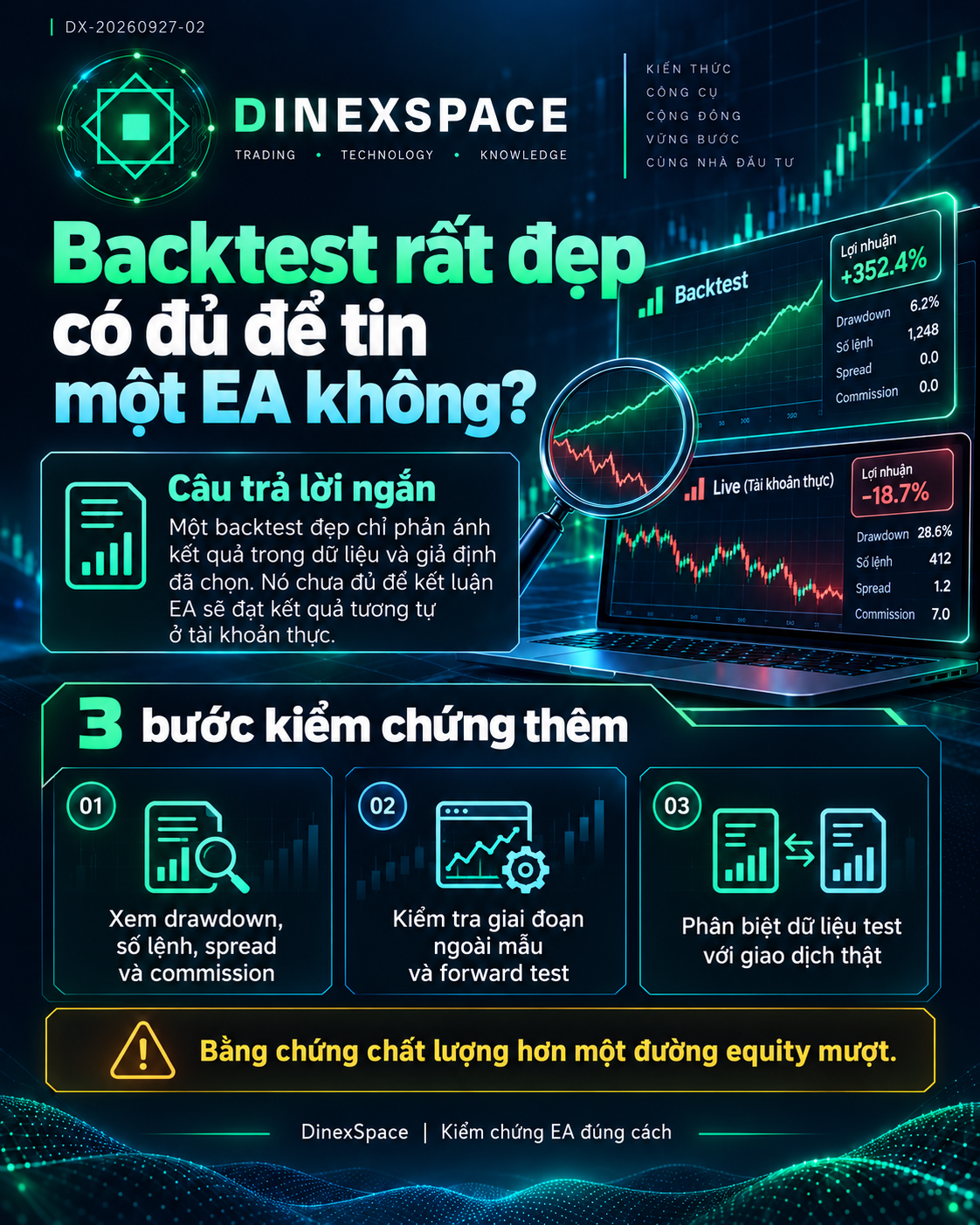
💡 Backtest rất đẹp có đủ để tin một EA không?

MQL5 / EA | Backtest rất đẹp có đủ để tin một EA không?

Kiểm tra thêm giai đoạn ngoài mẫu, forward test và khả năng hoạt động trong điều kiện broker thực tế.
Bước kiểm định: Kiểm tra lịch sử cấu hình • Xem ngoài mẫu • So với điều kiện live
Tham khảo: https://www.mql5.com/en/articles/156

Bài đầy đủ: https://dinexspace.com/kien-thuc/dau-hieu-bot-trade-lua-dao
Số liệu trong ảnh là ví dụ minh hoạ, không phải kết quả của sản phẩm DinexSpace. Giao dịch luôn có rủi ro.
#tradingbot #DinexSpace #EaBot
Huu Tho Tran
Huu Tho Tran
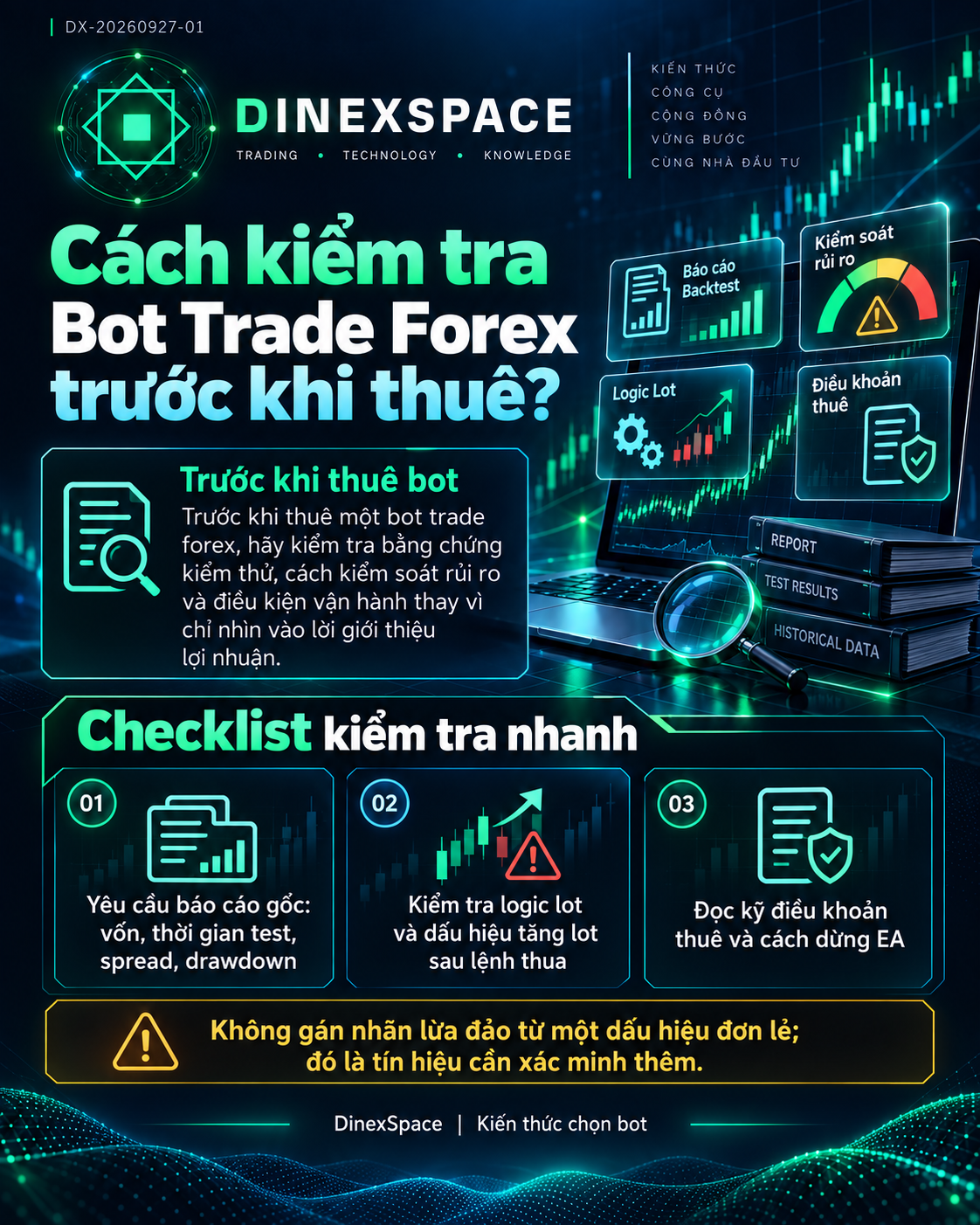
💡 Cách kiểm tra Bot Trade Forex trước khi thuê

MQL5 / EA | Cách kiểm tra Bot Trade Forex trước khi thuê

Đọc kỹ điều khoản thuê: cấu hình nào được giao, quyền cập nhật, cách dừng EA, hướng dẫn VPS và việc người thuê tự chịu rủi ro tài khoản.
Bước kiểm định: Yêu cầu báo cáo gốc • Kiểm tra logic lot và drawdown • Làm rõ điều khoản vận hành
Tham khảo: https://www.mql5.com/en/articles/156

Bài đầy đủ: https://dinexspace.com/kien-thuc/dau-hieu-bot-trade-lua-dao
#tradingbot #DinexSpace #EaBot
Huu Tho Tran
Huu Tho Tran
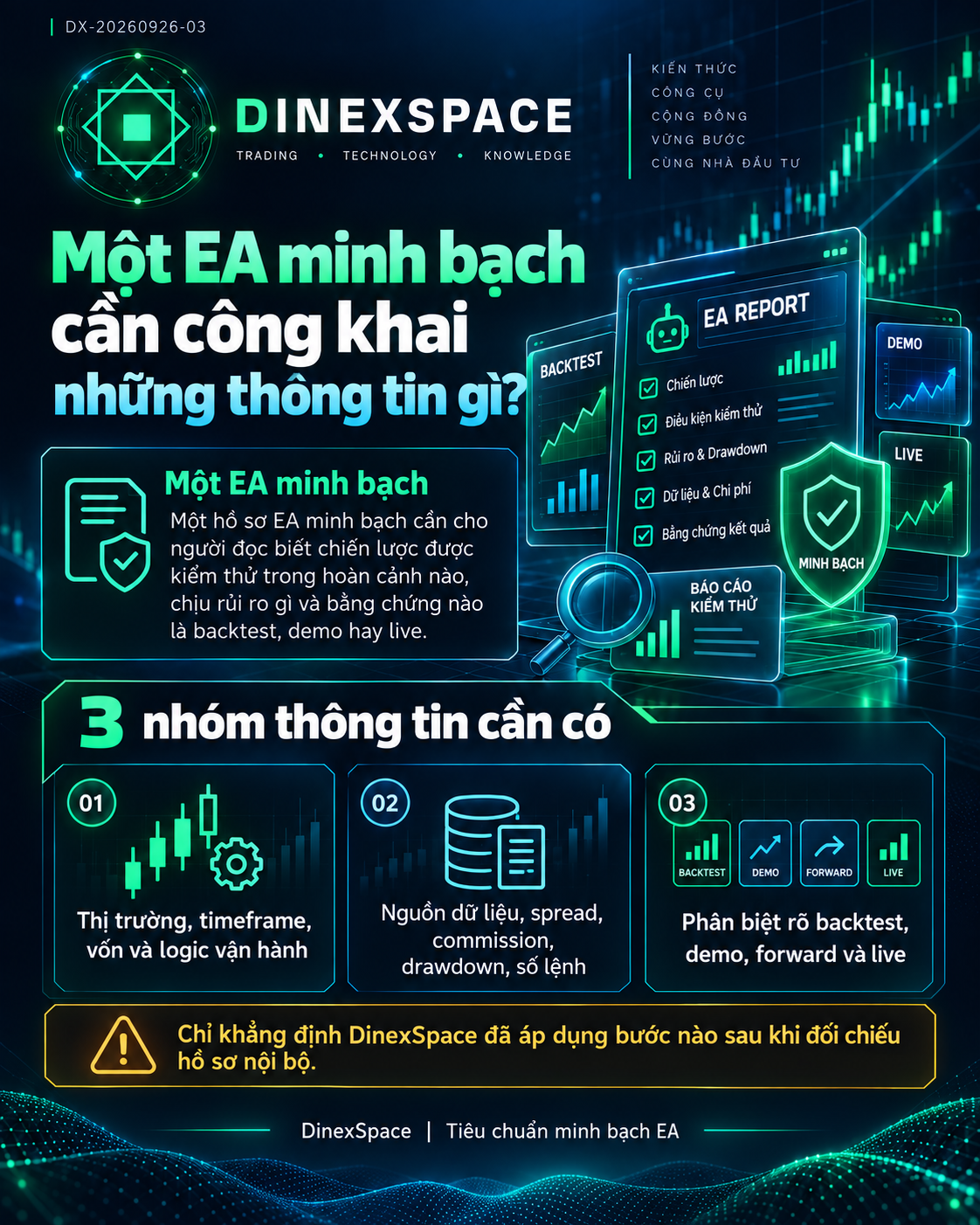
💡 Một EA minh bạch cần công khai những thông tin gì?

MQL5 / EA | Một EA minh bạch cần công khai những thông tin gì?

Để tránh hiểu lầm, ảnh equity minh họa cần gắn nhãn minh họa; backtest không được trình bày như kết quả tài khoản thực.
Bước kiểm định: Đối chiếu điều kiện test • Phân biệt demo/live/backtest • Yêu cầu thông tin vận hành và rủi ro
Tham khảo: https://www.mql5.com/en/articles/156

Bài đầy đủ: https://dinexspace.com/research
#tradingbot #DinexSpace #EaBot
Huu Tho Tran
Huu Tho Tran
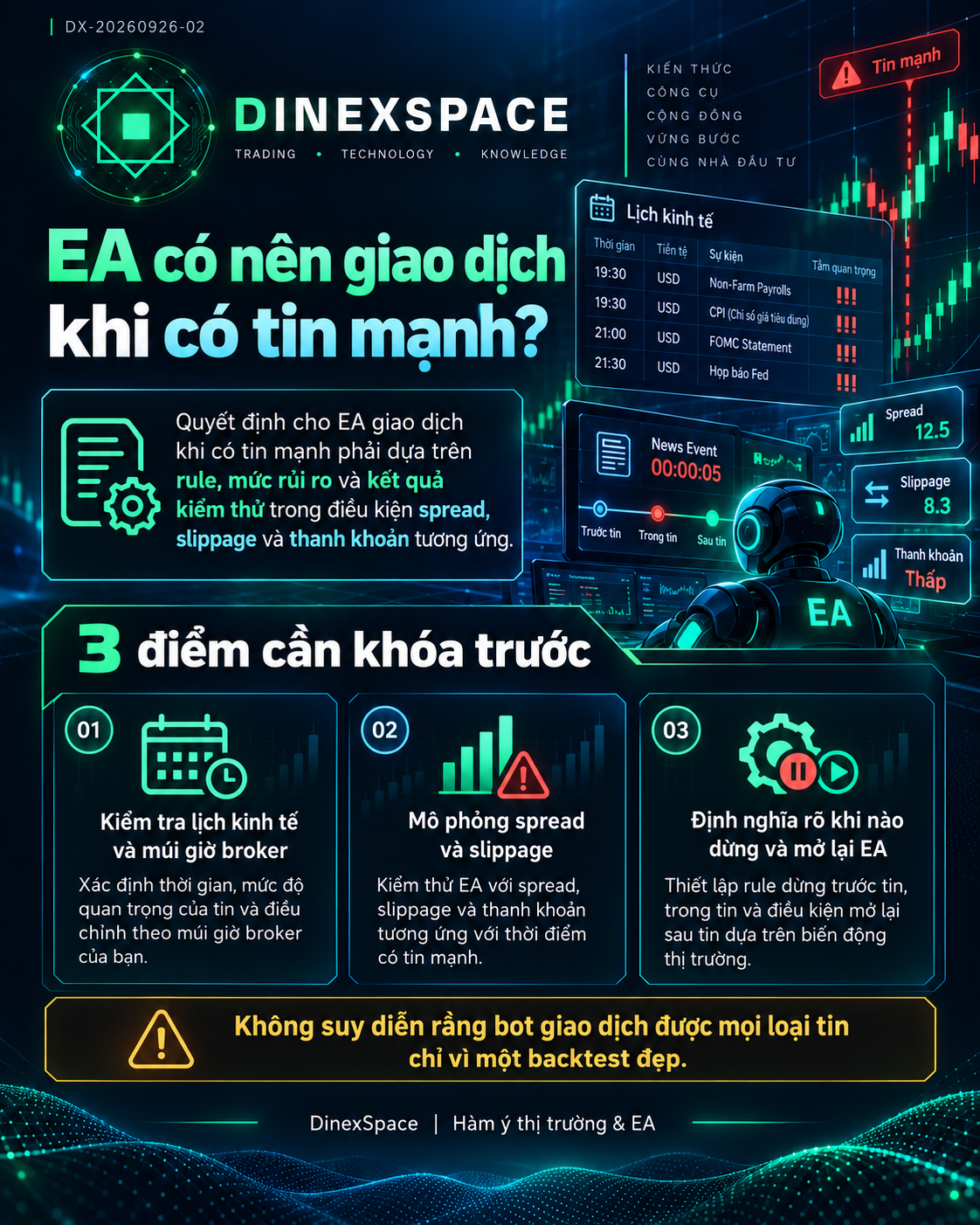
💡 EA có nên giao dịch khi có tin mạnh?

MQL5 / EA | EA có nên giao dịch khi có tin mạnh?

Trước khi bật EA qua giờ tin, hãy xác định nguồn lịch kinh tế, múi giờ broker, khoảng khóa giao dịch, cách xử lý lệnh đang mở và giới hạn tổng rủi…
Bước kiểm định: Kiểm tra lịch và múi giờ • Mô phỏng spread/slippage • Định nghĩa dừng và mở lại
Tham khảo: https://www.mql5.com/en/articles/156

Bài đầy đủ: https://dinexspace.com/marketplace/family/ea-5
#tradingbot #DinexSpace #EaBot
Huu Tho Tran
Huu Tho Tran
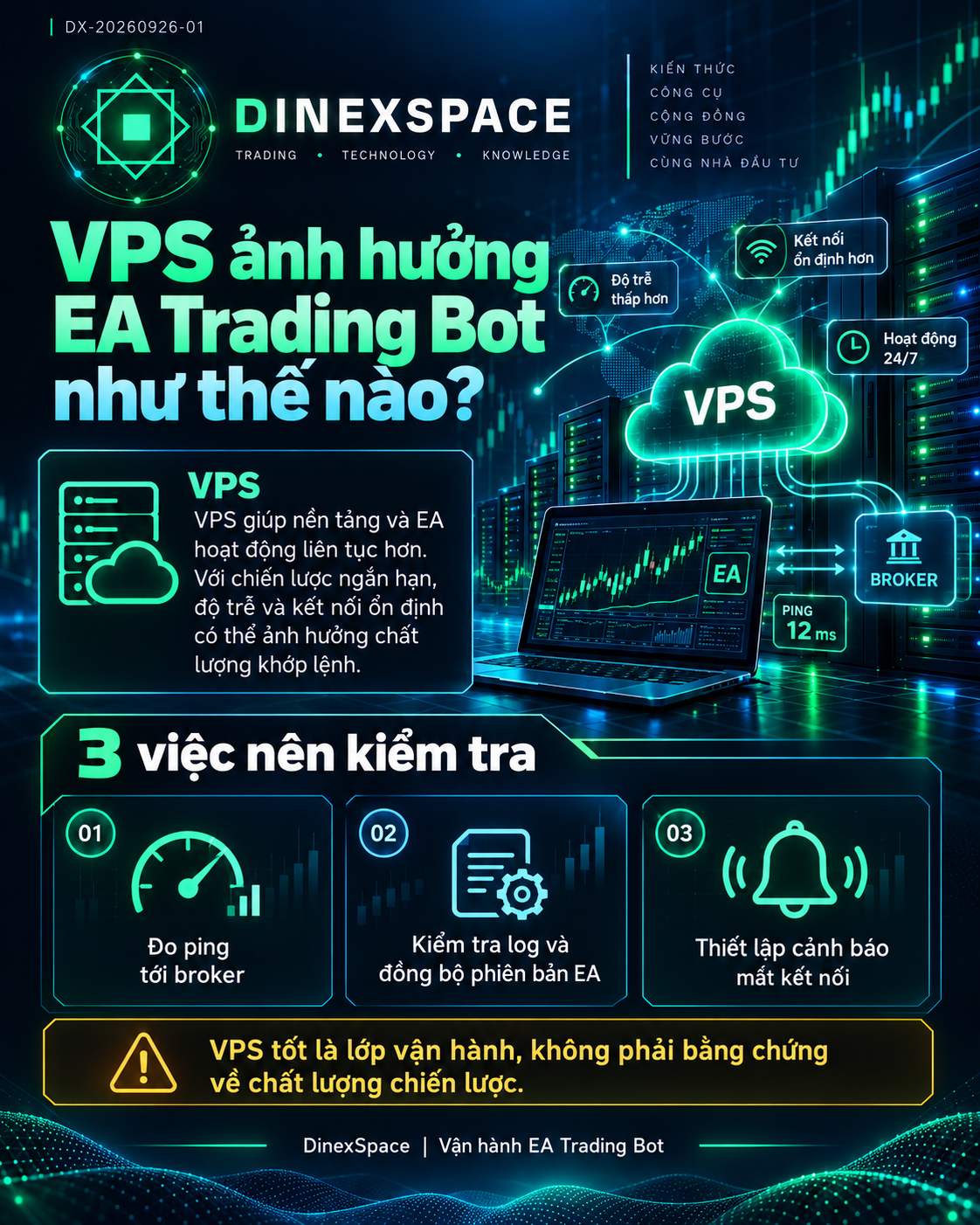
💡 VPS ảnh hưởng EA Trading Bot như thế nào?

MQL5 / EA | VPS ảnh hưởng EA Trading Bot như thế nào?

Nếu EA dùng lệnh thị trường ngắn hạn, thời điểm truyền lệnh có thể ảnh hưởng giá khớp, nhưng VPS không loại bỏ spread, slippage hay thiếu thanh…
Bước kiểm định: Đo ping tới broker • Kiểm tra log và đồng bộ phiên bản • Thiết lập cảnh báo mất kết nối
Tham khảo: https://www.mql5.com/en/vps

Bài đầy đủ: https://dinexspace.com/managed-ea
#tradingbot #DinexSpace #EaBot