Gold Risk Manager
- Utilitaires
- Version: 1.0
- Activations: 5

A trade panel, trade manager and equity guard for MetaTrader 5, built for Gold (XAUUSD). You decide when to trade. The panel works out the lot size from your risk, sends the order with a stop loss and take profit, manages the open trade, and stops you trading when your daily or total loss limit is reached.
It never opens a trade on its own. Every order comes from a click on the panel.
WHAT IT DOES
Risk-based lot size
Enter risk as a percentage of equity (default 0.5%). The stop distance comes from ATR(14) on M15 (default 1.5 x ATR) or you type your own. The panel shows the lot size, the planned loss in account currency and the take profit before you click. Lots are rounded down to the broker's volume step, so the planned loss never exceeds your risk budget. If the broker's minimum lot would risk more than your budget, the panel blocks the order and says why.
One-click orders with protection
BUY and SELL send a market order with a broker-side stop loss and take profit (default 2R). Orders are checked against the broker's stop level, free margin and an optional maximum spread.
Trade manager
For open trades, measured in R (the initial stop distance):
- Breakeven: moves the stop to entry at 1R (default), with optional locked points.
- Partial close: closes a share of the volume at a chosen R (off by default).
- ATR trailing: trails the stop at 2 x ATR once the trade reaches 1.5R (default).
- BREAKEVEN button moves eligible stops to entry immediately.
- CLOSE ALL button closes managed trades (click twice to confirm).
Choose whether to manage only panel trades or every trade on the chart symbol, including manual trades.
Equity guard
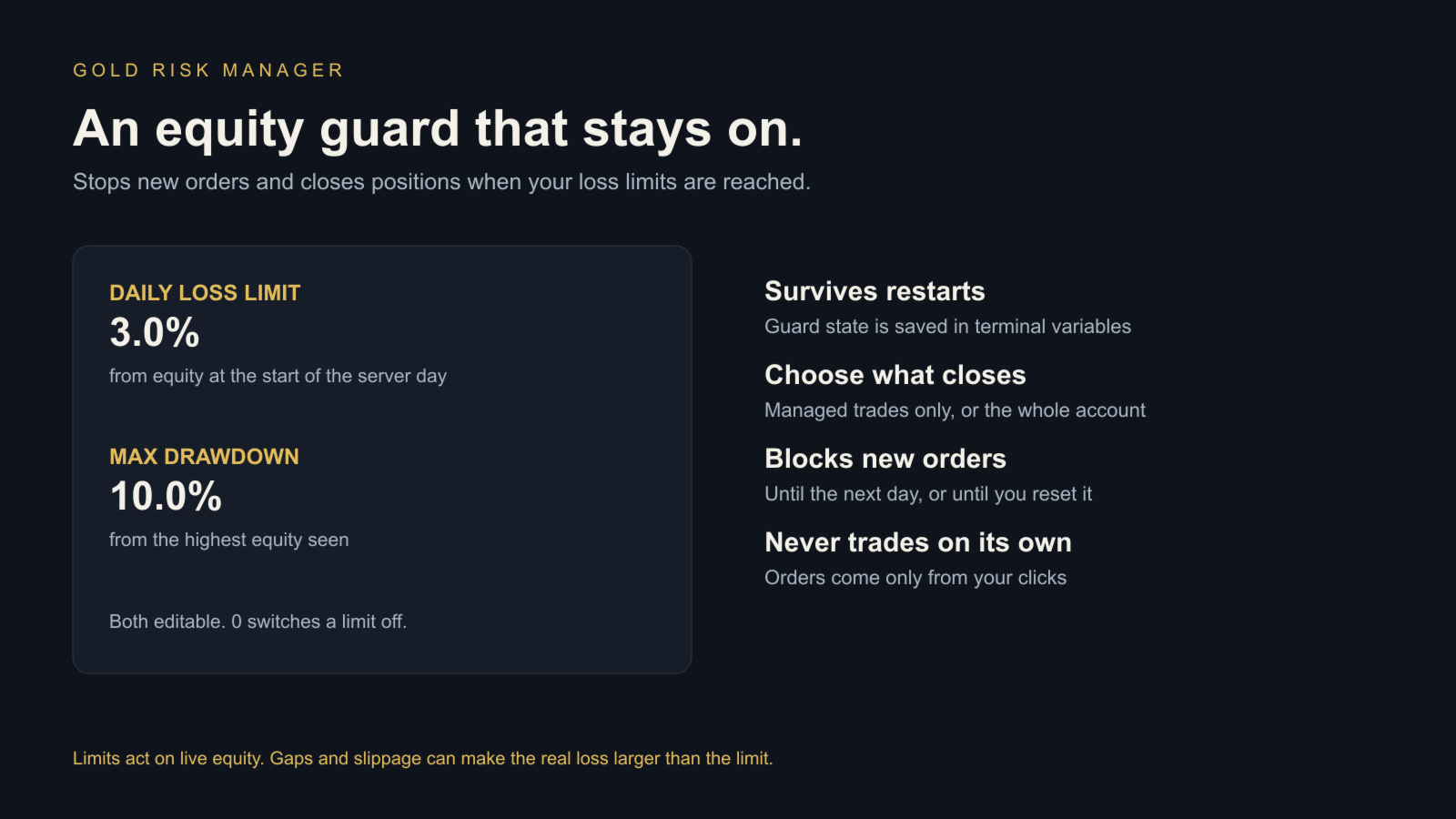
- Daily loss limit (default 3%) from equity at the start of the server day.
- Maximum drawdown (default 10%) from the highest equity seen.
When a limit is hit, new orders are blocked and positions are closed. You choose whether the guard closes managed trades only or every position on the account. Guard state is saved, so restarting the terminal or reattaching the EA does not reset it. Set InpResetGuards to true once to clear it.
SETUP
1. Attach to an XAUUSD chart (any timeframe) and enable Algo Trading.
2. Set your risk % and check the stop distance shown on the panel.
3. Click BUY or SELL.
It also works on other symbols, but it was designed and tested on Gold.
INPUTS
Order sizing: InpRiskPercent, InpStopATR, InpRewardR, InpMaxSpreadPoints, InpDeviationPoints, InpMagic.
Trade manager: InpScope, InpBreakevenR, InpBreakevenLockPoints, InpPartialR, InpPartialPercent, InpTrailStartR, InpTrailATR.
Equity guard: InpDailyLossPct, InpMaxDrawdownPct, InpGuardScope, InpGuardClose, InpResetGuards.
Panel: InpPanelX, InpPanelY.
TESTING
Version 1.00 compiled with zero errors and warnings. A separate tester build simulated panel clicks on XAUUSDm (Exness demo, January to June 2026, real ticks) to check the code paths. Across 282 to 287 simulated orders per run: every order had a stop loss, no order's planned loss exceeded the risk budget, and there were no broker rejections. Breakeven, ATR trailing and partial closes ran as configured. The guard test triggered the daily limit twice and the drawdown limit once, closed the open trade each time and blocked 501 later clicks. On a USD100 account every order was correctly blocked because the minimum lot would have risked more than the budget.
The simulated trades were alternating buy and sell clicks used only to test the software. Their results say nothing about how profitable any trading would be.
LIMITS
The equity guard and stops act on live prices. Gaps, slippage and freeze levels can make an actual loss larger than the planned loss or the configured limit. This is a tool for managing risk, not a trading strategy. It does not predict prices or promise profit.
PRICE AND SUPPORT
USD 30 one-time, with MQL5 Market activations and update rules. Questions and reproducible bug reports: MQL5 product comments or seller messages. Never send passwords or broker credentials.