Vladimir Pastushak
- Trader-Programmer at https//trading-go.net/
- Russia
- 114406
|
13+ years
experience
|
48
products
|
880
demo versions
|
|
0
jobs
|
0
signals
|
0
subscribers
|
Trading is not just a job for me. It is more than 20 years of searching, experimenting, and creating my own trading algorithms.
My name is Vladimir. I develop professional trading tools, create Expert Advisors, and constantly test new ideas in the financial markets.
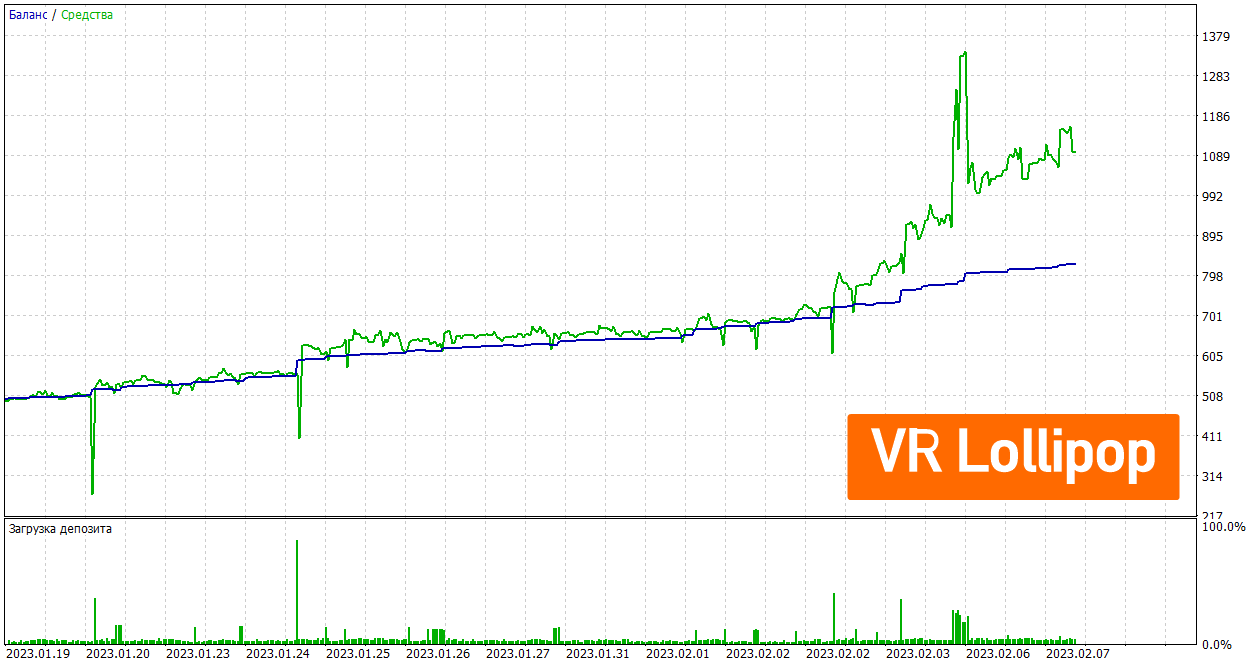
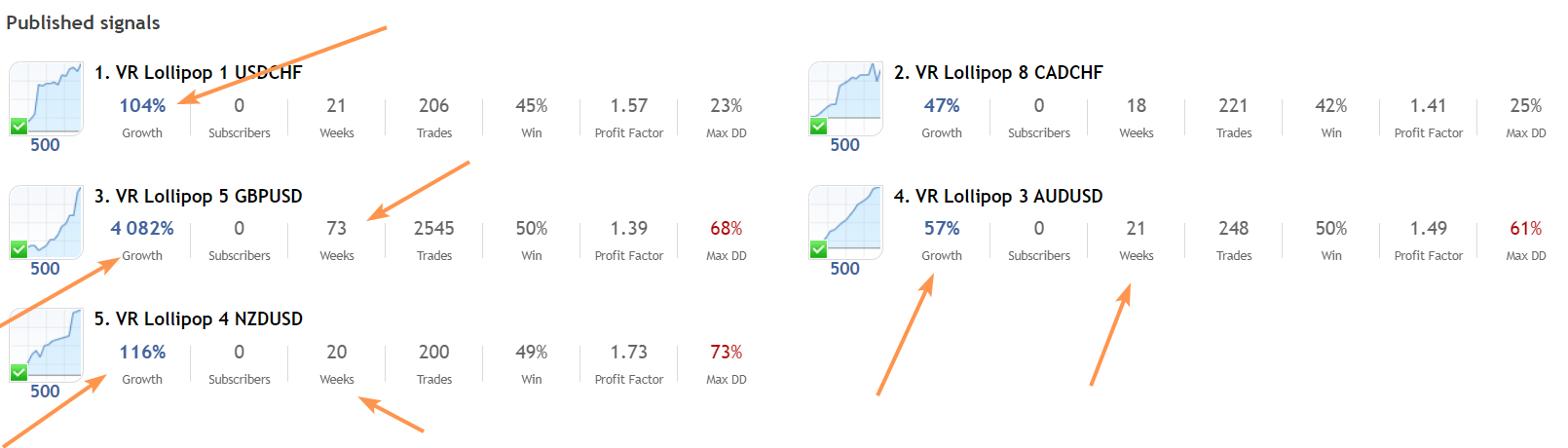
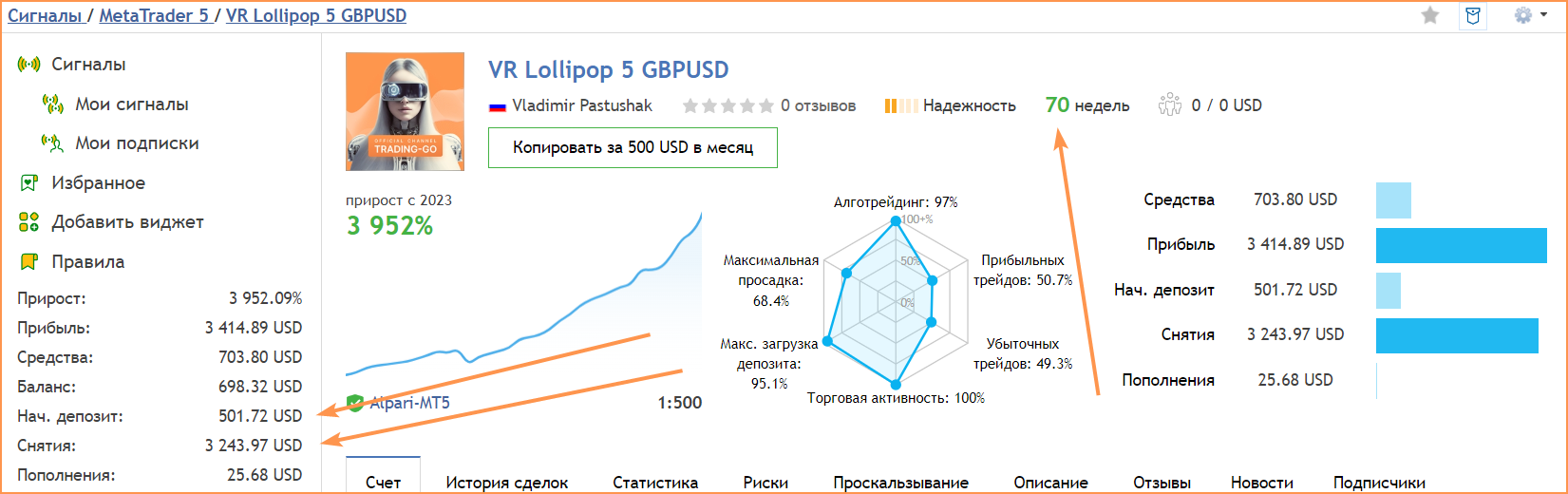
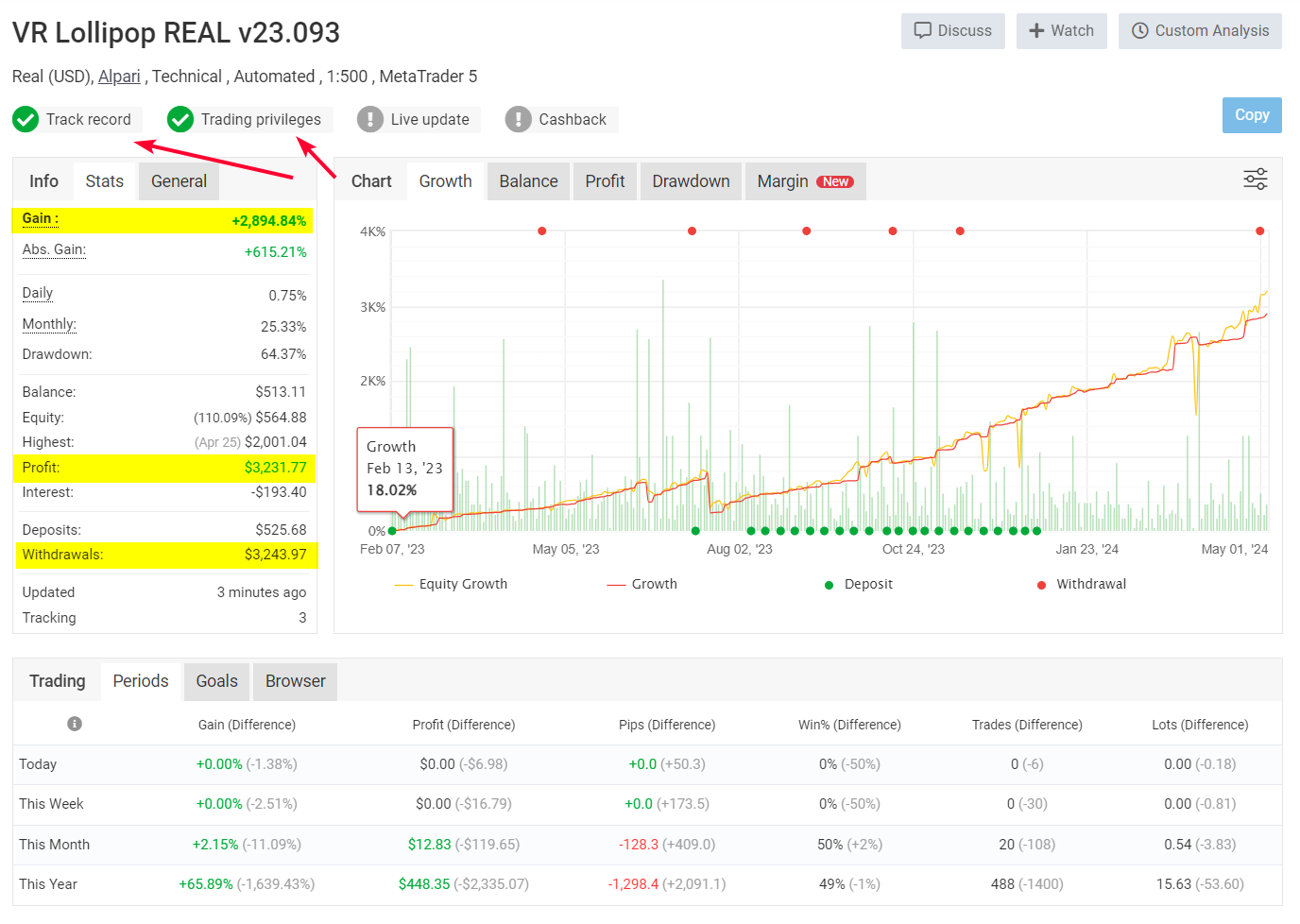
On this page, I share what usually stays behind the scenes: new developments, trading concepts, algorithms, experiments, tests, and practical results.
If you want not only to watch the markets but also understand how automated trading systems are created and how they work, follow my page.
New ideas appear regularly. Maybe the next one will be exactly what you are looking for.
Do you need a demo version of the product for a live account? Write to me in the chat.
💥Useful articles:
📌For a beginner , how to learn how to trade on the stock exchange — a step - by - step guide https://www.mql5.com/en/blogs/post/768523
📌How to install an application from the MQL5 Market https://www.mql5.com/en/blogs/post/770908
📌Position networks and grid robots in algorithmic trading https://www.mql5.com/en/blogs/post/771381
📌5 Major Mistakes Beginner Traders Make: What Prevents Them from Making Money in Financial Markets https://www.mql5.com/en/blogs/post/776030
🔥All about trading + Training in the telegramm: https://t.me/tgforexen
💥 By purchasing products from official sources, you will receive:
1️⃣ Gifts, bonuses, and other programs.
2️⃣ The ability to use the programs for free.
3️⃣ Settings and set files for free.
4️⃣ Free technical support.
5️⃣ All updates for free.
💥 Visit my author's website: https://trading-go.net/
My name is Vladimir. I develop professional trading tools, create Expert Advisors, and constantly test new ideas in the financial markets.
On this page, I share what usually stays behind the scenes: new developments, trading concepts, algorithms, experiments, tests, and practical results.
If you want not only to watch the markets but also understand how automated trading systems are created and how they work, follow my page.
New ideas appear regularly. Maybe the next one will be exactly what you are looking for.
Do you need a demo version of the product for a live account? Write to me in the chat.
💥Useful articles:
📌For a beginner , how to learn how to trade on the stock exchange — a step - by - step guide https://www.mql5.com/en/blogs/post/768523
📌How to install an application from the MQL5 Market https://www.mql5.com/en/blogs/post/770908
📌Position networks and grid robots in algorithmic trading https://www.mql5.com/en/blogs/post/771381
📌5 Major Mistakes Beginner Traders Make: What Prevents Them from Making Money in Financial Markets https://www.mql5.com/en/blogs/post/776030
🔥All about trading + Training in the telegramm: https://t.me/tgforexen
💥 By purchasing products from official sources, you will receive:
1️⃣ Gifts, bonuses, and other programs.
2️⃣ The ability to use the programs for free.
3️⃣ Settings and set files for free.
4️⃣ Free technical support.
5️⃣ All updates for free.
💥 Visit my author's website: https://trading-go.net/