
Cross MA TrendX
- Experts
- Version: 6.0
- Updated: 31 May 2026
- Activations: 5

Cross MA TrendX is a MetaTrader 5 Expert Advisor built around a clear Moving Average trading structure, with additional filters, basket control and practical safety settings.
The idea is simple for the user: choose the market, choose the risk, choose how strict the entries should be, and let the EA manage signals and recovery according to the selected limits.
Version 6.0 keeps the classic CMTX character, but gives the system a cleaner control panel: selective entries, volatility awareness, spread protection, session timing and safer recovery behaviour.
Trading Concept
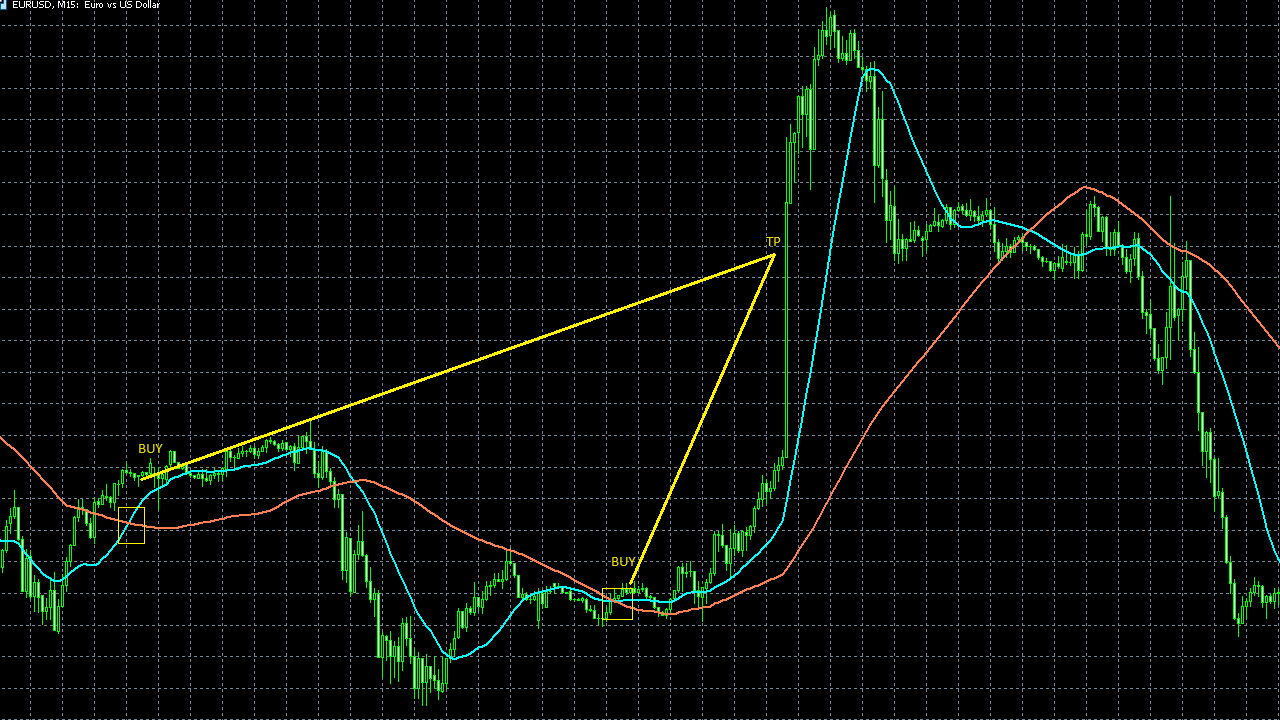
CMTX uses the relationship between two Moving Averages as the main market structure. Around that structure, the EA can apply optional context filters so that not every cross becomes a trade.
The EA can work in one direction or allow both buy and sell baskets. It includes grid/recovery logic, so risk settings are important. Always test with your broker data before live use.
What You Control
- Entry structure - Moving Average periods, confirmation style and optional early-pressure mode.
- Market quality - probability-style selectivity, ATR regime filter and ADX strength filter.
- Position size - fixed lot or balance-based smart lot.
- Recovery behaviour - distance, multiplier, maximum trades and safer recovery switches.
- Execution limits - spread filter, trading hours, broker volume pause and magic number.
Recommended First Test
- Platform: MetaTrader 5
- Account type: hedging
- Symbol: EURUSD
- Timeframe: M15
- Modelling: Every tick based on real ticks
- Start with small lot size and realistic deposit
Settings Guide
- Lot & Risk Configuration
- fixedLot - fixed lot for the first order. Use this if you want the simplest and most predictable risk control.
- lotPer - lot step used by smart lot mode.
- xAmount - account amount used for one smart-lot step. A larger value makes lot growth slower.
- lotMultiplier - multiplier for recovery lots. Higher values increase recovery speed and also increase risk.
- slp - stop loss in points. If set to 0, no fixed stop loss is placed for each order.
- tps - take profit in points for trade or basket profit management.
- closeByMas - allows closing positions when the MA structure changes.
- Grid Configuration
- entryType - chooses whether the EA works with one direction at a time or can allow buy and sell baskets together.
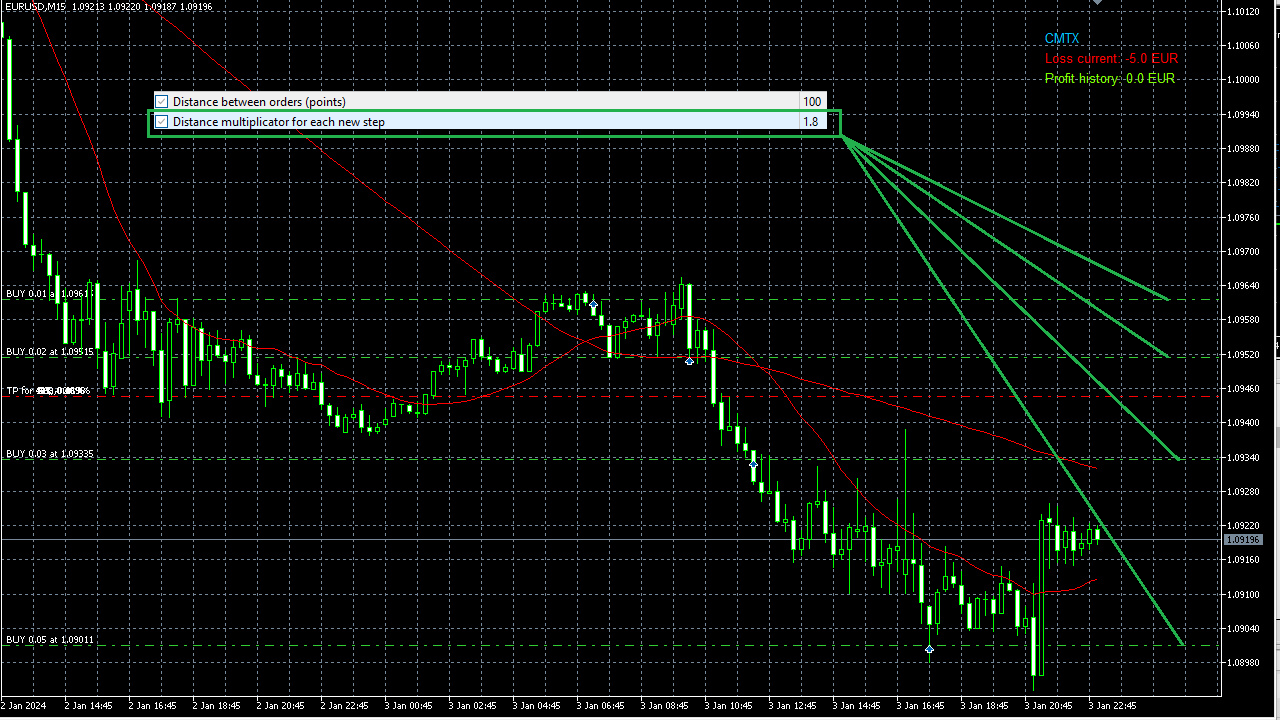
- dist - distance between recovery orders in points.
- gridMultiplicator - changes how the next recovery distance develops.
- maxTrades - maximum number of recovery trades in one direction. This is a key risk limit.
- MAs Configuration
- maPeriodA - faster Moving Average period.
- maPeriodB - slower Moving Average period.
- firstEntryMode - first-entry confirmation style: closed-bar, early-tick or hybrid.
- usePreCrossPressure - allows earlier entries when the market context is strong enough before full confirmation.
- Time Trade Configuration
- hourBegin / minuteBegin - time when new entries can start, using broker/server time.
- hourEnd / minuteEnd - time when new entries stop. Existing baskets can still be managed.
- Statistical Edge & Place Filter
- useProbabilityFilter - enables an additional selectivity filter for new entries.
- probabilityLookback - recent market history used by the selectivity layer.
- probabilityEntryMin - minimum quality level for entry. Higher values mean fewer, stricter trades.
- useAdxFilter - enables ADX trend-strength filtering.
- adxMin - minimum ADX value when ADX filtering is active.
- useAtrRegimeFilter - avoids very quiet or unusually unstable volatility conditions.
- atrPeriod - ATR period used by the volatility filter.
- entryZoneFilter - controls where entries are allowed: off, range middle, range edges or adaptive pullback area.
- Execution Speed & Basket Exit
- volumeLimitPauseMinutes - pause after a broker volume-limit response.
- useDynamicGridByProbability - allows grid spacing to react to stronger market context. Advanced option.
- useFastStatClose - can close a profitable basket faster when the context weakens.
- Other Configuration
- max_spread - maximum spread allowed for new entries.
- magic_number - unique ID used by CMTX to recognize its own trades.
- safestMode - enables more conservative recovery behaviour.
- openNextByCrossOnly - makes recovery entries stricter.
- maxOneRecoveryPerBar - prevents more than one recovery order on the same candle.
Important Risk Notice
Cross MA TrendX uses grid/recovery logic. This can increase drawdown during strong one-directional movement. Use small lot sizes, realistic deposits and always test with your broker data.
Past test results do not guarantee future profit. Spread, commission, slippage and execution quality can change the final result.
































Very good, I'm liking the results ^_^