Custom Symbol Set Spread...?
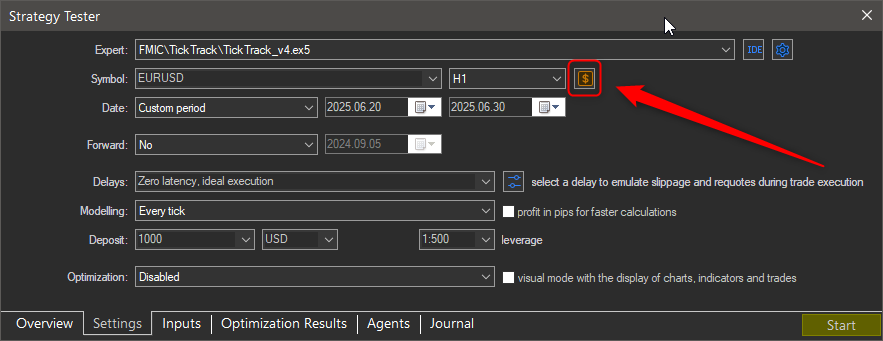
Try changing the Spread in the Tested Symbol window within the Settings tab of the Tester.
You have to set the spread inside the data file.
Instructions here: https://www.youtube.com/watch?v=7be9p3gVZd8

- 2023.12.01
- www.youtube.com
Changing the contract specifications, has no effect when testing with "Every tick based on real ticks".
This is because the real Ask and Bid quote prices dictate the spread, not the contract specifications.
The spread specified in the contract specifications is used for every other modelling method, except "Every tick based on real ticks".
No, when using the other modelling methods, it uses the spread defined in contract specifications (in the tester, not the original source), which you can change to whatever you want. If left unchanged as "floating", it will use the underlying spread information in the M1 OHLC data.

- EURUSD has spread 1 at time and date X; final spread is 5 (1+4)
- EURUSD has spread 14 at time and data Y because of a news; final spread is 18 (14+4)
So the spread should be dynamically calculated based on the orginal spread value and not simply replaced.
You need to create a Custom Symbol with the adjusted tick data to reflect the new spread value as explaining in post #3

- Free trading apps
- Over 8,000 signals for copying
- Economic news for exploring financial markets
You agree to website policy and terms of use
Repost with photos...
I am using a custom symbol with imported tick data and am testing the spread option where it lets you input your own desired spread number. But for me I have found that no matter what I input in that spread box, either 1 or 100, the results in the backtest do not change. I have the custom symbol selected in the drop menu as well yes.