Andrey Sirotjuk / Profil
- Information
|
12+ Jahre
Erfahrung
|
1
Produkte
|
4
Demoversionen
|
|
0
Jobs
|
0
Signale
|
0
Abonnenten
|
Ich arbeite gemäß meiner Handelsstrategie in Übereinstimmung mit den Regeln des Kapitalmanagements und des Risikomanagements.
Mein Telegrammkanal: https://t.me/as_capital_as
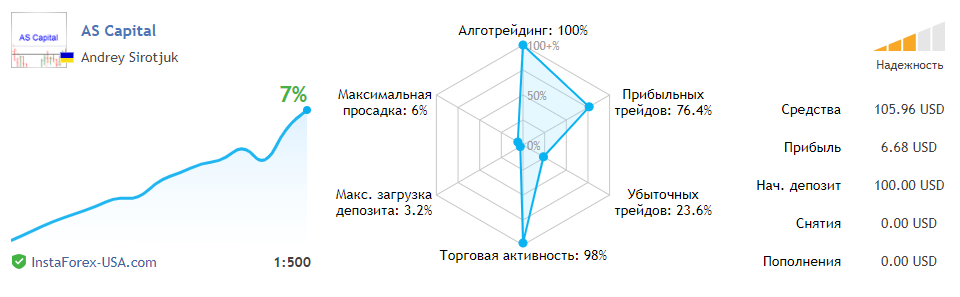
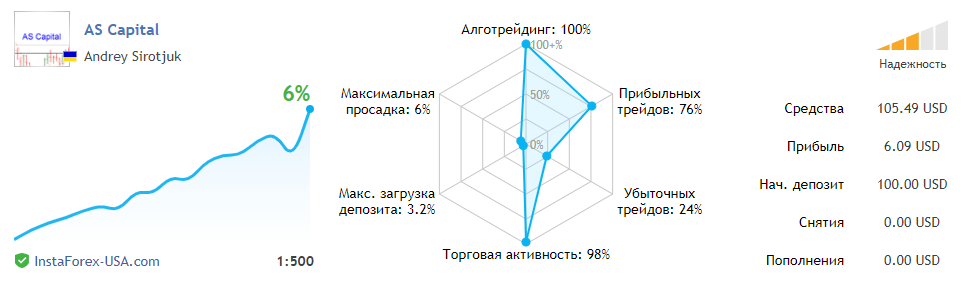
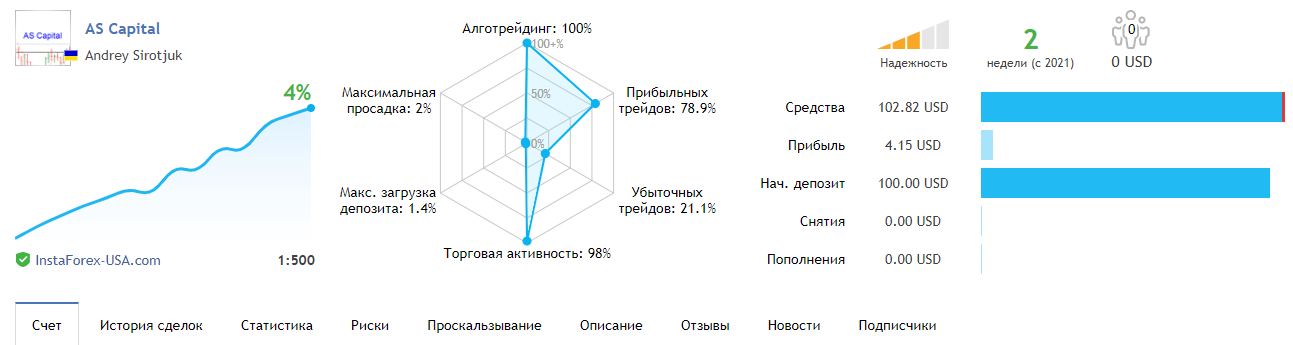
Subscribe to the AS Capital signal - https://www.mql5.com/ru/signals/978197
Subscribe to the AS Capital signal, start earning money - https://www.mql5.com/ru/signals/978197
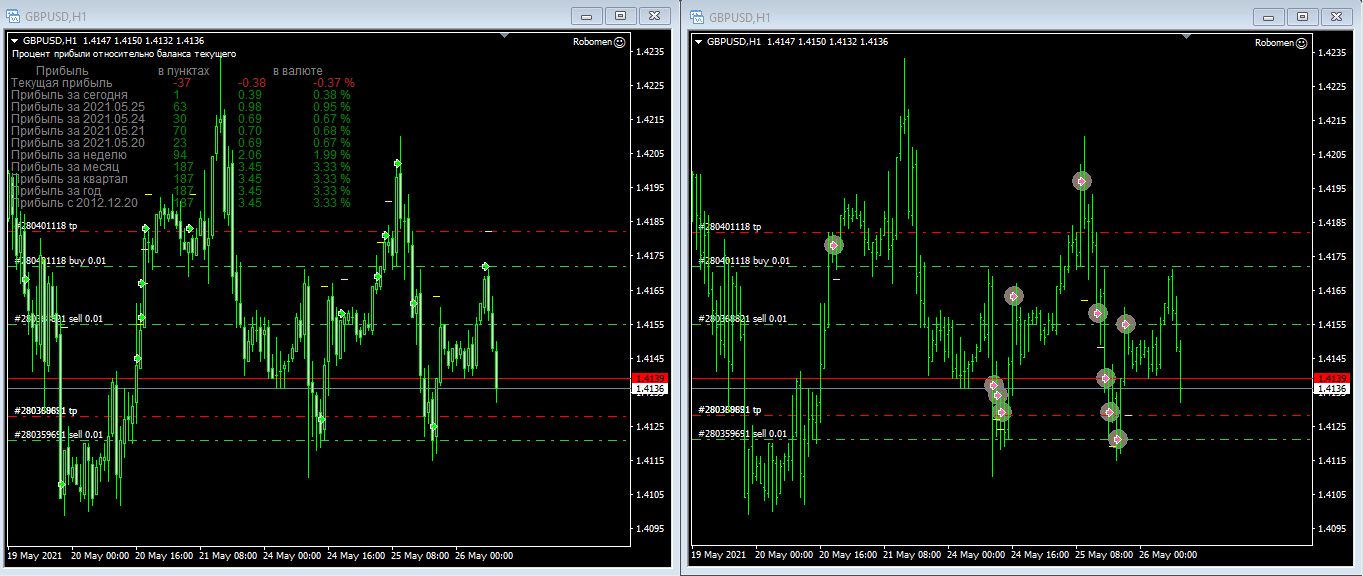
Das Informationsfeld des Indikators zeigt die angegebene Anzahl von Parametern an. Abhängig vom installierten Standort werden Informationen in einer der Ecken angezeigt. Der Indikator zeigt nur Informationen an, ohne selbst zu handeln. Das heißt, wenn Sie ein Geschäft eröffnen müssen, sollten Sie sich das Informationsfeld ansehen, die Zeile mit dem SL-Wert suchen und sehen, welches Los Sie platzieren möchten
Это значит, если вам нужно открыть сделку то следует посмотреть в информационную панель, найти строчку со значением SL и посмотреть какой лот требуется выставить.
Информационная панель индикатора, выводит заданное количество параметров. В зависимости от установленного расположения, информация будет отображаться в одном из углов.
Индикатор только выводит информацию, не торгуя самостоятельно.
This means, if you need to open a deal, you should look at the information panel, find the line with the SL value and see which lot you want to place.
The information panel of the indicator displays the specified number of parameters. Depending on the installed location, information will be displayed in one of the corners.
The indicator only displays information without trading on its own.
Это значит, если вам нужно открыть сделку то следует посмотреть в информационную панель, найти строчку со значением SL и посмотреть какой лот требуется выставить.
Информационная панель индикатора, выводит заданное количество параметров. В зависимости от установленного расположения, информация будет отображаться в одном из углов.
Индикатор только выводит информацию, не торгуя самостоятельно.
This means, if you need to open the information panel, find the line with the SL value and see which lot you want to place.
The information panel of the indicator displays the specified number of parameters. Depending on the installed location, the information will be in one of the corners.
The indicator only displays information without trading on its own.
https://www.mql5.com/ru/market/product/56839?source=Site
Das Informationsfeld des Indikators zeigt die angegebene Anzahl von Parametern an. Abhängig vom installierten Standort werden Informationen in einer der Ecken angezeigt. Der Indikator zeigt nur Informationen an, ohne selbst zu handeln. Das heißt, wenn Sie ein Geschäft eröffnen müssen, sollten Sie sich das Informationsfeld ansehen, die Zeile mit dem SL-Wert suchen und sehen, welches Los Sie platzieren möchten