Frank William Jr Colbert / Profil
- Information
|
4 Jahre
Erfahrung
|
26
Produkte
|
0
Demoversionen
|
|
0
Jobs
|
0
Signale
|
0
Abonnenten
|
Ich dachte daran, einen anderen Ansatz für das Trading zu verfolgen, der auf dem Marktverhalten und der Reaktion auf eine Reihe von festgelegten Regeln basiert, die meinen persönlichen Vorlieben für Trading und Risikomanagement entsprechen. Wie werden sich diese Devisenpaare unter diesen spezifischen Regeln und Setup-Umgebungen verhalten, und welchen Performance-Vorteil kann ich daraus entdecken? Was sind die Stärken und Schwächen des Handels mit diesen Paaren innerhalb dieser Umgebungsbedingungen? Ich habe mir einige Tools und Hilfsprogramme ausgedacht, die mir helfen, Trades einzurichten und ein großes Netzwerk verschiedener Strategien und EAs einfach zu analysieren und zu überprüfen, um ein Portfolio aus rohen Handelsleistungen aufzubauen, das nur die Marktleistung optimiert.
A simple, time-based execution utility that closes all open trades at a specific hour and minute each day. It operates continuously, checking every tick for the designated closing time.
Features:
Inputs for `CloseHour` (0-23) and `CloseMinute` (0-59).
Independent controls for closing Buy and Sell orders.
Once the current time equals or exceeds the set time, all eligible orders are closed.
Effective Uses:
Daily Cut-off: Automatically close all intraday trades at the end of your trading session, such as 4:55 PM EST.
Pre-News Flattening: Set it to close all trades 5 minutes before a major economic news release that you do not want to trade through.
End-of-Day Routine: Ensure no positions are held past a specific daily cut-off time, regardless of profit or loss.
Close at Friday
A position management utility designed to automatically close all trades and stop further trading on Friday evenings before the market closes for the weekend. This helps traders avoid weekend gap risk.
Features:
Activates on Friday based on the broker’s server time.
User-definable exit time (e.g., 22:00).
Can close Buy orders only, Sell orders only, or both.
Includes a flag (`tradingStopped`) to prevent new trades after the Friday exit is triggered.
Effective Uses:
Weekend Gap Protection: Close all positions ahead of high-impact weekend news or events to avoid large gaps on Sunday open.
Weekly Reset: Used as part of a weekly trading strategy to ensure the account is flat over the weekend.
Compliance: Useful for traders who are not allowed to hold positions over the weekend due to risk management rules.
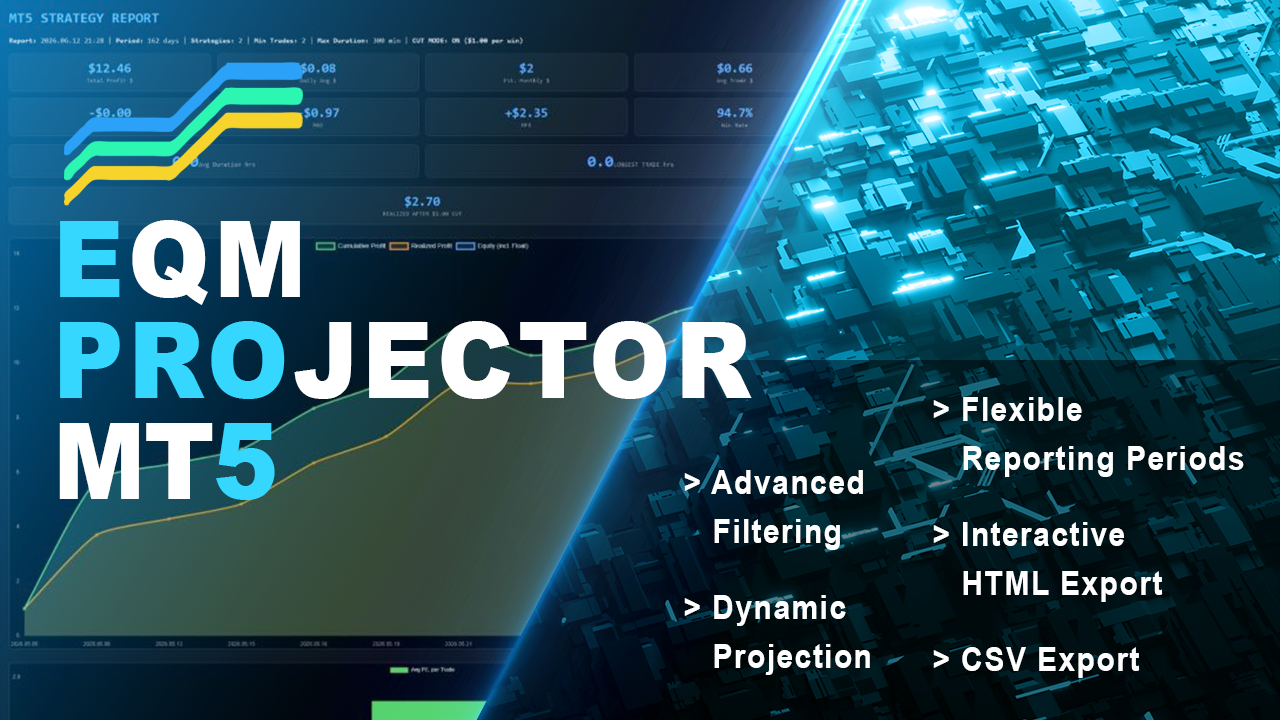
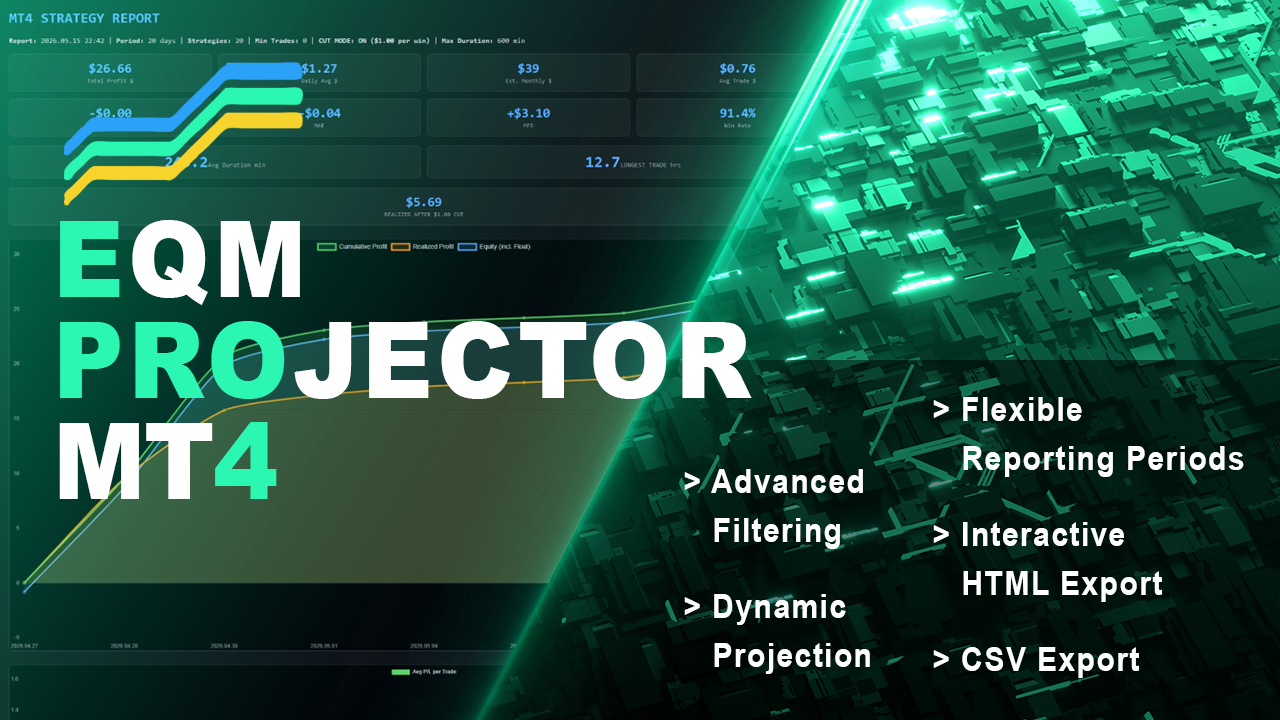
Project profits with precision. Equity Master Projection is a comprehensive trade management and analytics dashboard that goes beyond simple equity tracking. It analyzes both open positions and historical trades across multiple symbols and magic numbers, applying powerful filters to isolate your best-performing strategies. With unique features like a "Cut Mode" for profit capping and dynamic HTML/CSV reporting with equity curve charts, this tool transforms raw trading data into a clear, actionable strategy plan.
Key Features:
Dual-Mode Analysis: Simultaneously tracks Floating P/L on open positions and Net P/L on historical trades.
Advanced Filtering System: Filter strategies by Net Profit, Profit Factor, Win Rate, Maximum Drawdown, Gross Loss, Historical MAE/MFE.
Cut Mode (Profit Capping): Simulates the financial impact of capping winning trades at a user-defined profit level, calculating a "Realized P/L" to manage risk.
Flexible Reporting Periods: Analyze data from "All History," "This Month," "This Year," or a custom start date.
Dynamic Projection: Calculates a projected profit for the next X days based on the historical daily average performance of filtered strategies.
Interactive HTML Export: Generates a professional, standalone report featuring a line chart (Cumulative Profit, Realized Profit, Equity) and a bar chart for average weekly trade performance.
CSV Export: Exports filtered strategy data for external analysis in spreadsheets.
Effective Uses:
Strategy Optimization: Isolate and project the future potential of specific trading strategies (identified by Magic Numbers or Symbol+Direction) to decide which to scale.
Risk Management: Use the "Cut Mode" to backtest how a profit cap would affect overall returns, helping to set realistic take-profit levels.
Performance Review: Generate weekly or monthly HTML reports to review the most profitable entry days and times for each strategy.
System Health Check: Use filters (e.g., `MaxDrawdown_Below`, `Filter_History_MAE_Below`) to automatically exclude strategies that have recently suffered large drawdowns or adverse movement.
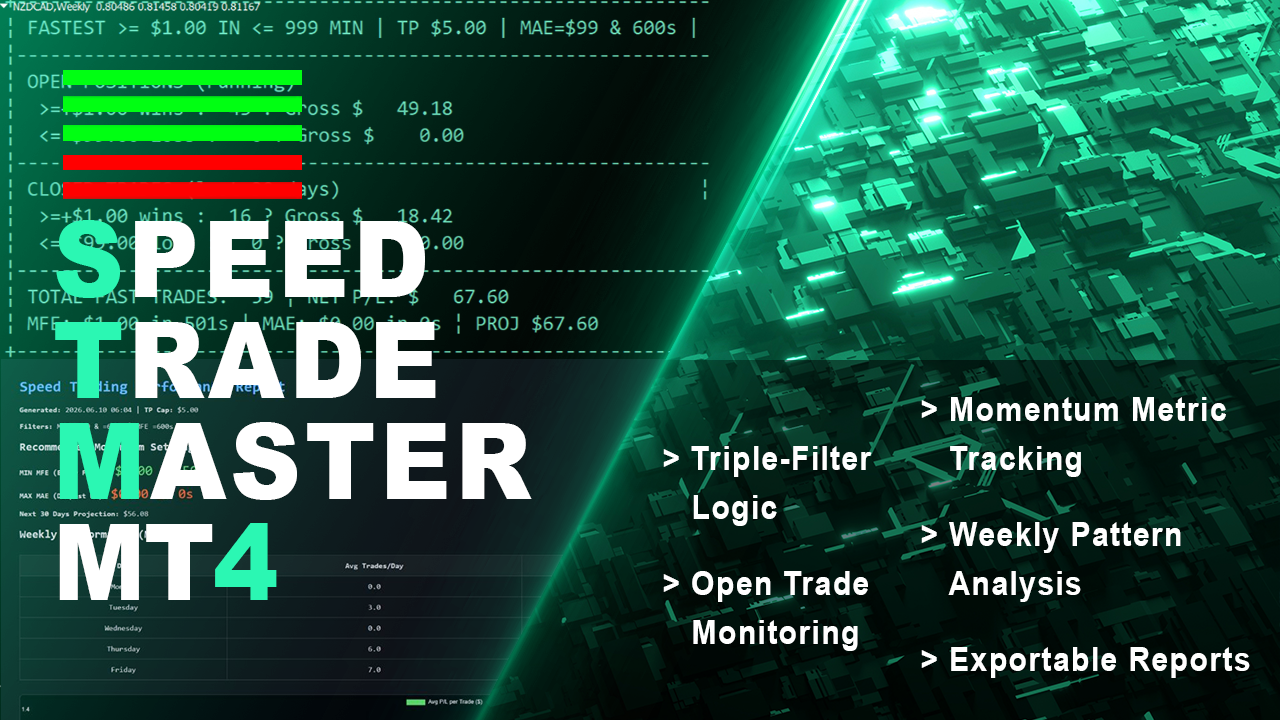
Trade Speed Master filters your trade history and open positions to find only the fastest, most efficient trades—winners that hit profit targets quickly and losers that are cut short with minimal drawdown. By applying strict filters for Max MAE ($ and time) and Max MFE (time), it isolates "Lightning Trades." The tool then projects future performance and analyzes weekly patterns, providing a free, essential dashboard for any trader looking to optimize for speed and efficiency.
Key Features:
Triple-Filter Logic: Analyzes trades based on hitting a Profit target (e.g., $5) within a set time (e.g., 5 min), while enforcing strict limits on Max MAE ($ and seconds) and Max MFE (seconds).
Open Trade Monitoring: Tracks open trades that have met the speed and profit/loss criteria within the defined tracking window.
Momentum Metric Tracking: Records the "MIN MFE" (earliest favorable move) and "MAX MAE" (deepest drawdown) among all qualified trades.
Performance Projection: Projects net profit for the next X days based on the historical performance of filtered "Speed Trades."
Weekly Pattern Analysis: Includes a bar chart in the HTML report showing average P/L per trade for each weekday (Mon-Fri).
Exportable Reports: Free and unrestricted access to CSV and HTML reporting features, usually found only in paid tools.
Effective Uses:
Scalping Strategy Validation: Test if a scalping EA truly generates fast, efficient trades by filtering for trades that hit TP quickly with minimal adverse excursion.
Refining Exit Logic: Use the "MIN MFE" metric to optimize take-profit levels, identifying the earliest point where a trade shows significant profit potential.
Daily Trading Schedule: Analyze the weekly performance chart to determine which days of the week are most profitable for fast trades, and adjust your trading schedule accordingly.
Risk Parameter Tuning: Experiment with the `MAX_TRADES_MAE` and `MAX_MAE_SECONDS` filters to find the optimal risk limits for your aggressive trading strategies.
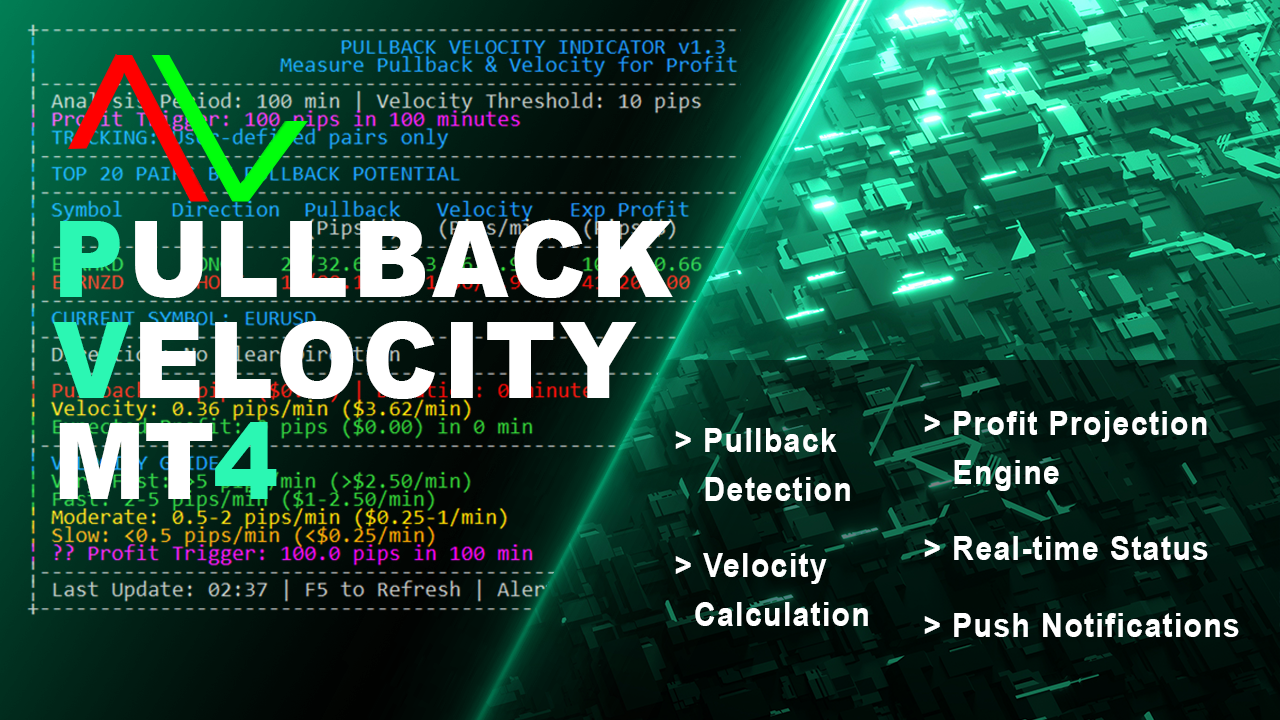
Turn market pullbacks into profitable recovery trades with the PullBack Velocity Indicator. This tool identifies when a currency pair is in a pullback phase and calculates its velocity to project potential recovery profits. By analyzing the depth and duration of a pullback against the pair's current momentum, the indicator provides a clear "Expected Profit" in pips and dollars, along with an estimated recovery time. It actively alerts you to "HIGH POTENTIAL RECOVERY" scenarios, giving you a quantifiable edge in mean-reversion and pullback trading.
Key Features:
Pullback Detection: Automatically identifies pullbacks from recent peaks (for long entries) and troughs (for short entries), measuring depth in pips and dollars.
Velocity Calculation: Measures price velocity in pips-per-minute and dollars-per-minute to gauge momentum.
Profit Projection Engine: Calculates expected profit for a recovery move based on pullback depth (Pips), velocity (Pips/min), and duration (minutes), using dynamic multipliers.
Real-time Status: Classifies each symbol's status as "PULLBACK ACTIVE," "RECOVERING," or "NO PULLBACK."
Visual Dashboard: A dual-column display shows top pairs by potential, including direction (LONG/SHORT), pullback stats, velocity, and expected profit.
Push Notifications & Alerts: Sends desktop alerts and mobile push notifications when a "HIGH POTENTIAL RECOVERY" is detected.
Effective Uses:
Mean-Reversion Entries: Use the indicator to find pullbacks within a trend. When the status changes to "RECOVERING," enter in the direction of the original trend.
Scaling In/Out: Add to existing positions during a healthy pullback, using the "Expected Profit" as a dynamic target for scaling out.
Risk/Reward Estimation: Before entering a pullback trade, check the `PullbackPips` (risk) vs. the `ExpectedProfitPips` (reward) to ensure a favorable ratio.
Alert-Driven Trading: Set up the indicator to run across multiple charts and receive notifications, so you never miss a high-probability recovery setup.
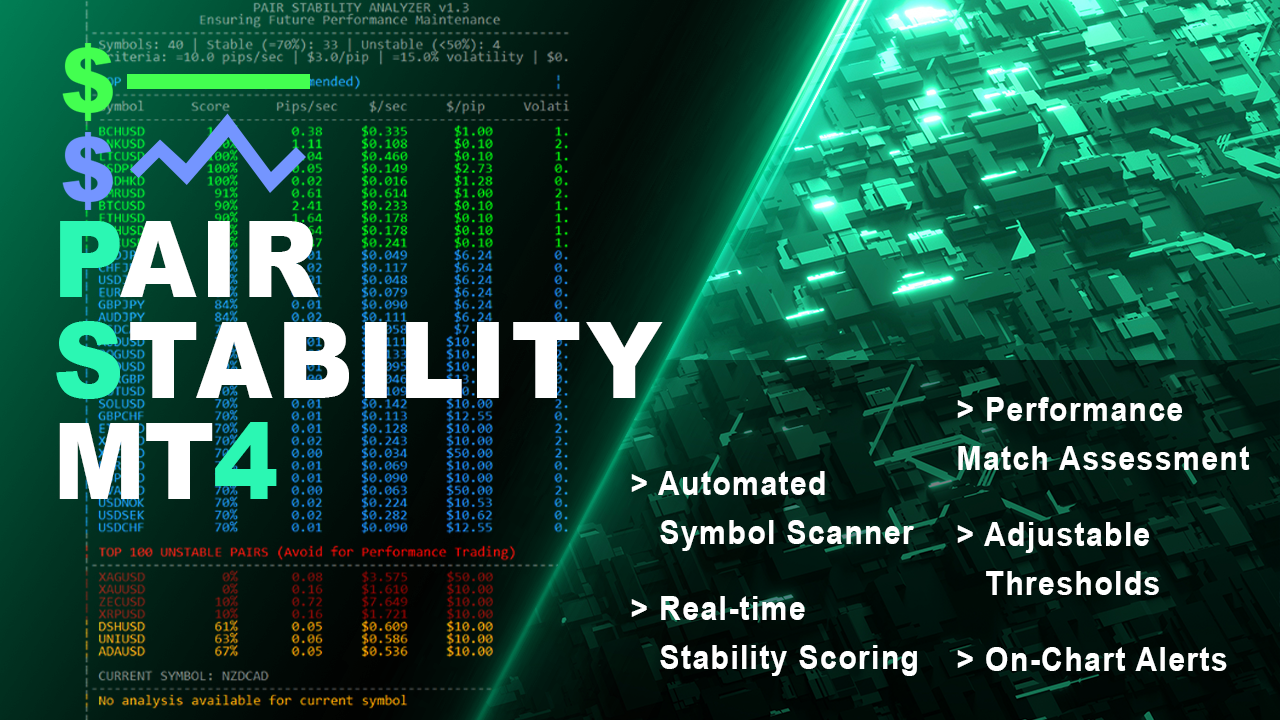
Ensure your trading strategy's future performance by trading only on stable, reliable pairs. The Pair Stability Indicator analyzes the velocity and volatility of any symbol to determine if it can support consistent strategy execution. It calculates critical metrics like Pips per Second, Dollars per Pip, and Dollars per Second of movement, scoring each pair from 0-100%. By identifying highly stable instruments (e.g., EURUSD) and flagging unstable ones (e.g., XAGAUD), this indicator acts as a crucial pre-trade filter for performance maintenance.
Key Features:
Automated Symbol Scanner: Automatically scans all tradeable symbols from your broker or a user-defined list.
Real-time Stability Scoring: Calculates a comprehensive stability score based on max pips/sec, max $/pip, max $/sec, and volatility percentage.
Performance Match Assessment: Provides a clear yes/no verdict on whether a pair can likely maintain past performance patterns.
Visual Dashboard: Displays a formatted table in the chart window, showing top stable pairs and most unstable pairs with color-coded scores.
Adjustable Thresholds: Tune all analysis parameters (`MaxPipMovementPerSecond`, `MaxDollarPerSecond`, `VolatilityThreshold`) to match your strategy's specific risk tolerance.
On-Chart Alerts: The indicator runs on a timer and provides direct on-chart feedback for the currently selected symbol.
Effective Uses:
Pre-Trade Filter: Run the indicator on any symbol before deploying a new or existing EA to confirm the pair's price action is stable enough for your strategy's logic.
Portfolio Selection: Use the "TOP STABLE PAIRS" list to build a portfolio of instruments that exhibit low, predictable movement, reducing the risk of strategy failure.
Avoiding Problem Assets: Identify and exclude highly volatile symbols (cryptos, some exotics, metals) that can cause erratic drawdowns and violate strategy assumptions.
Performance Consistency: For high-frequency or scalping strategies, use the `$/sec` metric to filter out pairs that move too fast, preventing slippage and ensuring fill quality.
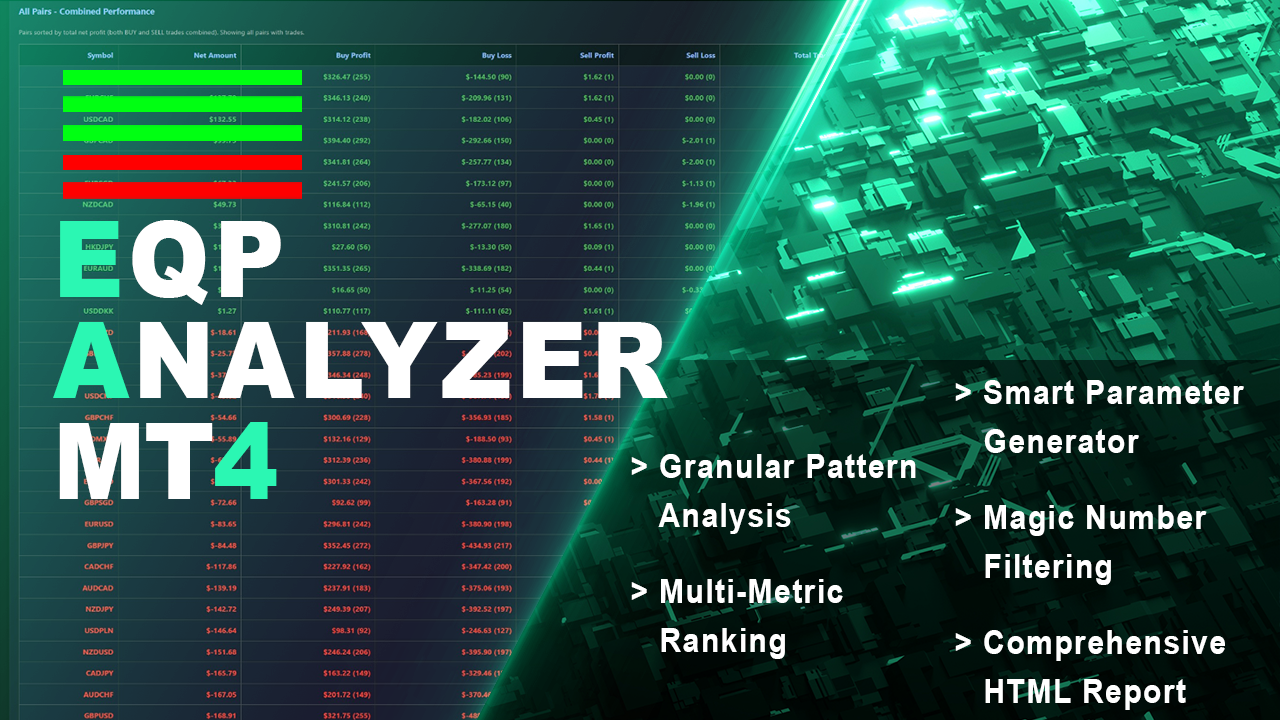
Have patterns that drive your trading success or failure. The Equity Performance Analyzer breaks down your trade history by symbol, day of the week, and hour of entry to identify exactly when your strategies perform best and worst. It ranks every possible trading pattern (e.g., "EURUSD-BUY-Mon-14") by Net Profit, Win Rate, Return/Drawdown, and a Monte Carlo Proxy. More than just an analytics tool, it generates ready-to-use input parameters for your EAs and a crucial "Worst Patterns to Avoid" section, turning historical data into a strategic roadmap.
Key Features:
Granular Pattern Analysis: Creates and ranks patterns based on Symbol, Trade Direction, Weekday, and Hour of OPEN time.
Multi-Metric Ranking: Sorts patterns by Net Profit, Win Rate, Return/Drawdown Ratio, and a unique Monte Carlo Proxy (Net * (1 + Trades*0.01)).
Smart Parameter Generator: Automatically builds "PermittedSymbols," "BuySellOnly," and daily "TradingTimes" (Mon-Fri) parameters based on top-performing patterns.
Avoid Parameters Section: Explicitly identifies and lists the worst-performing patterns to avoid or trade against, including combined "AVOID" parameter sets.
Comprehensive HTML Report: Delivers a color-coded report with multiple data groups (Profit/Loss by Day/Hour, Currency Pair Performance, Ranked Patterns, and Recommended Parameters).
Magic Number Filtering: Focus analysis on specific EAs or strategies using comma-separated Magic Numbers or ranges (e.g., "3001-3016").
Effective Uses:
EA Configuration: Directly copy the generated "BUY Parameters" or "COMBINED Parameters" into your Expert Advisor to restrict trading to historically profitable times and symbols.
Avoiding Losses: Use the "Worst Patterns to Avoid" section to programmatically block your EA from trading during specific high-loss windows or on certain pairs.
Opposite Trading: The tool recommends considering opposite signals for consistently losing patterns, providing a framework for counter-trend strategies.
Backtest Validation: After a backtest, run the analyzer to see if the EA's success is concentrated in specific patterns, confirming its logical consistency.
Equity Master Projector MT4
Project profits with precision. Equity Master Projection is a comprehensive trade management and analytics dashboard that goes beyond simple equity tracking. It analyzes both open positions and historical trades across multiple symbols and magic numbers, applying powerful filters to isolate your best-performing strategies. With unique features like a "Cut Mode" for profit capping and dynamic HTML/CSV reporting with equity curve charts, this tool transforms raw trading data into a clear, actionable strategy plan.
Key Features:
Dual-Mode Analysis: Simultaneously tracks Floating P/L on open positions and Net P/L on historical trades.
Advanced Filtering System: Filter strategies by Net Profit, Profit Factor, Win Rate, Maximum Drawdown, Gross Loss, Historical MAE/MFE, and Maximum Trade Duration.
Cut Mode (Profit Capping): Simulates the financial impact of capping winning trades at a user-defined profit level, calculating a "Realized P/L" to manage risk.
Flexible Reporting Periods: Analyze data from "All History," "This Month," "This Year," or a custom start date.
Dynamic Projection: Calculates a projected profit for the next X days based on the historical daily average performance of filtered strategies.
Interactive HTML Export: Generates a professional, standalone report featuring a line chart (Cumulative Profit, Realized Profit, Equity) and a bar chart for average weekly trade performance.
CSV Export: Exports filtered strategy data for external analysis in spreadsheets.
Effective Uses:
Strategy Optimization: Isolate and project the future potential of specific trading strategies (identified by Magic Numbers or Symbol+Direction) to decide which to scale.
Risk Management: Use the "Cut Mode" to backtest how a profit cap would affect overall returns, helping to set realistic take-profit levels.
Performance Review: Generate weekly or monthly HTML reports to review the most profitable entry days and times for each strategy.
System Health Check: Use filters (e.g., `MaxDrawdown_Below`, `Filter_History_MAE_Below`) to automatically exclude strategies that have recently suffered large drawdowns or adverse movement.
Ein Expert Advisor, der automatisch Trades eröffnet, wenn der Kurs vordefinierte, auf Pips basierende Rundzahlen überschreitet. Im Gegensatz zu einfachen Rundzahl-EAs, die nur an psychologischen Niveaus wie 1,1000 oder 1,2000 handeln, können Sie bei diesem EA bis zu fünf unabhängige Pip-Intervalle gleichzeitig definieren, wobei jedes über eine eigene Magic Number für die separate Nachverfolgung und Verwaltung verfügt. Der EA fungiert als komplettes Handelssystem und kombiniert automatisierten
Ein einfacher EA für Einstiegs- und Positionsmanagement, der zu bestimmten Zeiten Trades auf mehreren Währungspaaren eröffnet. Er verfügt über eine eigene interne Trailing-Stop- und Take-Profit-Logik sowie über integrierte Funktionen zum Gewinnmitnehmen am Tagesende und am Freitag aus den anderen Skripten. Funktionen: Eröffnet Trades auf benutzerdefinierten `PairsSet1` bis `Set6` zu bestimmten `TradeTime`-Zeitpunkten. Konfigurierbare Positionsgröße (`Lots`), Stop-Loss und Take-Profit. Enthält
Ein Trading-Tool, das einen ausgeklügelten Stop-Loss für Aktien, ein dynamisches Take-Profit-Management (Breakeven & Trailing) sowie eine auf Symbolgruppen basierende Schlusslogik vereint. Es handelt sich um ein umfassendes Tool für das Risikomanagement und die Handelsüberwachung. Funktionen: Alle Funktionen von „Equity Master Stop v1“ (variable Gewinn-/Verlustlimits, Ausstiegsschutz, Auslassungszeiten). Take-Profit-Übersteuerung: Kann bei jeder Order einen TP erzwingen, um einen
Ein fortschrittliches Skript zum Kapitalschutz und zur Handelsverwaltung. Es überwacht den Gewinn und Verlust einzelner Trades und schließt Positionen, sobald festgelegte Zielwerte für das Eigenkapital (Gewinn oder Verlust) erreicht sind. Es verfügt über eine Funktion zum „Überspringen der Schlusszeiten“ bei hoher Volatilität, großen Spreads oder Phasen preislicher Instabilität. Funktionen: Schließt Trades bei einem Zielgewinn (`MAX_FLOATING_EQUITY`) oder einem maximalen Verlust
Ein zeitbasiertes System zum Auslaufen von Positionen, das Trades auf eine „Beobachtungsliste“ verschiebt, sobald sie ein bestimmtes Alter erreicht haben. Es schließt sie nicht sofort, sondern wartet, bis sie ein Gewinnziel (oder Verlustziel) erreicht haben, bevor der Ausstieg erfolgt. Funktionen: Globale und Magic-spezifische Ablaufzeiten (Format: HH:MM:SS). Verfolgt abgelaufene Trades separat und schließt sie erst, wenn ein `MIN_PROFIT_CLOSE`-Ziel erreicht ist (oder ein Verlustziel, wenn
Ein einfacher EA für Einstiegs- und Positionsmanagement, der zu bestimmten Zeiten Trades auf mehreren Währungspaaren eröffnet. Er verfügt über eine eigene interne Trailing-Stop- und Take-Profit-Logik sowie über integrierte Funktionen zum Gewinnmitnehmen am Tagesende und am Freitag aus den anderen Skripten. Funktionen: Eröffnet Trades auf benutzerdefinierten `PairsSet1` bis `Set6` zu bestimmten `TradeTime`-Zeitpunkten. Konfigurierbare Positionsgröße (`Lots`), Stop-Loss und Take-Profit. Enthält
Ein Trading-Tool, das einen ausgeklügelten Stop-Loss für Aktien, ein dynamisches Take-Profit-Management (Breakeven & Trailing) sowie eine auf Symbolgruppen basierende Schlusslogik vereint. Es handelt sich um ein umfassendes Tool für das Risikomanagement und die Handelsüberwachung. Funktionen: Alle Funktionen von „Equity Master Stop v1“ (variable Gewinn-/Verlustgrenzen, Ausstiegsschutz, Auslassungszeiten). Take-Profit-Übersteuerung: Kann bei jeder Order einen TP erzwingen, um einen
Beschreibung: Ein fortschrittliches Skript zum Kapitalschutz und zur Handelsverwaltung. Es überwacht den Gewinn und Verlust einzelner Trades und schließt Positionen, sobald festgelegte Kapitalziele (Gewinn oder Verlust) erreicht sind. Es verfügt über eine Funktion zum „Überspringen der Schlusszeiten“ bei hoher Volatilität, großen Spreads oder Phasen preislicher Instabilität . Funktionen: Schließt Trades bei einem Zielgewinn (`MAX_FLOATING_EQUITY`) oder einem maximalen Verlust
Ein zeitbasiertes System zum Auslaufen von Positionen, das Trades auf eine „Beobachtungsliste“ verschiebt, sobald sie ein bestimmtes Alter erreicht haben. Es schließt sie nicht sofort, sondern wartet, bis sie ein Gewinnziel (oder Verlustziel) erreicht haben, bevor der Ausstieg erfolgt. Funktionen: Globale und Magic-spezifische Ablaufzeiten (Format: HH:MM:SS). Verfolgt abgelaufene Trades separat und schließt sie erst, wenn ein `MIN_PROFIT_CLOSE`-Ziel erreicht ist (oder ein Verlustziel, wenn
Ein fortschrittlicher EA zur Gewinnmitnahme, der am Ende des Tages (Montag bis Freitag) und am Freitag ausschließlich *gewinnbringende* Trades schließt, während Verlusttrades weiterlaufen oder durch andere Logik abgewickelt werden können. Funktionen: Schließt profitable Trades zu einem benutzerdefinierten „ProfitCloseTime“. Separate Gewinnschwellen für normale Wochentage (`PROFIT_CLOSE_MG`) und Freitage (`PROFIT_CLOSE_FD`). Enthält die vollständige „ExitOnFriday“-Logik, um *alle* Trades nach
Ein einfaches, zeitgesteuertes Ausführungstool, das jeden Tag zu einer bestimmten Stunde und Minute alle offenen Trades schließt. Es läuft kontinuierlich und überprüft bei jedem Tick, ob die festgelegte Schließungszeit erreicht ist. Funktionen: Eingaben für `CloseHour` (0–23) und `CloseMinute` (0–59). Unabhängige Steuerelemente zum Schließen von Kauf- und Verkaufsaufträgen. Sobald die aktuelle Uhrzeit die festgelegte Zeit erreicht oder überschreitet, werden alle berechtigten Orders geschlossen