Antonis Michos / Profil
- Information
|
7+ Jahre
Erfahrung
|
6
Produkte
|
6409
Demoversionen
|
|
0
Jobs
|
2
Signale
|
0
Abonnenten
|
✅Telegram Group: https://t.me/+_mvPUUUWJ203ZmFk
Freunde
2455
Anfragen
Ausgehend
Antonis Michos
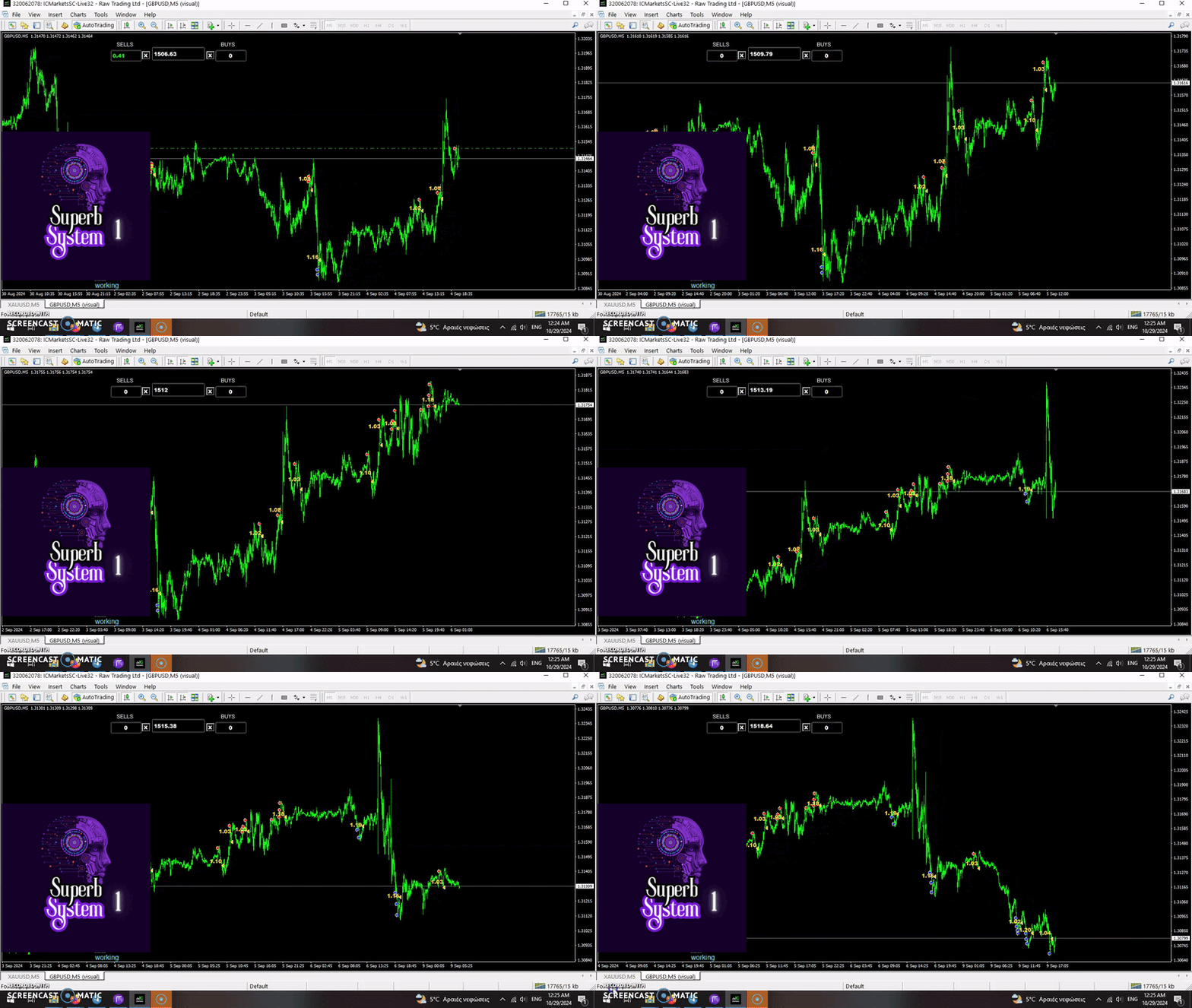
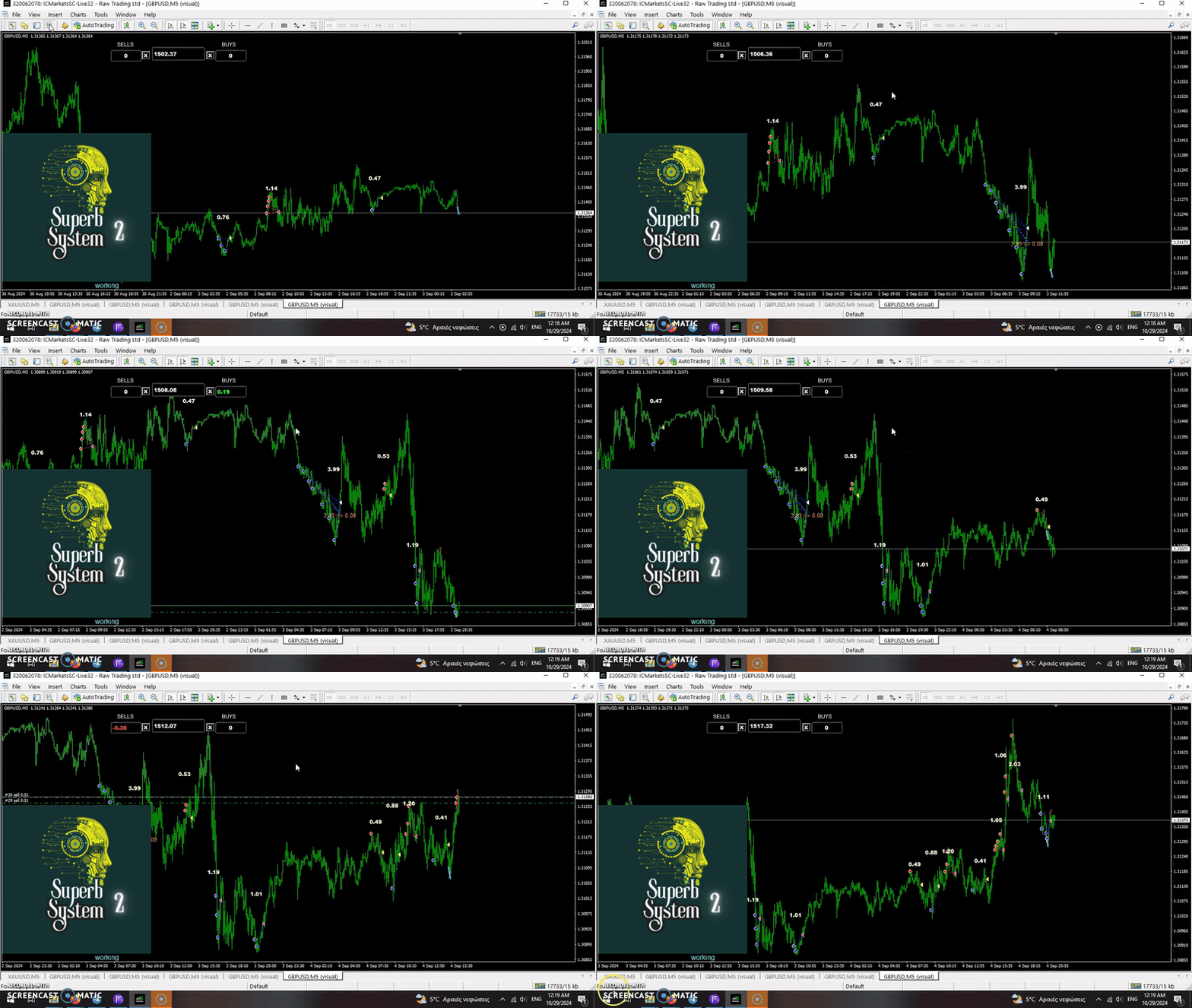
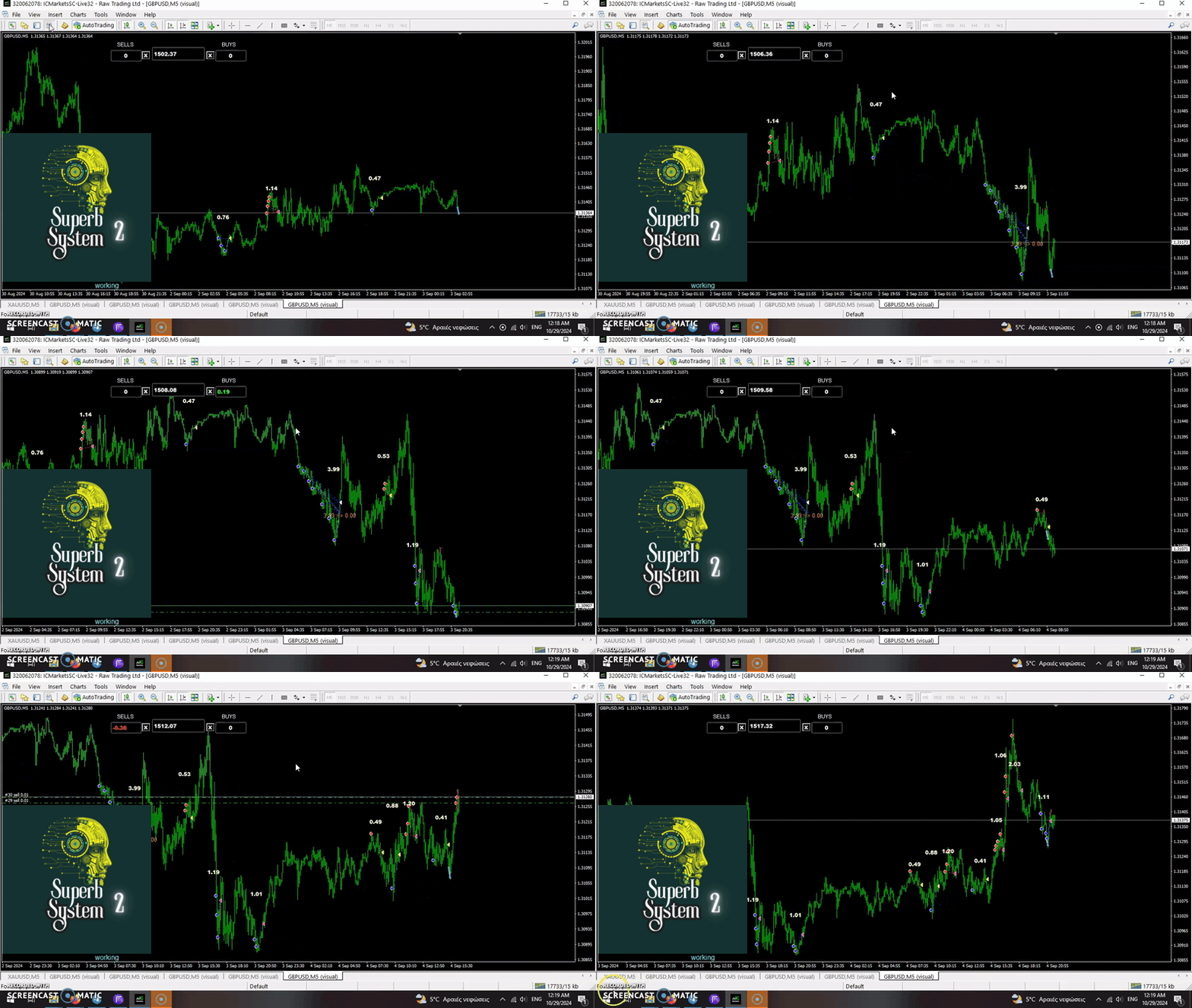
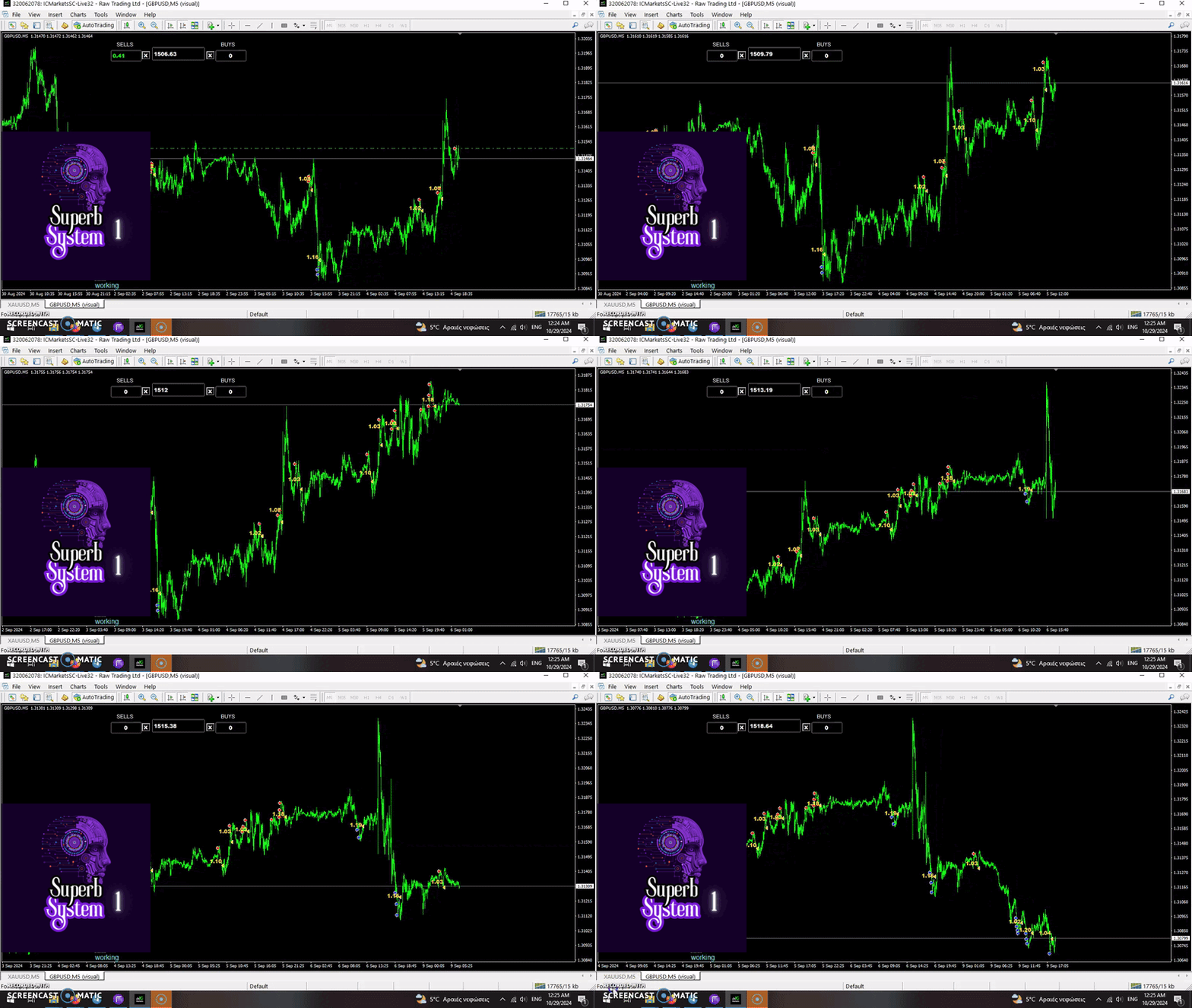
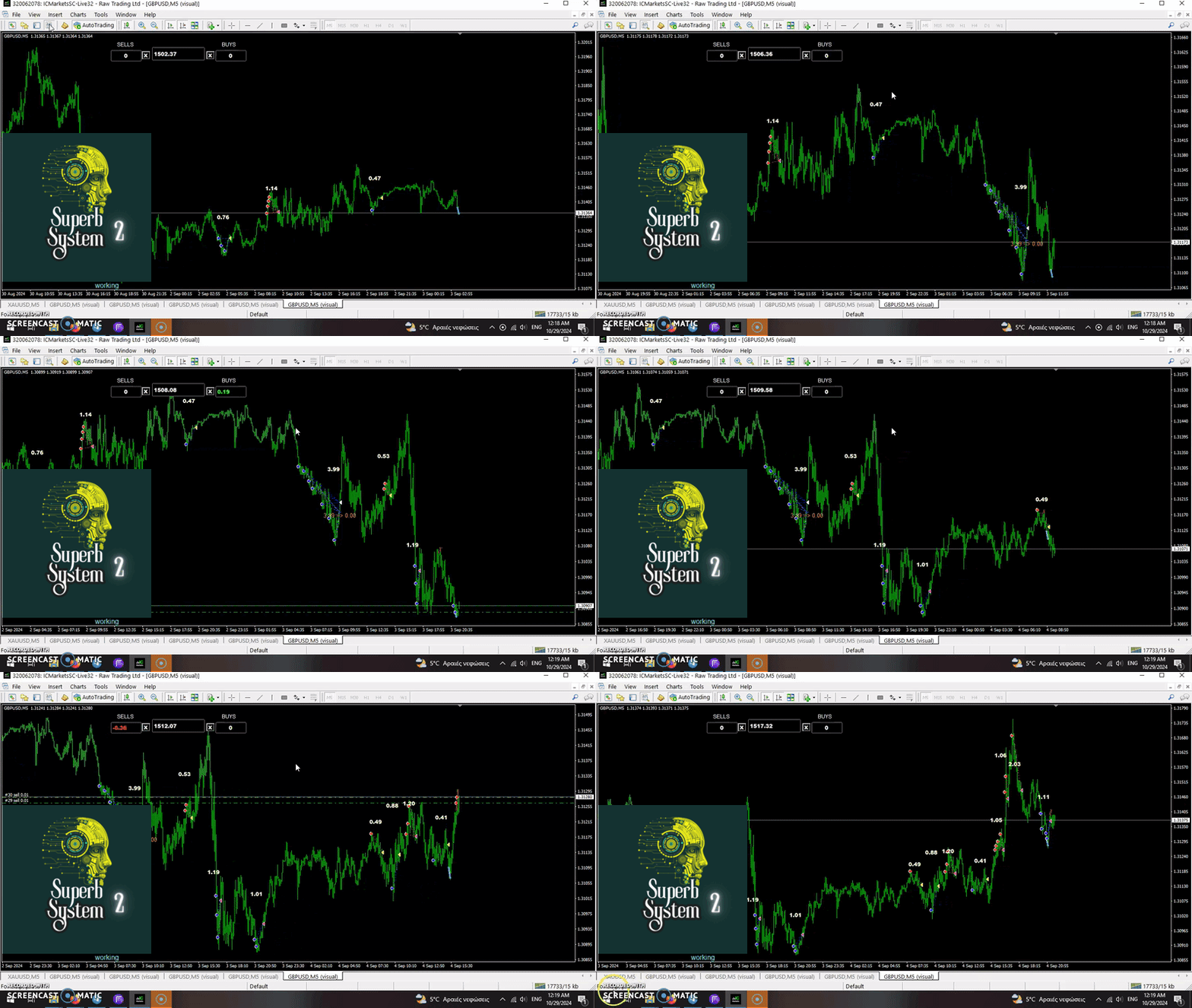
✅Super Launch OF TWO GREAT SYSTEMS.
Superb System 1 👉https://www.mql5.com/en/market/product/125665?source=Site+Market+Product+Page#
Superb System 2 👉https://www.mql5.com/en/market/product/125667?source=Site+Market+Product+Page
🎁🎁🎁super offer : Read more on product's page!
Superb System 1 👉https://www.mql5.com/en/market/product/125665?source=Site+Market+Product+Page#
Superb System 2 👉https://www.mql5.com/en/market/product/125667?source=Site+Market+Product+Page
🎁🎁🎁super offer : Read more on product's page!
Antonis Michos
✅Super Launch OF TWO GREAT SYSTEMS.
Superb System 1 👉https://www.mql5.com/en/market/product/125665?source=Site+Market+Product+Page#
Superb System 2 👉https://www.mql5.com/en/market/product/125667?source=Site+Market+Product+Page
🎁🎁🎁super offer : Read more on product's page!
Superb System 1 👉https://www.mql5.com/en/market/product/125665?source=Site+Market+Product+Page#
Superb System 2 👉https://www.mql5.com/en/market/product/125667?source=Site+Market+Product+Page
🎁🎁🎁super offer : Read more on product's page!
Antonis Michos
Hat ein Produkt angeboten
Telegram Group: Finden Sie den Link in meinem Profil 4 Tage, um die MyForexFunds Phase 1 Bewertung zu bestehen ( siehe Screenshot unten ) HIER ist eine KOSTENLOSE Datei zur Verwendung in einem LIVE-DEMO-Konto. Willkommen. Virtual Trendline Scalper ist eine Scalping-Maschine (handelt ziemlich oft), die virtuelle Trades in virtuellen Trendlinien verwendet, bevor sie eine echte in anständigen bis perfekten Orten öffnet. WICHTIG: Aufgrund der riesigen Menge an Variablen, die im Code des EA und den
Antonis Michos
Many of my EAs are out of the market for annual check and refresh of the code if needed.Support will always be given.Download them if you have already purchased them, from your MT4 market tab.
Antonis Michos
🔥🚀 Source CODE is FOR SALE (only serious proposals will be answered.)
or JUST BUY the super innovative COPIER PROGRAM and change your trading life !!!
Product : https://www.mql5.com/en/market/product/112655?source=Site+Profile+Seller
or JUST BUY the super innovative COPIER PROGRAM and change your trading life !!!
Product : https://www.mql5.com/en/market/product/112655?source=Site+Profile+Seller
Antonis Michos
🔥🚀 Source CODE is FOR SALE (only serious proposals will be answered.)
or JUST BUY the super innovative COPIER PROGRAM and change your trading life !!!
Product : https://www.mql5.com/en/market/product/112655?source=Site+Profile+Seller
or JUST BUY the super innovative COPIER PROGRAM and change your trading life !!!
Product : https://www.mql5.com/en/market/product/112655?source=Site+Profile+Seller
Antonis Michos
🔥🚀 Source CODE is FOR SALE (only serious proposals will be answered.)
or JUST BUY the super innovative COPIER PROGRAM and change your trading life !!!
Product : https://www.mql5.com/en/market/product/112655?source=Site+Profile+Seller
or JUST BUY the super innovative COPIER PROGRAM and change your trading life !!!
Product : https://www.mql5.com/en/market/product/112655?source=Site+Profile+Seller
Antonis Michos
🔥🚀💣👉 https://www.mql5.com/en/market/product/112655?source=Site+Market+Product+Page
Many of us have martingale EAs or non martingale that are good but some point you wish to had opened the trade a little higher(if is a sell) or a little lower (if is a buy)
NOW with the Copy Evolution YOU CAN HAVE THIS! and MUCH MORE!!!
Copy evolution Utility:
You can copy the trades from one broker to another.( this is what all copiers do)
You can CHOOSE from which order the copier will start copying !
You can choose the lot size OF THE FIRST COPY ORDER !
You can set the MULTIPLIER you want (IF YOU WANT)and not follow the multiplier of the EA you copy!
You can copy As many symbols you want with only ONE CHART open.
📌How to use the Utility:
✅Attach the Copy Evolution in any chart you want in broker X.( I prefer to use a demo so i can copy the trade i want in the REAL)
Choose working Mode: Master
Set the Delay at 500 millisec FOR FASTER EXECUTION.(The lower the value the faster,but also bigger CPU Usage)
If your broker has Prefix or Suffix You set the names in the inputs, separated with comma.
In Master Setting ON GROUP NAME you set a name you wish.
Now you open the charts you want to trade in your DEMO ACCOUNT STILL.You can put your EA on work or you can use the DEMO to trade manually.( note that the trades that now start to open in your DEMO will start be copied in the REAL from the number you will set in the copier utility.)
✅ Now you open a new MT4 on Broker X in which you want the trades to be copied.
Open a single chart, no matter which ,no matter the timeframe.
Attach the Copy evolution on the chart.
Choose working mode: Slave.
Set the Delay at 500 millisec FOR FASTER EXECUTION.(The lower the value the faster,but also bigger CPU Usage)
If your broker has Prefix or Suffix You set the names in the inputs, separated with comma.
In Slave Setting ON GROUP NAME you set a THE NAME name you HAVE SET on the MASTER account.
Now you can set when the copier will start copy.
Copy from X position: If the value is 4 the copier will skip the first three positions on the DEMO and copy the 4th AND SO ON if there are more.
Initiial Lot size: No matter what is the size of the 4th position in you master account, you have the ability to set it as you wish in your REAL!
Lot multiplier:No matter how the positions are multiplier in your demo, you can set the multiplier you want on your REAL!
The positions will close in your real when they are close on the DEMO.
Many of us have martingale EAs or non martingale that are good but some point you wish to had opened the trade a little higher(if is a sell) or a little lower (if is a buy)
NOW with the Copy Evolution YOU CAN HAVE THIS! and MUCH MORE!!!
Copy evolution Utility:
You can copy the trades from one broker to another.( this is what all copiers do)
You can CHOOSE from which order the copier will start copying !
You can choose the lot size OF THE FIRST COPY ORDER !
You can set the MULTIPLIER you want (IF YOU WANT)and not follow the multiplier of the EA you copy!
You can copy As many symbols you want with only ONE CHART open.
📌How to use the Utility:
✅Attach the Copy Evolution in any chart you want in broker X.( I prefer to use a demo so i can copy the trade i want in the REAL)
Choose working Mode: Master
Set the Delay at 500 millisec FOR FASTER EXECUTION.(The lower the value the faster,but also bigger CPU Usage)
If your broker has Prefix or Suffix You set the names in the inputs, separated with comma.
In Master Setting ON GROUP NAME you set a name you wish.
Now you open the charts you want to trade in your DEMO ACCOUNT STILL.You can put your EA on work or you can use the DEMO to trade manually.( note that the trades that now start to open in your DEMO will start be copied in the REAL from the number you will set in the copier utility.)
✅ Now you open a new MT4 on Broker X in which you want the trades to be copied.
Open a single chart, no matter which ,no matter the timeframe.
Attach the Copy evolution on the chart.
Choose working mode: Slave.
Set the Delay at 500 millisec FOR FASTER EXECUTION.(The lower the value the faster,but also bigger CPU Usage)
If your broker has Prefix or Suffix You set the names in the inputs, separated with comma.
In Slave Setting ON GROUP NAME you set a THE NAME name you HAVE SET on the MASTER account.
Now you can set when the copier will start copy.
Copy from X position: If the value is 4 the copier will skip the first three positions on the DEMO and copy the 4th AND SO ON if there are more.
Initiial Lot size: No matter what is the size of the 4th position in you master account, you have the ability to set it as you wish in your REAL!
Lot multiplier:No matter how the positions are multiplier in your demo, you can set the multiplier you want on your REAL!
The positions will close in your real when they are close on the DEMO.
: