Mathew Louis Sau Kinminja / 个人资料
- 信息
|
1 年
经验
|
7
产品
|
0
演示版
|
|
0
工作
|
0
信号
|
0
订阅者
|
https://www.mql5.com/en/market/product/196668?source=Site+Profile+Seller
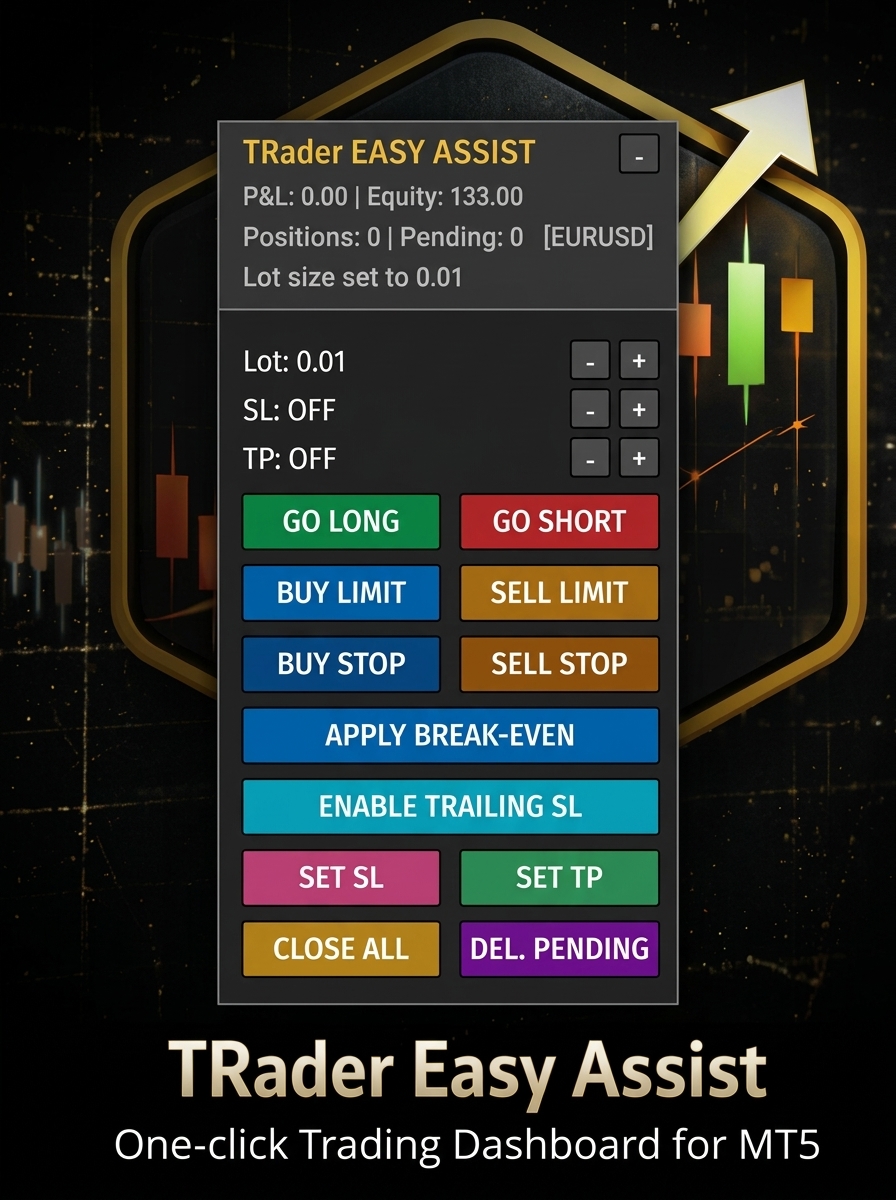
TRader EASY ASSIST — One-Click Trading Dashboard for MT5
Description
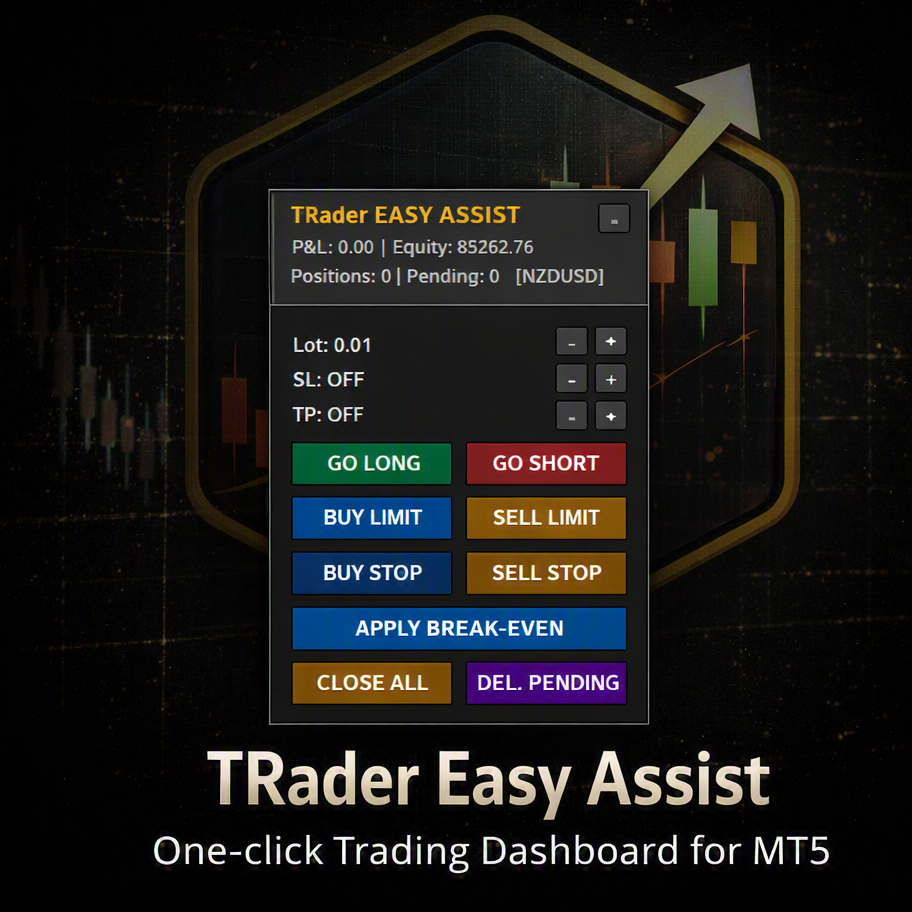
TRader EASY ASSIST places a compact, draggable control panel directly on your chart, turning MT5 order execution into a single click.
Built for scalpers, day traders, and anyone who values speed and precision. Works on any symbol and any timeframe.
Key Features
One-click market orders — GO LONG / GO SHORT with automatic SL/TP applied
Visual pending orders — Place Buy/Sell Limit & Stop using draggable entry, SL, and TP lines directly on the chart
Live Lot/SL/TP controls — Adjust values on the panel with + / - buttons; settings persist across timeframe changes and reloads
Trade management — Break-Even, Close All, and Delete Pending in one click
Live account info — P&L, equity, position count, and pending count updated every second
Minimize / maximize — Collapse to a title bar for a clean chart
Position memory — Panel location and settings saved per chart
Customizable — Colors, fonts, button sizes, sound alerts, and multi-symbol mode
Universal — Any symbol, any timeframe, any broker
Inputs
Lot size and step, SL/TP points and steps, slippage, magic number, pending buffer distance, panel position and dimensions, colors, sound options, and a "manage all symbols" toggle.
Requirements
MetaTrader 5 (any build). No external dependencies — pure MQL5.
How to Use
Attach the EA to any chart.
Set lot size, SL, and TP on the panel.
Click GO LONG / GO SHORT for instant entries.
For pending orders, click the order type, drag the price line to your level, and click PLACE.
Use Break-Even, Close All, and Delete Pending as needed.
Drag the title bar to reposition. Click – to minimize.
Speed, precision, and clarity — right on your chart.
TRAder EASY ASSIST — MT5 的交易控制面板 描述 TRADER EASY ASSIST 可通过图形控制面板和图形直接显示,允许在 MT5 上执行单独的操作。 黄牛交易者、内部操作者(*日间交易者*)和具有速度和精度价值的人物角色。具有符号和时间的功能。 主要特征 Órdenes de Mercado con un clic — Abrir posiciones de compra (LONG) or venta (SHORT) con aplicación automática de SL/TP. 悬垂的视觉效果 — Coloque órdenes *Limit* 和 *Stop*(比较或文塔)利用 entrada、SL 和 TP desplazables directamente en el gráfico。 Controles de lotaje/SL/TP en tiempo real — 调整面板上的值 + / -;配置时间或重新显示图形。 操作管理 — *盈亏平衡*(平衡点)、*追踪止损*、设置止损、设置止盈、所有持仓和消除所有悬而未决的情况。
https://t.me/+TNx5Ag915dc0NGI1
简易仓位管理器是一款专业级的 MT5 脚本,旨在实现高效的交易管理。这款功能强大的工具能够帮助交易者快速、精准、可靠地为多个持仓设置止盈、止损和盈亏平衡点。 主要功能 🚀 多仓位管理 同时对当前交易品种的所有未平仓位应用止盈/止损 按交易品种智能筛选仓位 批量修改功能 ⚡ 智能盈亏平衡技术 盈利仓位自动触发盈亏平衡 智能逻辑,仅在仓位盈利时移动止损 支持买入和卖出仓位 防止不必要的盈亏平衡触发 🛡️ 风险管理 输入验证及止损位检查 价格根据经纪商规范进行标准化 全面的错误处理及描述性反馈 安全的修改机制 🎯 精准控制 灵活的止盈/止损价格输入(0 = 不更改) 实时价格验证 专业级执行逻辑 技术规格 平台:MetaTrader 5 类型:脚本 执行方式:一键操作 兼容性:所有交易品种和账户类型 安全性:禁止激进交易,仅供修改 适用场景: 日内交易交易者管理多个仓位 波段交易者调整风险参数 投资组合再平衡与风险管理 在市场波动期间快速调整交易 价值主张 一键管理同一交易品种的所有仓位,节省时间并减少错误。专业交易者信赖 Simple Position Manager
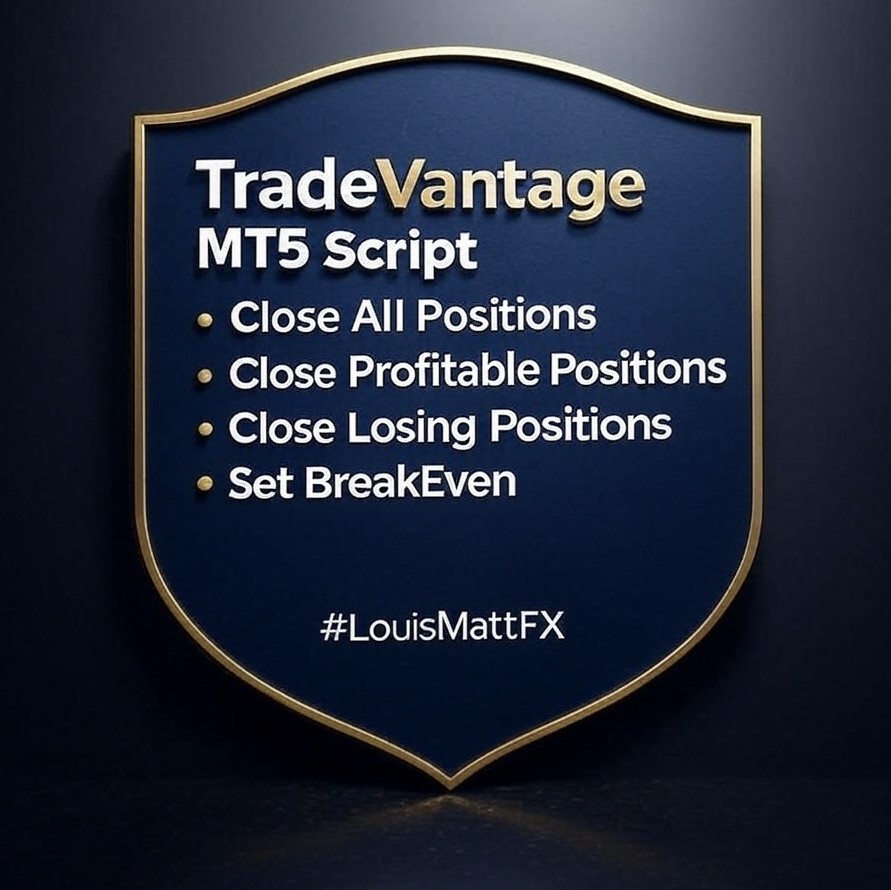
TradeVantage MT5 Script is a user-friendly, efficient tool designed for MetaTrader 5 traders to manage open positions with ease. This script offers four powerful trade management options through a straightforward dialog box, enabling rapid execution on the current chart's symbol. Whether you're looking to close all positions, secure profits, minimize losses, or set positions to break-even, TradeVantage simplifies the process with reliability and precision. Key Features: ·
Looking to close all open positions on your MetaTrader 5 chart with speed and reliability? This optimized MQL5 script, Close In Quick, is designed to do just that! Whether you're a day trader, scalper, or managing multiple positions, this script ensures fast, asynchronous trade closures with robust error handling. Watch this video to learn how to use it and why it’s a must-have tool for your MT5 trading arsenal!
The Close In Quick Script is an optimized, high-performance MQL5 script designed to swiftly close all open positions for the current chart's symbol on the MetaTrader 5 platform. Engineered for speed and reliability, it leverages asynchronous trading, minimal system checks, and robust error handling to ensure seamless trade closure. Whether you're a day trader, scalper, or portfolio manager, this script is an essential tool for efficiently managing and exiting trades. Key Features: Asynchronous
Join our channel and get it and many others more MT4 and MT5 trading tools:
Chart Object Cleaner for MetaTrader 5 Clean up your MetaTrader 5 charts with this powerful script designed to remove graphical objects from the main chart and sub-windows effortlessly. Perfect for traders who need a clutter-free workspace and speed to focus on their strategies. This script, created by @LouisMattFX (version 1.02), allows you to selectively delete graphical objects based on your preferences. Whether it's annotations, trendlines, or other
This MetaTrader 5 script - design to manage your workspace to close all open charts except the most recently active one. Perfect for traders who need a quick and reliable way to declutter their platform while keeping the current chart in focus. Key Features: One-Click Convenience: Instantly closes all charts except the active one, streamlining your workspace. Safe and Efficient: Skips the current chart to ensure uninterrupted analysis. Error Handling: Robust error detection with detailed