


·
1

|
11+ 年
经验
|
3
产品
|
904
演示版
|
|
0
工作
|
0
信号
|
0
订阅者
|

Lorraine Pierce


·
2
Michel Lacroix
2020.08.08
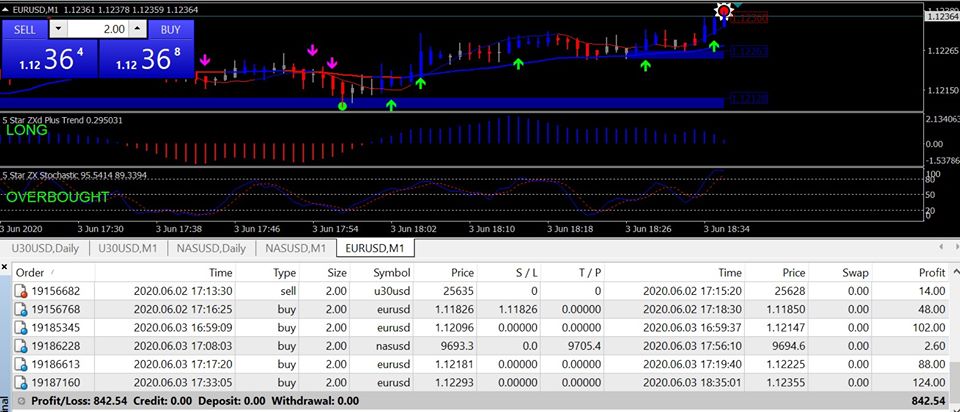
I've did many searches but couldn't find the ZXplus system. Can you help me?


Lorraine Pierce
已发布产品


MzSparkle01 george
2018.01.19
Hello!! How are you? i purchased the Breakout Ninja Price Action Breakout but, I'm having issues installing it on my PC. Please help!!! Thank You