Intrabar Touch Audit
- Indicators
- Version: 1.1
- Activations: 5

Which level did price reach first when the same candle crossed both? Intrabar Touch Audit scans recent closed candles for this exact case. It is designed for EA developers and systematic traders checking the assumptions in bar-based tests.
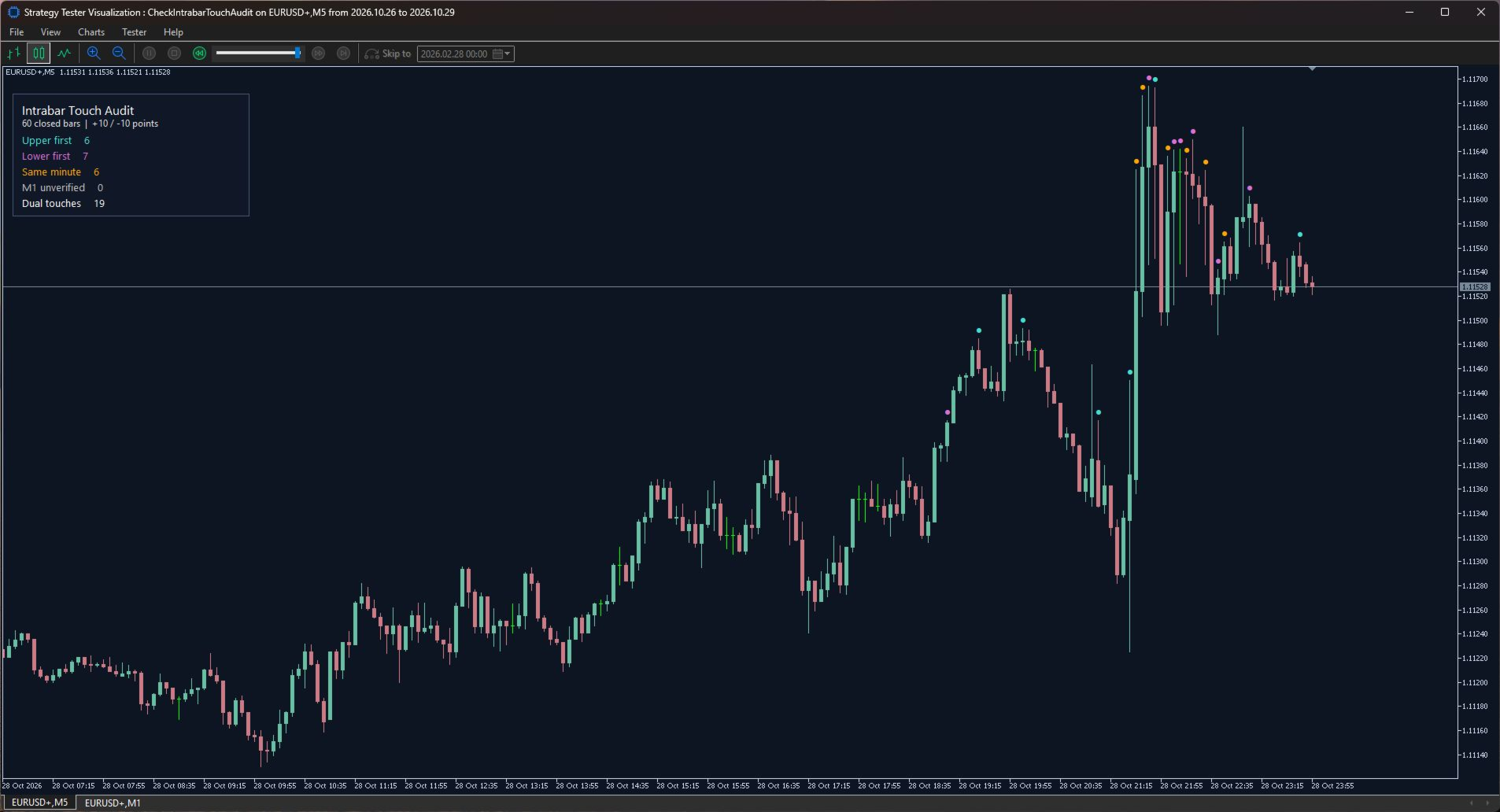
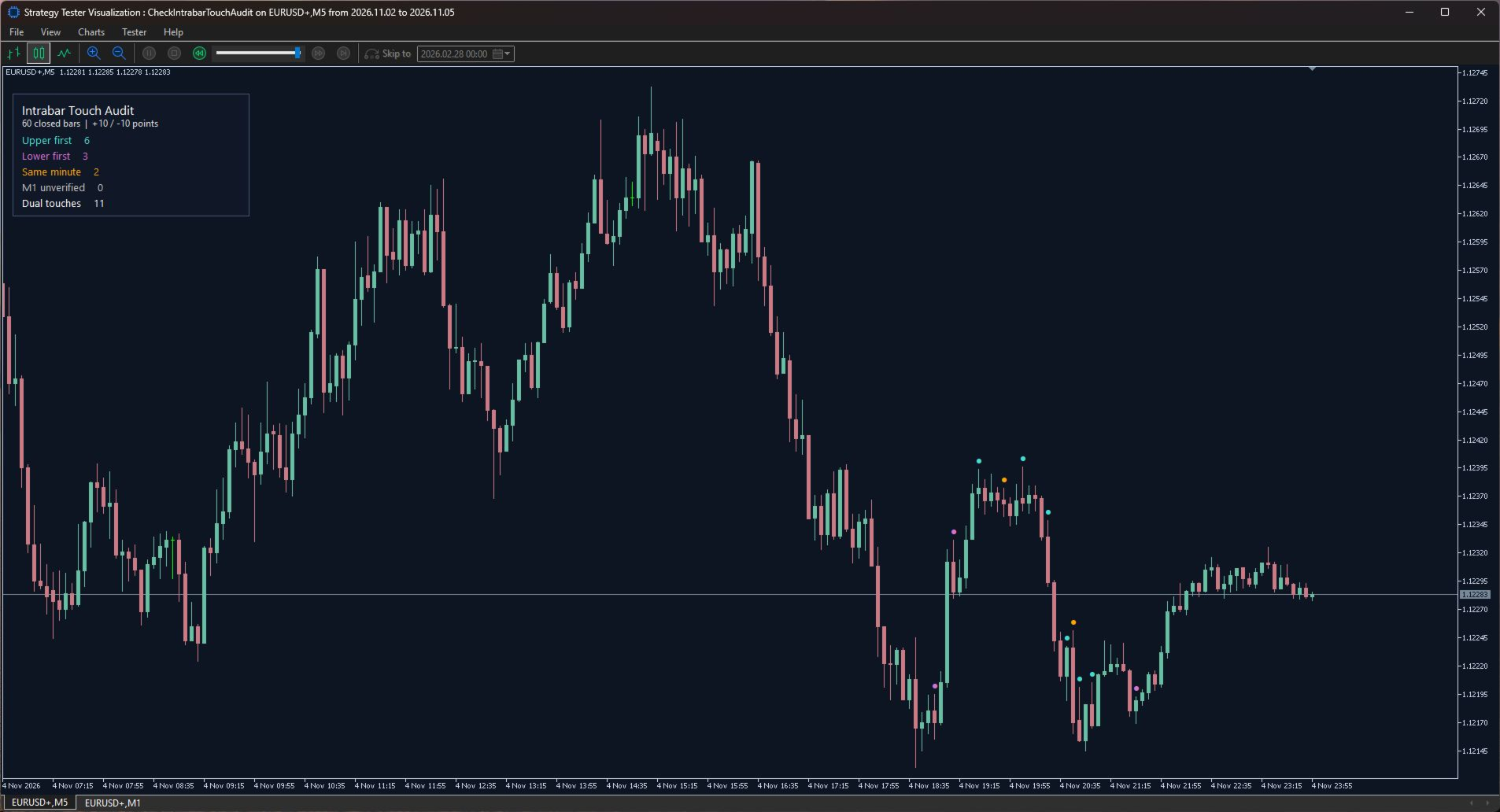
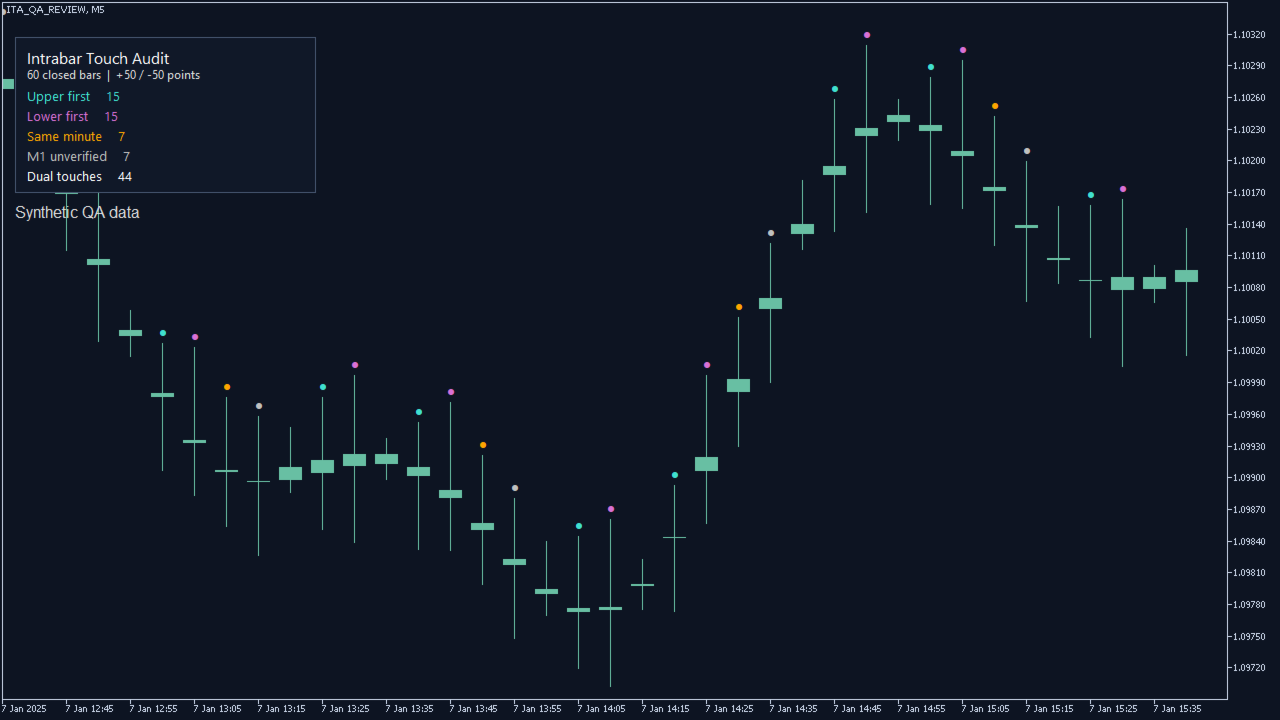
Set separate upper and lower distances in MT5 points. The indicator measures each distance from that candle's open. A level counts as touched when the high or low reaches it exactly or passes it. A colored dot appears above each closed candle that touched both levels. The chart panel counts each outcome over the selected lookback.
- Turquoise, Upper first. Matching M1 candles show the upper level first.
- Purple, Lower first. Matching M1 candles show the lower level first.
- Amber, Same minute. Both levels were reached within the earliest touching minute and its opening price does not resolve the sequence.
- Gray, M1 unverified. Minute candles are missing, still loading, or disagree with the chart candle. The sequence remains unverified.
Getting started
1. Add Intrabar Touch Audit to a standard M1 through H1 chart in MetaTrader 5 desktop. M5 or M15 makes a practical starting point.
2. Set the upper distance, lower distance, and a lookback of 10 to 1,000 closed bars. On a five-digit EURUSD quote, 50 MT5 points equal 0.00050.
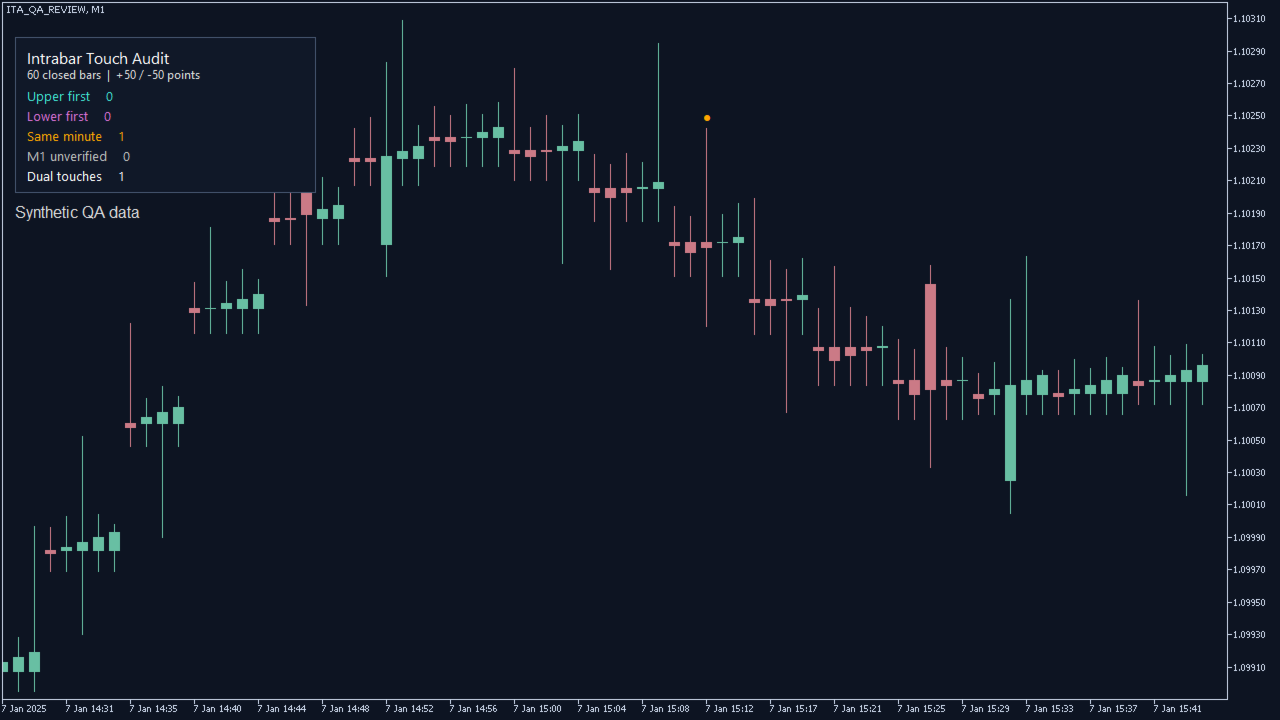
3. Use the marked candles to choose where to inspect the underlying data. On an M1 chart, every dual touch appears as Same minute.
The audit uses chart prices and one-minute OHLC history. It does not infer tick order within a minute, simulate fills, or place orders. Spread, slippage, and execution rules are outside the calculation. Results depend on the symbol and available broker history.