Grider Pro MT5
- Utilities
- Version: 3.51
- Activations: 14

Grider Pro MT5
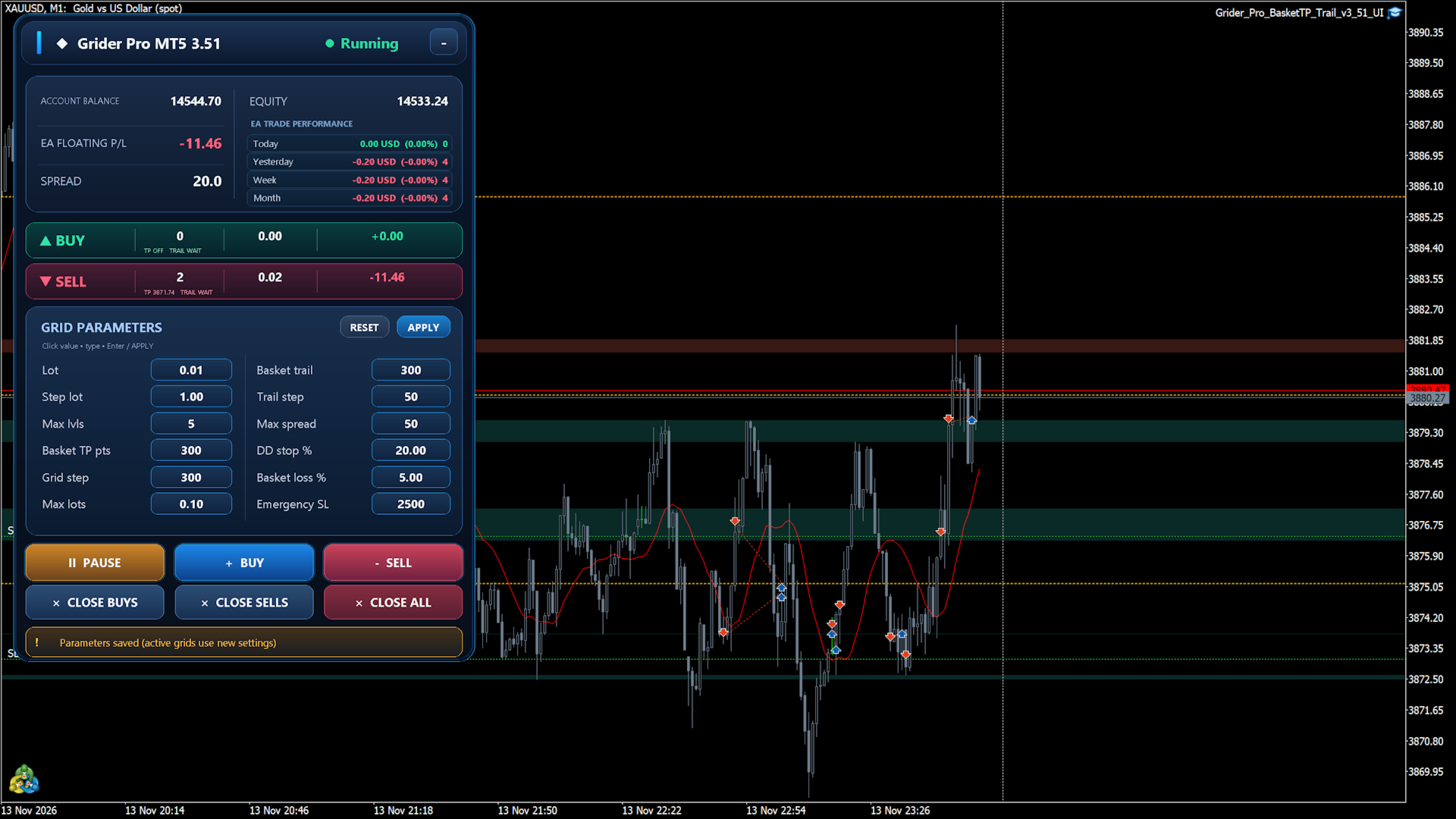
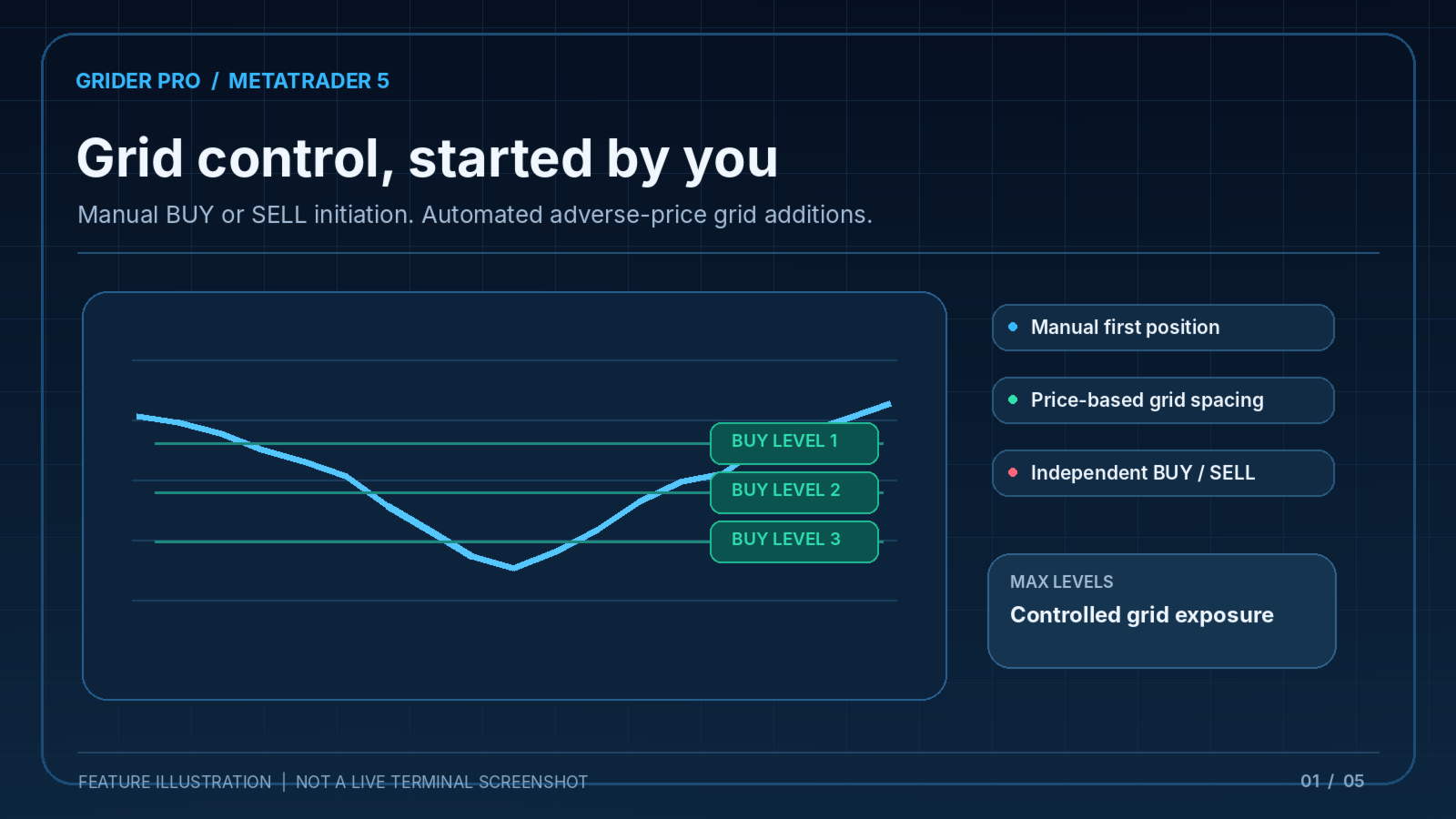
Grider Pro is a manual-start grid management Utilities for MetaTrader 5. The trader selects the initial BUY or SELL direction from the on-chart panel. After the first position is opened, the Utilities can add further market positions when price moves against that basket by the configured grid distance.
The main focus is managing positions as a group rather than treating each position as an unrelated trade. One BUY basket and one SELL basket can be managed independently on the current trading symbol, using the configured Magic Number. Grider Pro does not provide automatic entry signals or market predictions.
How basket management works
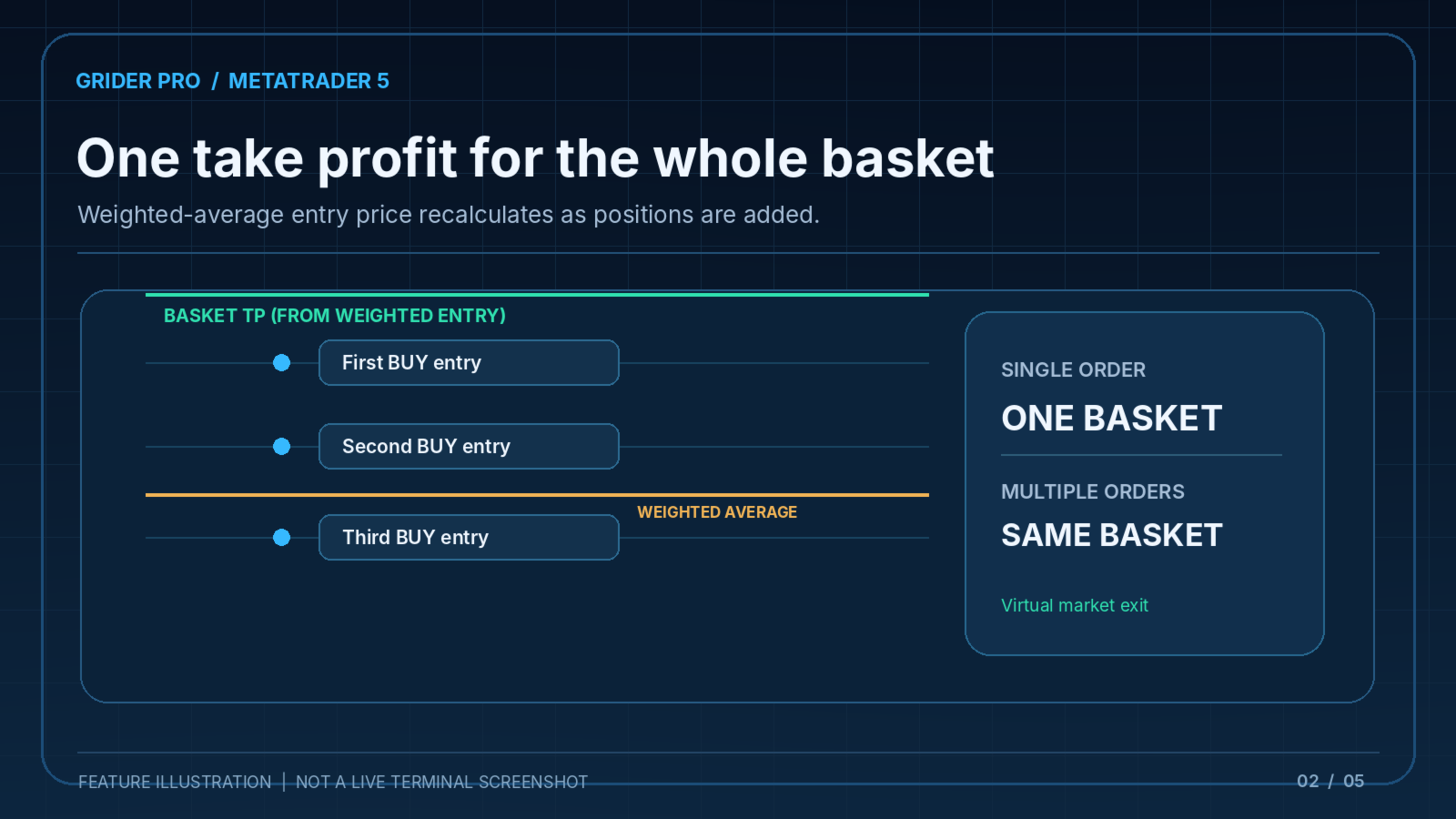
When more positions are added to a direction, the Utilities recalculates that basket's volume-weighted average entry price. Basket Take Profit is specified in symbol points relative to this average. When the configured target is reached and the estimated basket result is positive under the program's checks, the Utilities attempts to close the basket's positions. One position is also treated as a basket.
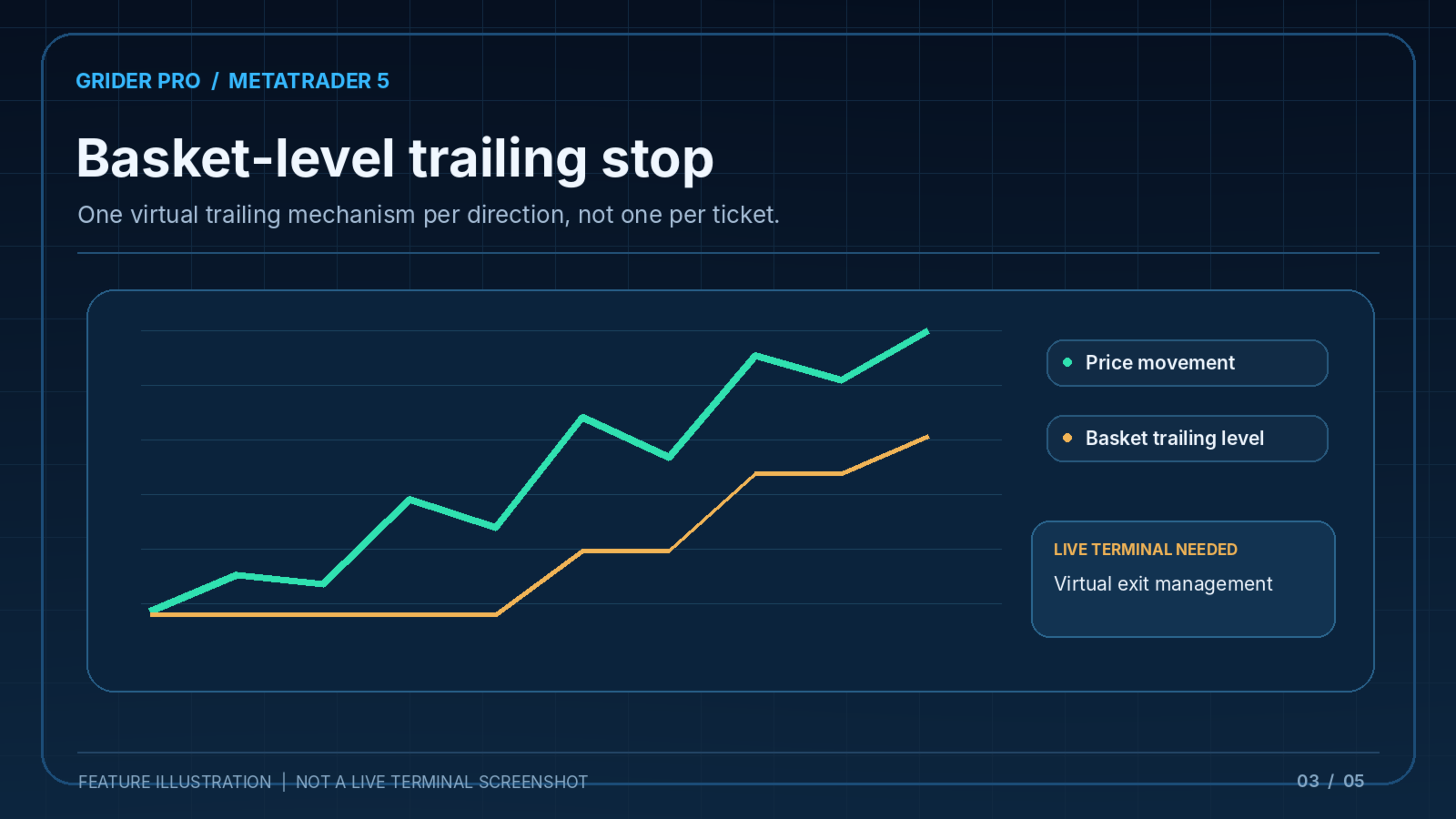
Basket Trailing is independent for BUY and SELL. It monitors the entire basket's price movement and uses a virtual trailing level for the group. The program can retry incomplete basket exits and restrict additional positions while an exit is in progress.
Trade management and controls
- Manual BUY and SELL initiation from the chart.
- Automatic additional entries after adverse price movements.
- Grid spacing, maximum additional levels and base lot settings.
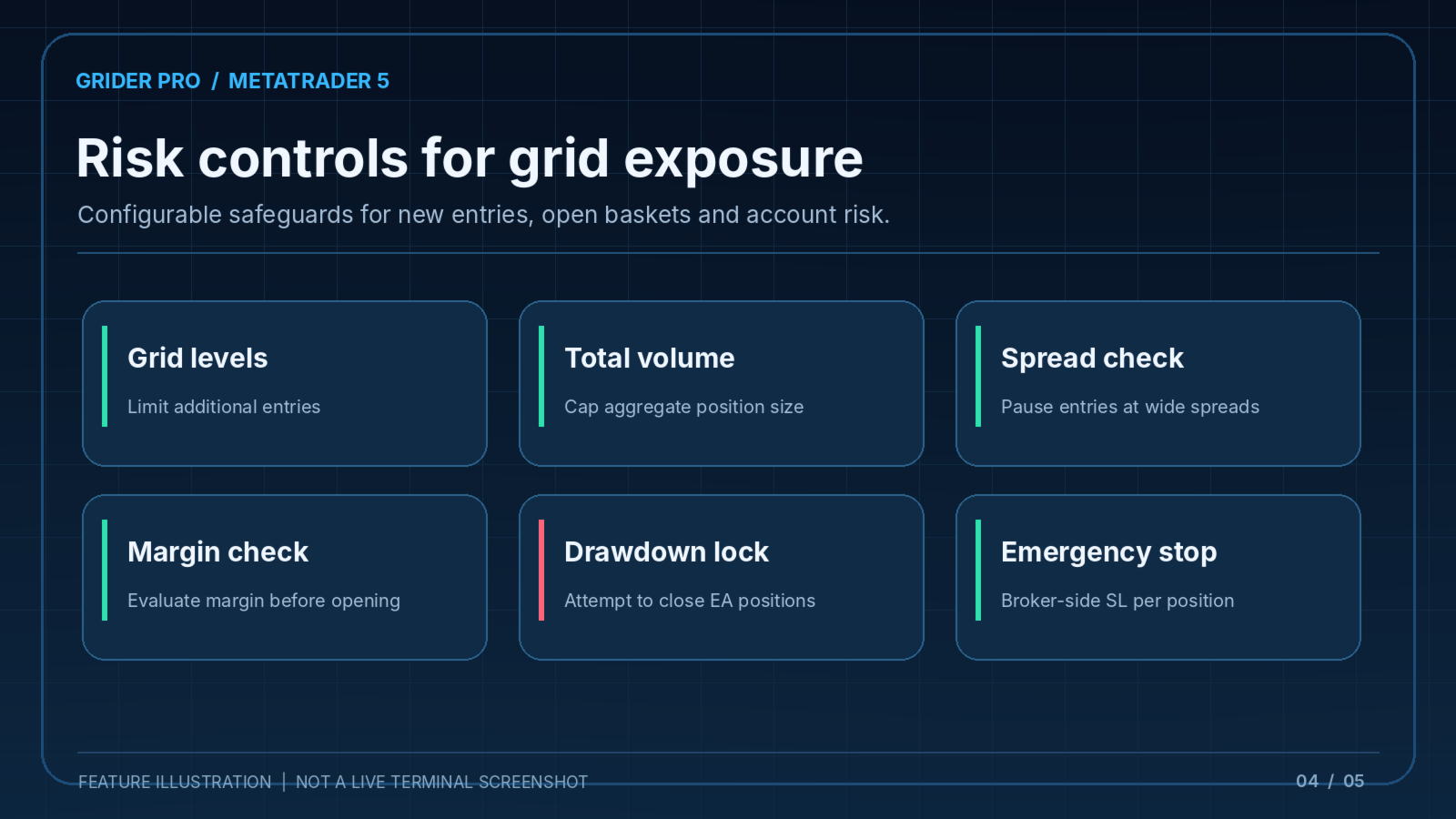
- Optional lot multiplier and aggregate volume limit.
- Shared basket take profit and basket-level trailing.
- Spread check and pre-trade margin check.
- Account drawdown and basket loss limits that can trigger an EA risk lock and close attempts.
- Broker-side emergency Stop Loss on individual entries, independent of virtual basket exits.
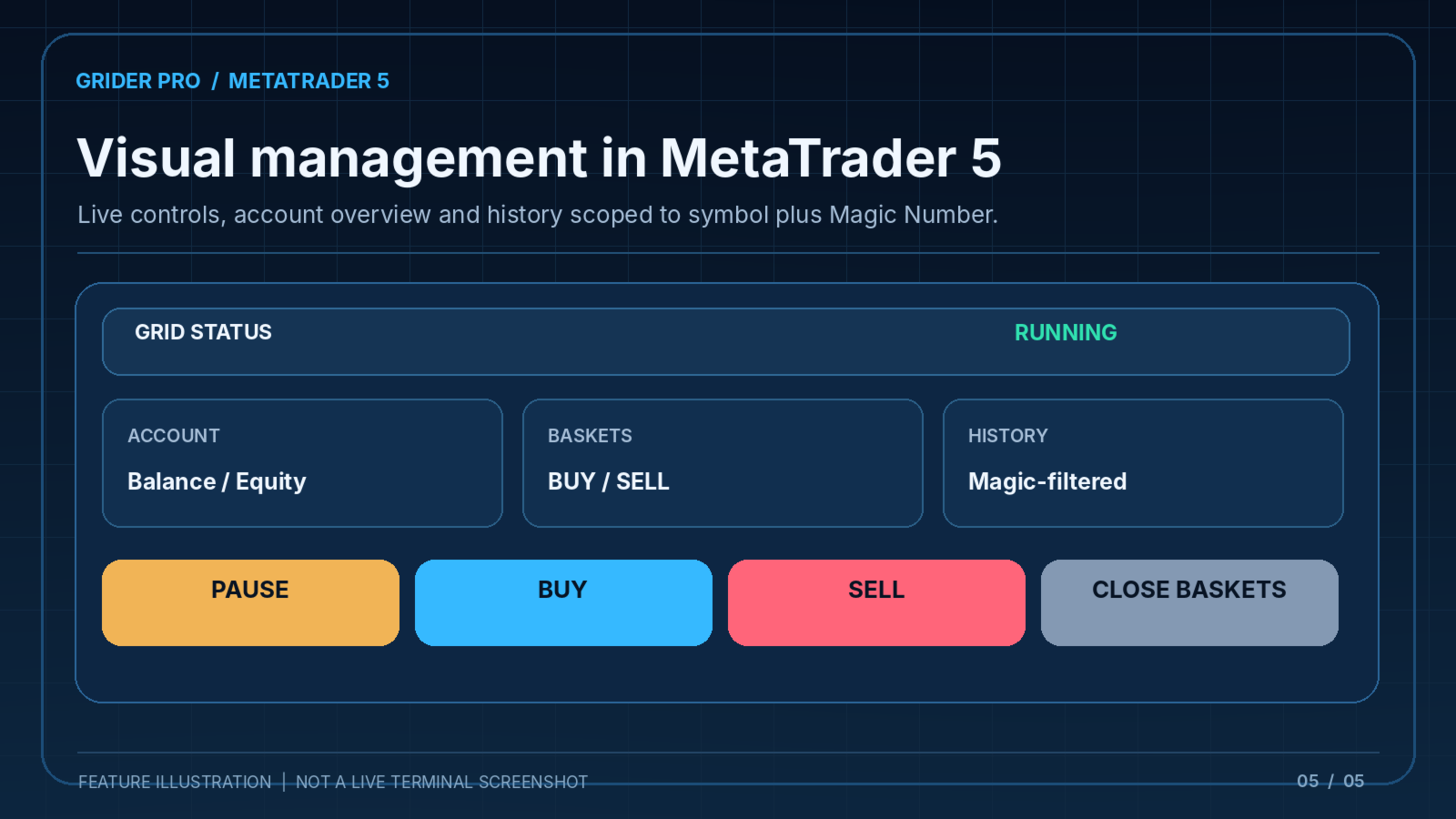
- Chart controls for pausing new entries and closing BUY, SELL or all managed positions.
- Resizable Canvas dashboard and editable parameters.
- Trade-history statistics scoped to the current symbol and configured Magic Number.
Manual versus automated operation
The first live position must be started using the BUY or SELL control. Grider Pro then manages configured grid additions and monitored exits. The Pause function stops new entries but does not deliberately disable basket exits or the risk checks. Tester-only start settings are provided for historical testing and have no effect on live charts.
Requirements
MetaTrader 5 on a hedging account with algorithmic trading enabled. Attach the Utilities to a chart of the instrument to be managed. Use a separate Magic Number for each independent setup. Keep MetaTrader 5 or a suitable VPS running whenever virtual basket Take Profit or Trailing Stop is required.
Important trading considerations
Basket exits and basket trailing are virtual and depend on the Utilities running and on successful market execution. They are not guaranteed execution prices. The individual emergency Stop Loss is submitted to the broker when possible, but it cannot eliminate slippage or gaps. Grid trading increases exposure as the price moves against a position; significant losses remain possible. Trading costs, market spread, account leverage and instrument specifications matter.
Use the Strategy Tester and a demo account to understand the strategy before live use. No trading result or profit is guaranteed. Customer support is provided through MQL5 product comments and internal messages.