QuantEdge EA Builder

Turn your trading idea into an Expert Advisor without writing code. You choose how a trade is found, how it is entered and how it is closed. EA Builder handles the rest: correct position size, clean orders, broker limits.

1. FIND the trade - 11 modules, each Off, Trigger (gives the signal) or Filter (must agree)
Donchian breakout, EMA cross, price vs EMA, higher timeframe trend, RSI (50 or overbought/oversold), MACD, Bollinger (breakout or reversion), Supertrend, ADX with DI direction, volatility filter, strong candle.
Combine them freely: "2 triggers within 3 candles, and the H4 trend and the volatility filter agree". Signals use closed candles only.

2. ENTER
Market, stop order beyond the signal candle, or limit order on a pullback. Opposite signal: ignore, close, or reverse. Session hours, days, max spread, max trades per day, cooldown after an exit. When the market is closed at signal time, no order is sent: the signal waits for the opening during the same candle.

3. EXIT
Stop loss by ATR, last swing, points or % of price. Take profit by R multiple, ATR or points. Break-even, partial close, trailing stop (ATR, channel or EMA), time exit, exit when a filter turns, Friday close.

Risk you can trust
- Lot from the % of balance lost at the stop, using the real profit value reported by MT5 (some brokers publish a wrong tick value - we found a 10x error on gold), commission included
- Lot rounded down; trade skipped if even the minimum lot would risk more than 3x your setting
- Free margin, volume limit, daily loss stop. One position per strategy: no martingale, no grid, no averaging down

Built for honest optimization
- Custom tester criterion: (profit factor - 1) x square root of trades, with the profit factor capped and a minimum number of trades, so the optimizer prefers a steady edge over a few lucky trades
- Optimizer slots: let the genetic optimizer pick which 1 to 3 modules to combine
- The user guide explains how to check settings on a period never used for optimization

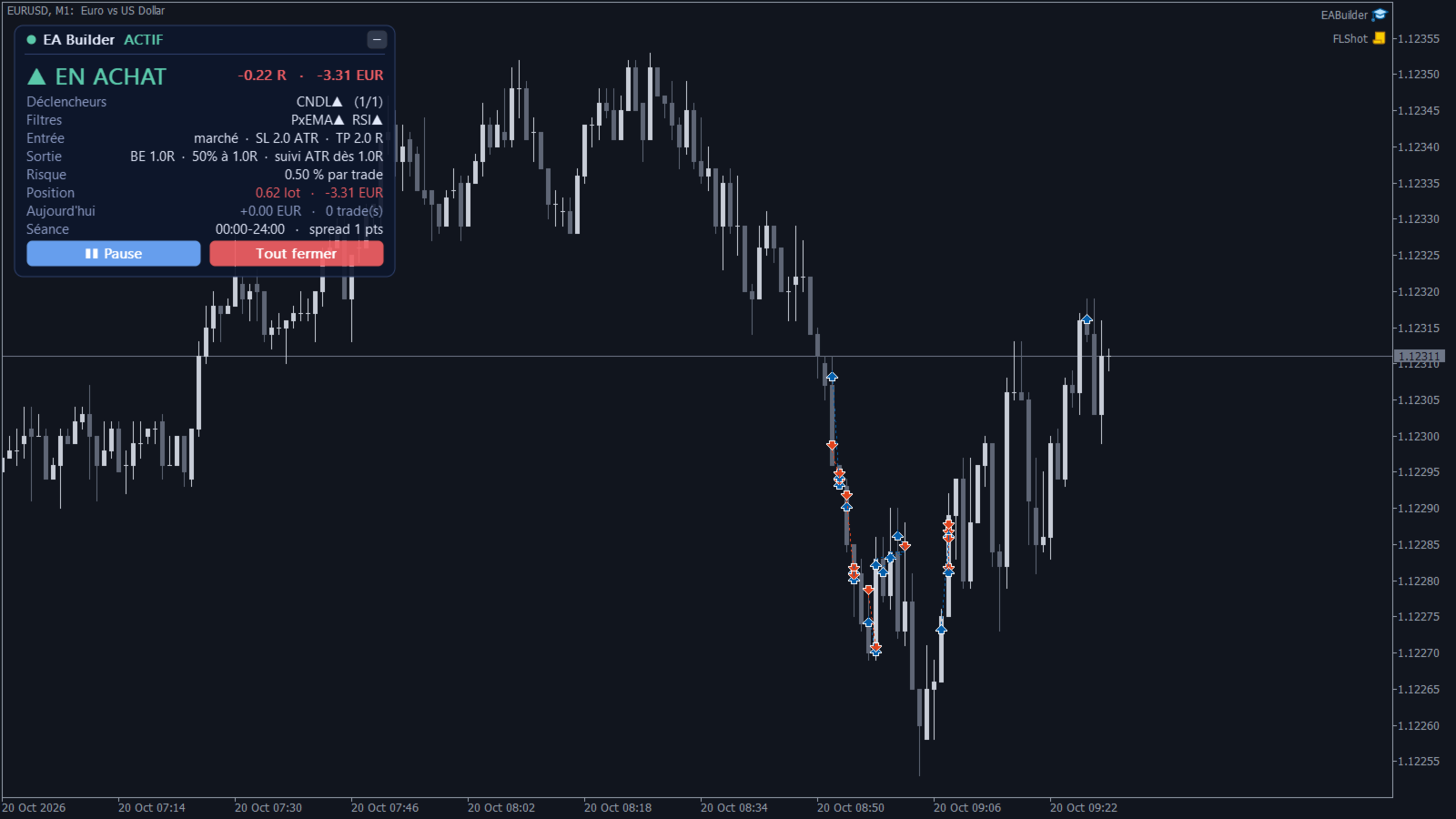
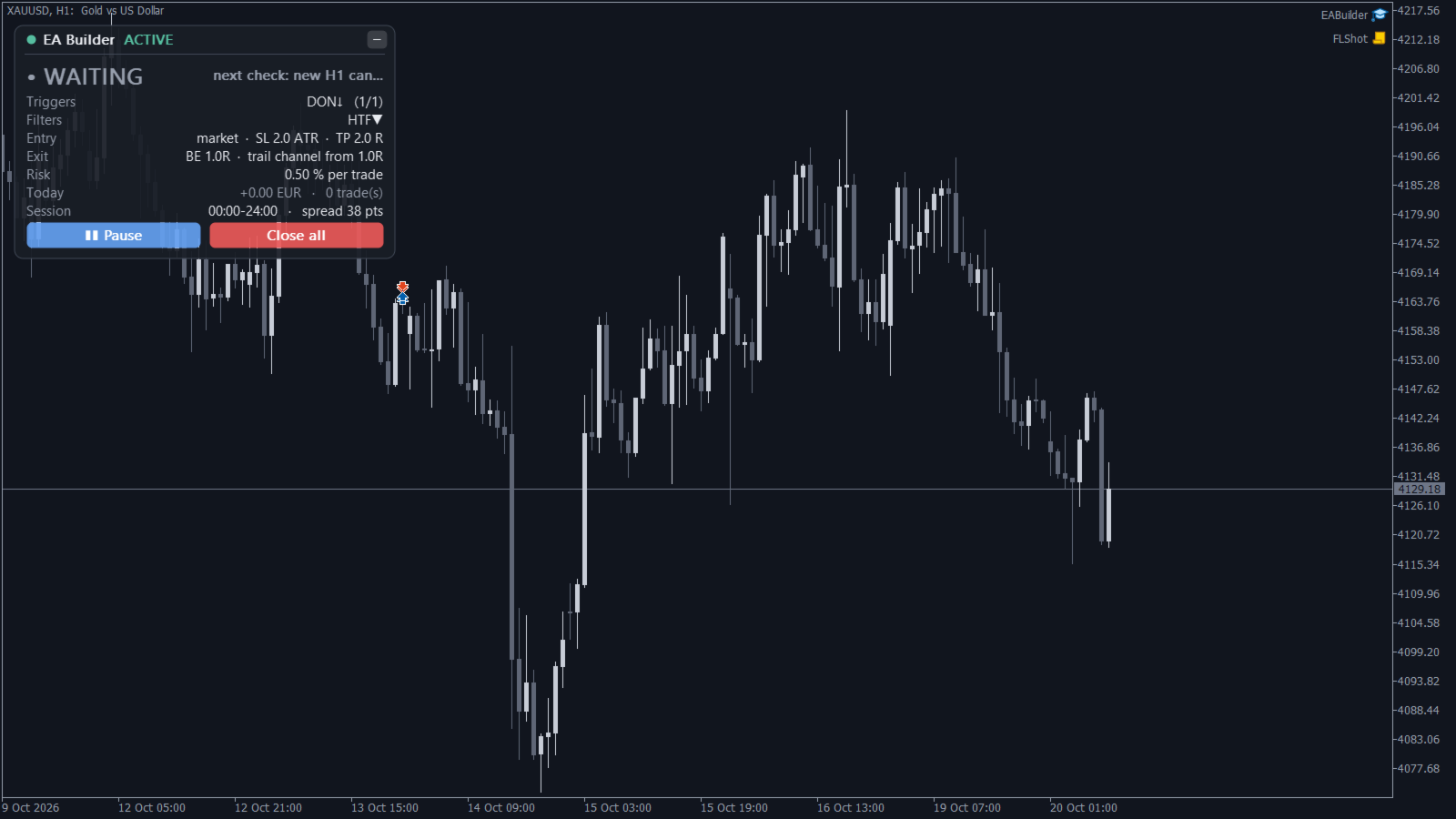
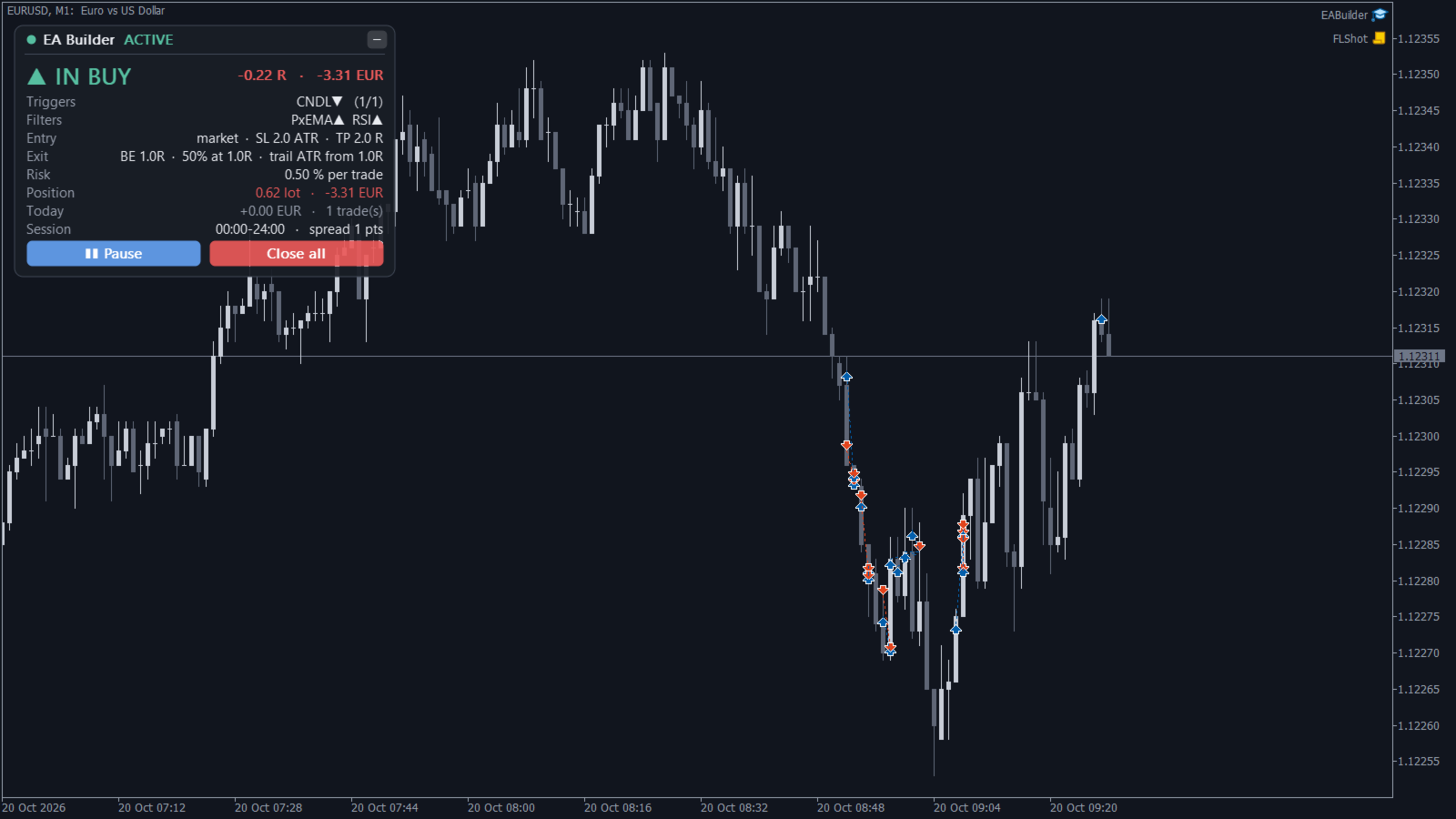
Live panel: signal or position (in R and money), the state of every trigger and filter, entry and exit summary, today's result. Pause and Close all buttons. English / French, 4 themes.

Tested before release: same trades as our research engine on identical settings, and 9 Strategy Tester runs (forex, gold, Bitcoin, S&P 500, M1 to D1, every module, entry and exit type) with 0 order errors.

Please note: EA Builder is a tool. The default settings are a simple Donchian breakout template, not a profitable strategy, and very short timeframes are dominated by spread costs. Test your rules in the Strategy Tester and on demo first.
More from author
Arrow Signals Pro
Adrien Silvio Felipe Dimino
Arrow Signals Pro puts clear buy and sell arrows on your chart and colours the trend: green when it is up, red when it is down. No repaint, verified. Signals are calculated on closed candles only. We checked it automatically in the Strategy Tester on 5,137 candles for every method: 0 arrows changed after the candle closed. 5 methods in one indicator: - Supertrend (ATR band) - EMA cross - Donchian breakout - RSI leaving the 50 zone - MACD / signal cross Higher-timeframe trend filter: keep only
Confluence Scalper
Adrien Silvio Felipe Dimino
Confluence Scalper does the checklist for you. Six classic rules vote on every candle: EMA 20/50, RSI 50, H1 trend, Donchian breakout side, day open, Supertrend. When enough of them agree, the panel turns green BUY or red SELL. Everything you need to decide, live - Entry, stop loss and take profit (ATR-based), drawn on the chart and recalculated every second - Lot size for your risk %, and the money you lose at SL / win at TP - The historical win rate of this exact signal on your chart, after s
QuantEdge Prop Firm Guardian
Adrien Silvio Felipe Dimino
Most challenges are not failed by bad trading but by breaking one rule once. QuantEdge Prop Firm Guardian watches your account in real time and acts before the limit: - Daily loss and max loss (static or trailing), with a safety buffer for spread and slippage: closes every trade and blocks trading - Profit target reached: trades closed to secure the pass, optional daily gain lock - High-impact news (MT5 economic calendar): blocks or closes trades around the release - Weekend close, stop loss re
QuantEdge Trade Manager
Adrien Silvio Felipe Dimino
Stop calculating lot sizes by hand. Put the red line where your stop loss should be: QuantEdge Trade Manager computes the lot so that hitting the stop loses exactly your risk, shows the money at risk and to gain, and sends the order in one click. Order entry - Risk as % of equity, fixed money or fixed lot; commission can be included in the risk - Draggable stop loss, take profit and entry lines, with the money and % shown on the chart - Take profit from a reward:risk ratio (default 2.0) or plac
QuantEdge Trend Follower
Adrien Silvio Felipe Dimino
QuantEdge Trend Follower is a classic, fully rule-based trend following Expert Advisor. It buys new highs, sells new lows, and lets the winners run with a trailing stop placed at the broker. No indicators to tune, no hidden logic, no martingale. The rules - Entry: a H4 candle closes above the highest high (buy) or below the lowest low (sell) of the previous 55 candles - Initial stop: 1.5 x ATR - Exit: trailing stop on the low / high of the last 27 closed candles, moved at each candle close, onl
QuantEdge Sessions Levels
Adrien Silvio Felipe Dimino
See at a glance where you are in the trading day. QuantEdge Sessions & Levels draws the Asia, London and New York sessions, the levels every trader watches, and the breakouts of the Asian range - with arrows that never repaint. Sessions done right - Asia, London and New York boxes from their high to their low, with the size in pips - Each session is set in the local time of its city (Tokyo, London, New York): summer and winter time changes are handled automatically, including the weeks when Eur
Filter:
No reviews
Reply to review