Xausd pro EA
- Experts
- Version: 58.0
- Activations: 5

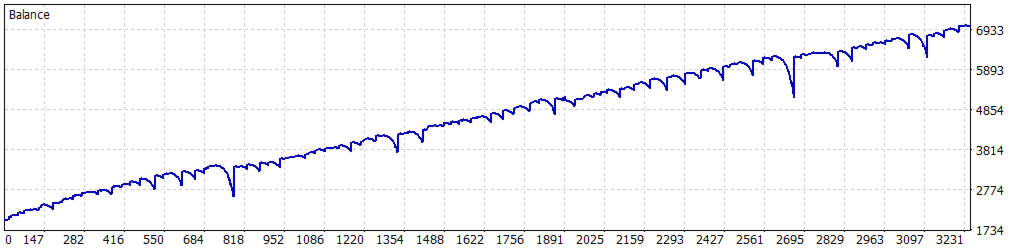
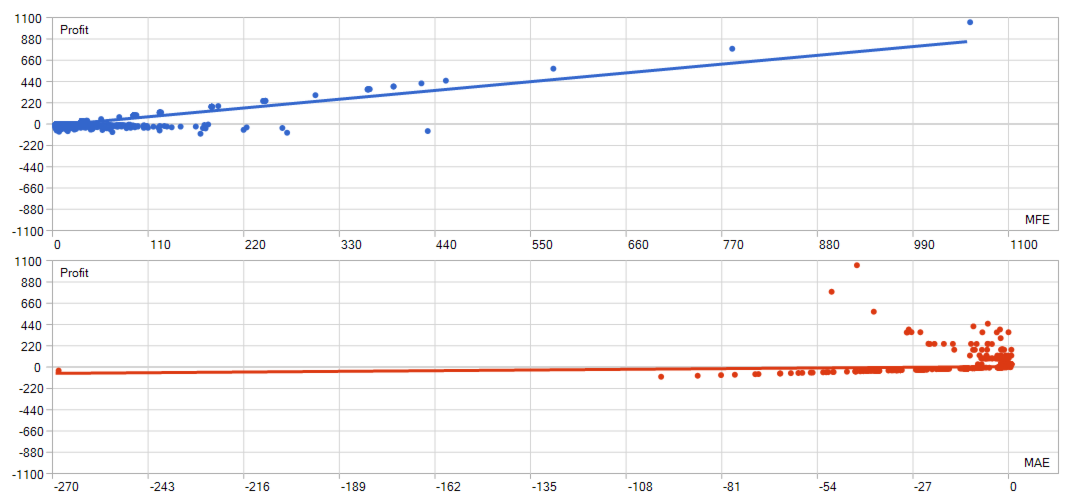
Use only RAW Spread AC use SL 270 & TP 2700 1:30 risk Reward EA
Key Advantages
- Automated, hands-free trading — no manual monitoring required once attached to the chart.
- Multi-layer signal confirmation — combines an RSI oscillator, Ichimoku Kinko Hyo, and a time filter before entering a trade, reducing false signals.
- Step trailing stop protection — profits are locked in gradually as price moves in your favor, rather than using a single static trailing distance.
- Built-in risk controls — fixed Stop Loss, Take Profit, and Break-Even levels are all configurable.
- Position scaling (Martingale-style averaging) — optional lot-size scaling on additions, with a configurable multiplier and hard maximum position cap so exposure never grows unchecked.
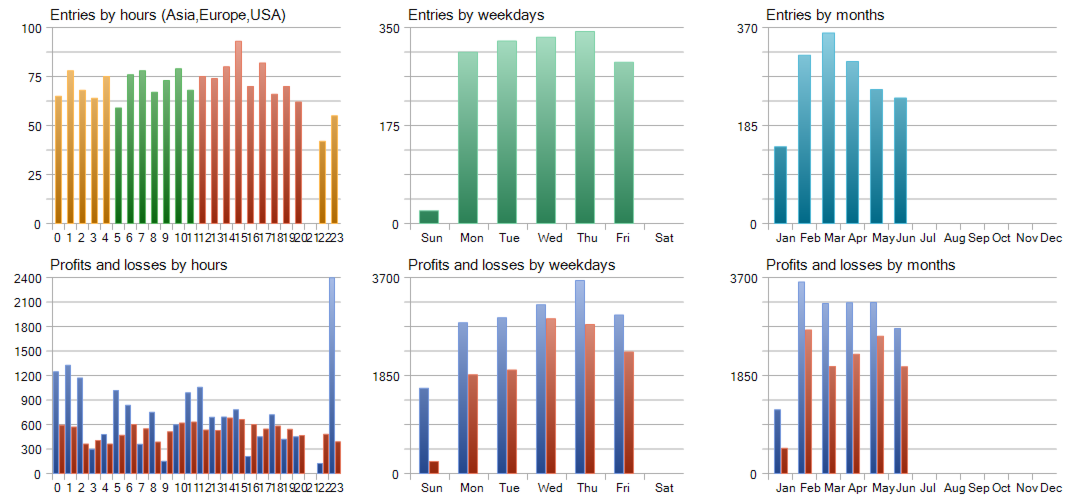
- Time-restricted trading — only trades within a specified hour/minute window, avoiding illiquid or high-spread sessions.
- Account protection — automatically closes all positions and halts trading if account equity drops below a threshold you set.
- Trade logging — optional detailed log file for reviewing every decision the EA makes.
- Lightweight and tester-friendly — optimized to run efficiently in the MetaTrader 5 Strategy Tester, including "every tick" mode.
How It Works
- The EA waits for the RSI oscillator and Ichimoku filters to align with the time-window filter.
- On a valid signal, it opens a position at the previous bar's closing price.
- As the position moves into profit, a step trailing stop advances the stop-loss in defined increments rather than continuously, avoiding excessive order modifications.
- Break-even protection and a hard take-profit level are applied automatically.
- If enabled, the position can be added to or reduced in defined lot increments as the trade develops.
Input Parameters
Strategy Settings
- Entry Amount — lot size used when opening a new position.
- Maximum Amount — maximum total position size allowed.
- Adding Amount — lot size added when increasing an existing position.
- Reducing Amount — lot size closed when reducing an existing position.
- Stop Loss — fixed stop loss distance, in points.
- Take Profit — fixed take profit distance, in points.
- Break Even — distance, in points, at which the stop loss is moved to break-even.
- Martingale Multiplier — multiplier applied to lot size on subsequent entries.
Indicator Settings
- First RSI Period / Second RSI Period — periods used by the Oscillator of RSI filter.
- Tenkan / Kijun / Senkou Span B — periods for the Ichimoku Kinko Hyo trend filter.
- From Hour / From Min / Until Hour / Until Min — the trading window during which new entries are allowed.
- Initial Stop Loss / Take Profit (Trailing) — parameters governing the step trailing stop behavior.
Expert Settings
- Expert Magic Number — unique identifier for the EA's orders.
- Stop Trading at Min Account — equity floor; trading stops and positions close if equity falls below this value.
- Bar Closing Advance (sec) — how many seconds before a bar closes the EA checks for exit conditions.
- Write a Log File — enables detailed logging of trades and decisions to a file.