Smart Trade Panel LIGHT
- Utilities
- Giuseppe Daggiano
- Version: 3.0
SMART TRADE PANEL LIGHT - FAST MANUAL TRADING UTILITY FOR MT4
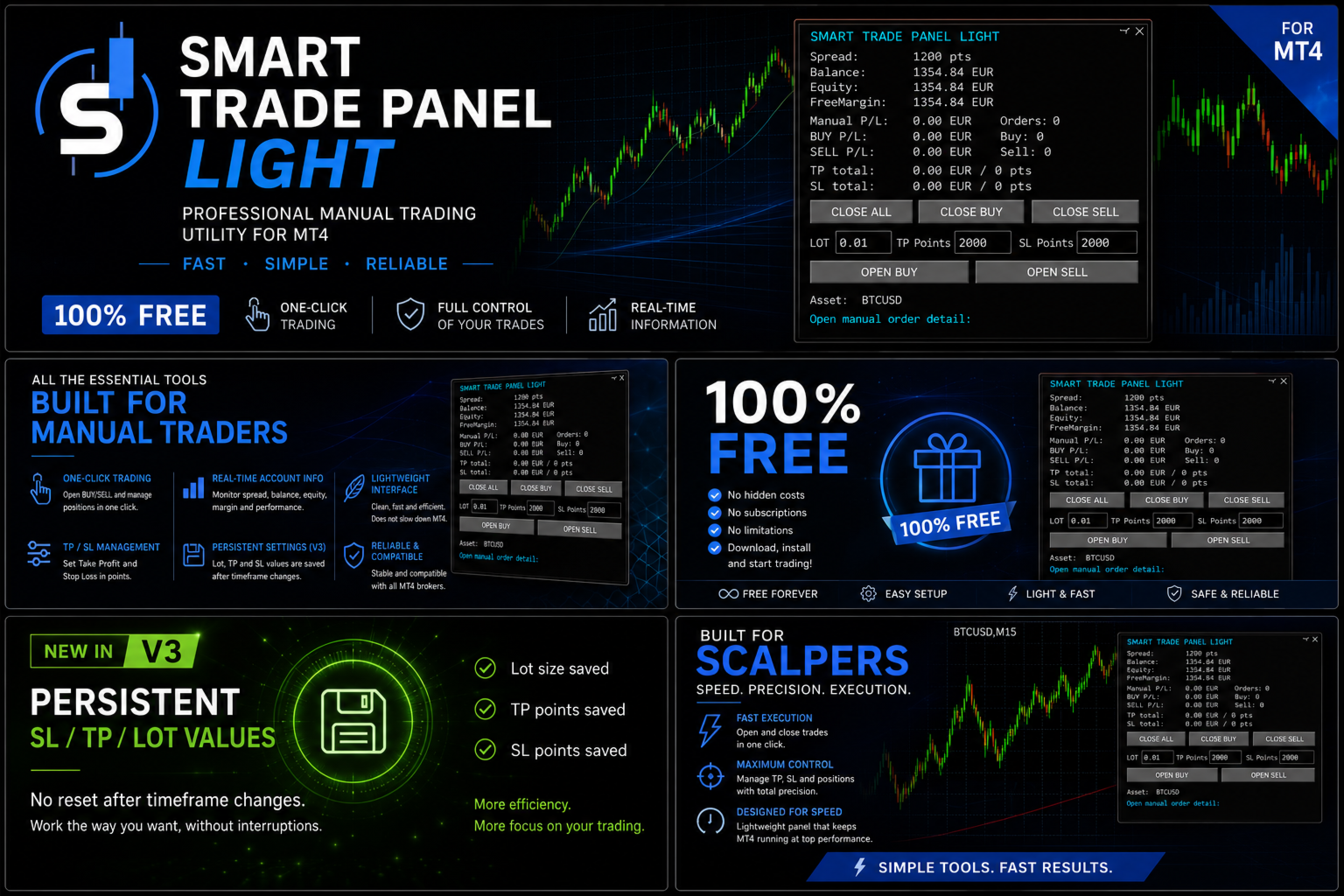
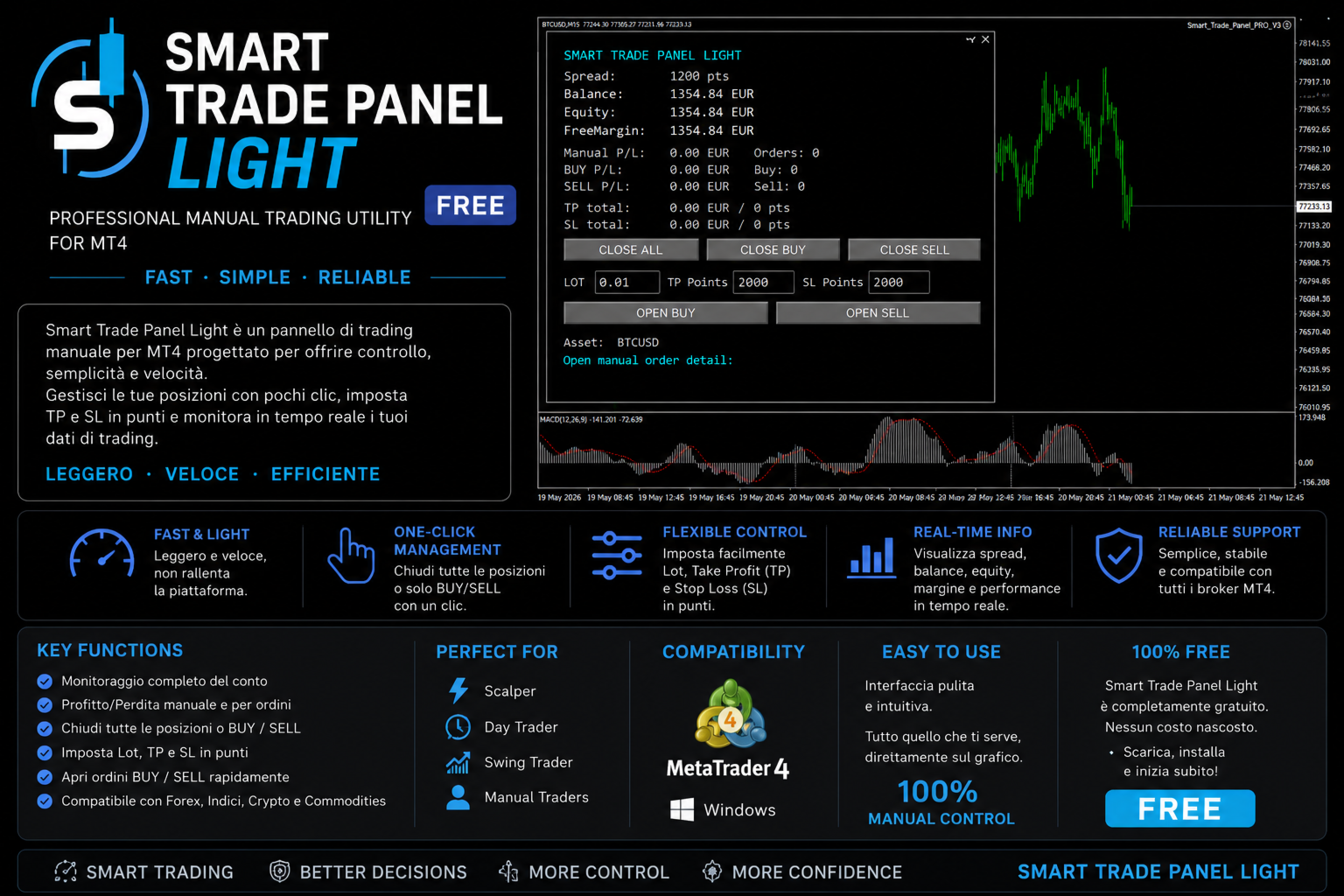
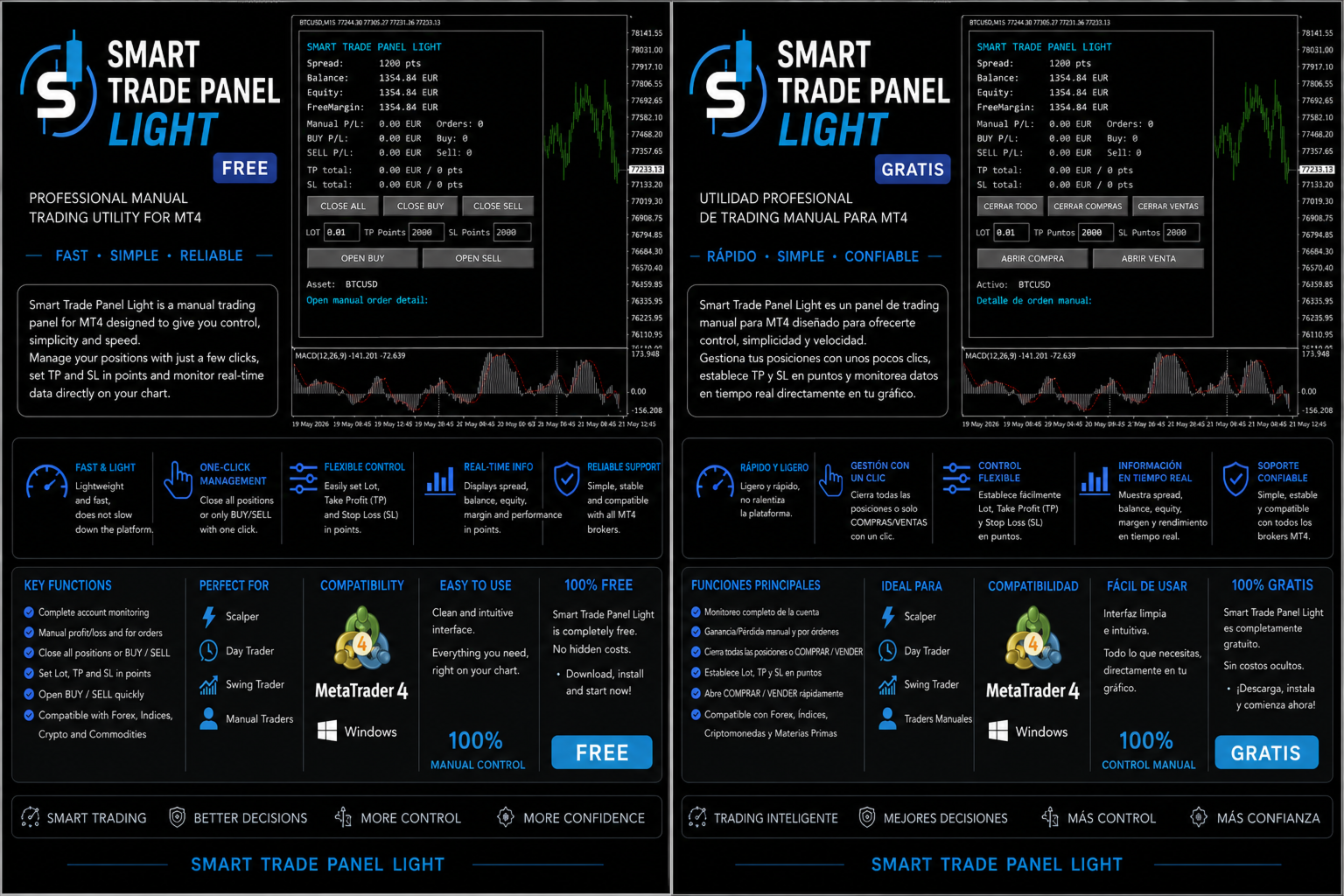
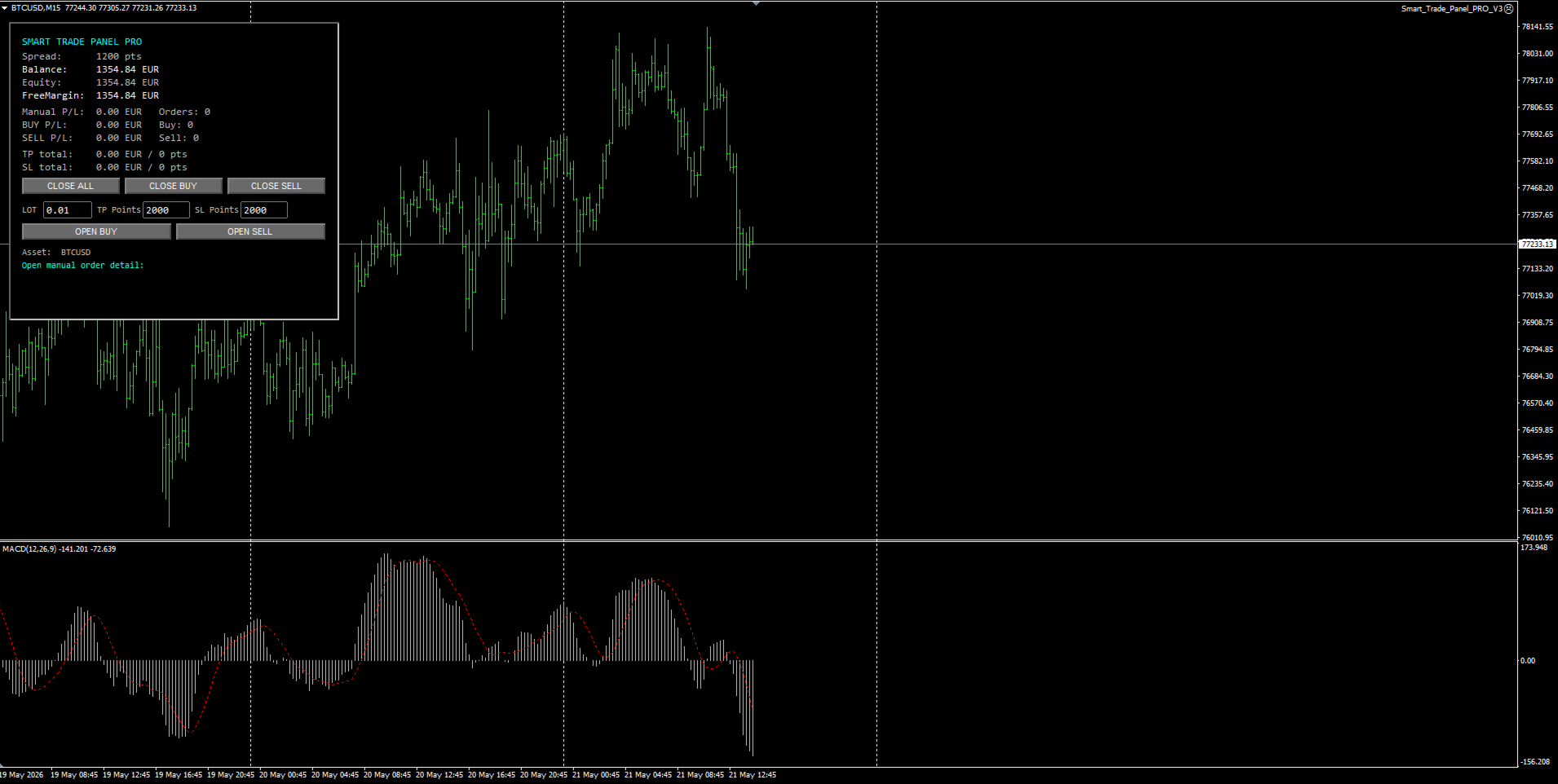
Professional lightweight trading utility for MetaTrader 4 designed for scalpers and manual traders who want faster execution, real-time account monitoring, and efficient SL/TP management directly from the chart.
Manage Lot Size, Stop Loss, and Take Profit using a clean and responsive One-Click Trading interface optimized for Forex, Crypto CFDs, and manual trading workflows.
MAIN FEATURES
- One-Click Trading
- Fast Manual Execution
- Integrated SL / TP Management
- Real-Time Account Information
- Lightweight Interface
- Persistent SL / TP / Lot Values
- Optimized for Scalping
- Multi-Timeframe Friendly
ONE-CLICK TRADING
Open BUY and SELL positions instantly directly from the chart.
INTEGRATED LOT MANAGEMENT
Manage lot size quickly without using the default MT4 order window.
INTEGRATED STOP LOSS AND TAKE PROFIT
Configure Stop Loss and Take Profit directly from the panel before opening trades.
NEW IN VERSION 3
The panel now automatically saves:
- Lot Size
- Stop Loss
- Take Profit
Values remain active even after:
- Timeframe changes
- Chart refresh
- MT4 reinitialization
This prevents accidental resets and improves workflow stability for active traders.
LIGHTWEIGHT AND FAST
Optimized for fast execution and low CPU usage.
DESIGNED FOR
- Scalpers
- Manual Traders
- Intraday Traders
- Forex Traders
- Crypto CFD Traders
- Multi-Timeframe Users
ADVANTAGES
- Faster execution
- Cleaner workflow
- Better risk control
- Timeframe-safe settings
- Professional chart management
- Fast manual trading workflow
COMPATIBILITY
Compatible with:
- MetaTrader 4
- Forex
- Crypto CFDs
- Indices
- Commodities
VERSION CHANGELOG
Version 3.0
- Added persistent SL / TP / Lot storage
- Fixed panel reset after timeframe changes
- Improved panel stability
- Improved chart object handling
- Improved MT4 reinitialization workflow
Version 2.0
- Improved panel responsiveness
- Improved trading workflow
- Optimized execution logic
FAQ
Does this utility trade automatically?
No. This is a manual trading utility.
Does it work on Forex and Crypto CFDs?
Yes.
Is it compatible with MT5?
No. Current version supports MetaTrader 4 only.
Does the panel save values after timeframe changes?
Yes. Version 3 introduced persistent SL / TP / Lot storage.
Is this utility suitable for scalping?
Yes. Smart Trade Panel LIGHT was specifically designed for fast manual trading and scalping workflows.
INSTALLATION GUIDE
- Copy the file into:
MQL4/Experts/
- Restart MetaTrader 4.
- Drag the utility onto the chart.
- Enable:
- AutoTrading
- DLL imports if required
- Start trading directly from the panel.
DISCLAIMER
Trading involves substantial risk and may not be suitable for all investors.
This utility is provided for educational and trading assistance purposes only.
The author is not responsible for financial losses resulting from the use of this software.
INPUT PARAMETERS
PANEL SETTINGS
Inp_EnablePanel
- Enable or disable the trading panel.
Inp_PanelCorner
- Select panel position on the chart.
- Available options:
- Top Left
- Top Right
- Bottom Left
- Bottom Right
Inp_PanelMode
- Select panel display mode.
Inp_PanelX
- Horizontal panel position.
Inp_PanelY
- Vertical panel position.
Inp_PanelWidth
- Panel width size.
Inp_ButtonHeight
- Button height size.
TRADING SETTINGS
Inp_OnlyCurrentSymbol
- Manage only trades of the current chart symbol.
Inp_OnlyManualTrades
- Manage only manual trades.
Inp_DoubleClickConfirm
- Require double-click confirmation before actions.
Inp_ConfirmSeconds
- Confirmation timeout in seconds.
Inp_Slippage
- Maximum allowed slippage.
Inp_DefaultLot
- Default lot size.
Inp_DefaultTPPoints
- Default Take Profit in points.
- 0 = disabled.
Inp_DefaultSLPoints
- Default Stop Loss in points.
- 0 = disabled.
Inp_SavePanelValuesOnTFChange
- Save Lot / TP / SL values after timeframe changes.
Inp_CleanTradeHistoryObjects
- Remove MT4 trade history arrows and lines from the chart.
Inp_DoubleClickConfirmOpen
- Require confirmation before opening trades.
DISPLAY SETTINGS
Inp_ShowTP_SL_Totals
- Display total TP and SL information.
Inp_ShowOrderBreakdown
- Display BUY / SELL order breakdown.
Inp_MaxOrdersToShow
- Maximum number of displayed orders.
COLOR SETTINGS
Inp_PanelBgColor
- Panel background color.
Inp_PanelTextColor
- Panel text color.
Inp_PositiveColor
- Positive values color.
Inp_NegativeColor
- Negative values color.
Inp_NeutralColor
- Neutral information color.
Inp_ButtonColor
- Button color.
Inp_ButtonTextColor
- Button text color.
Inp_PanelBorderColor
- Panel border color.