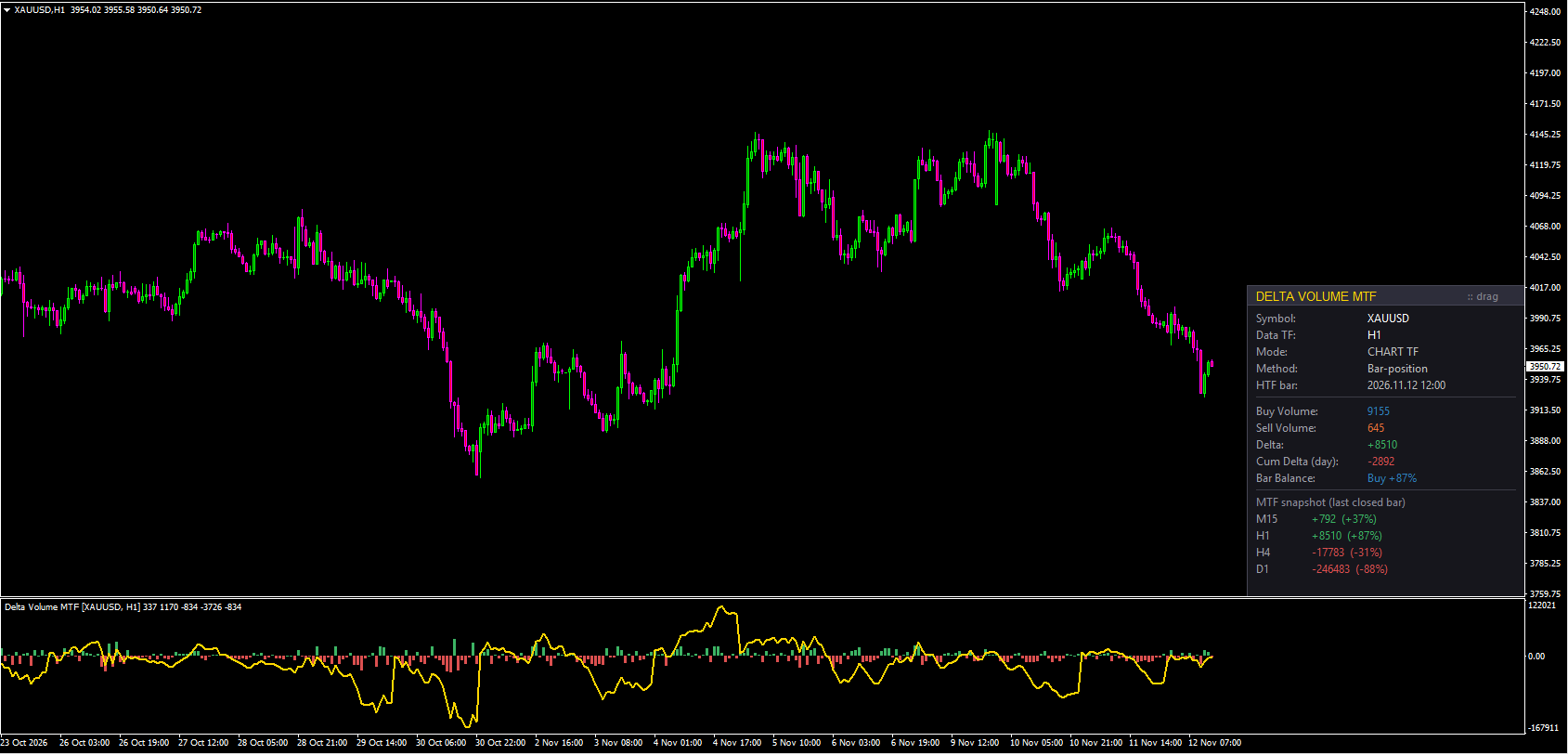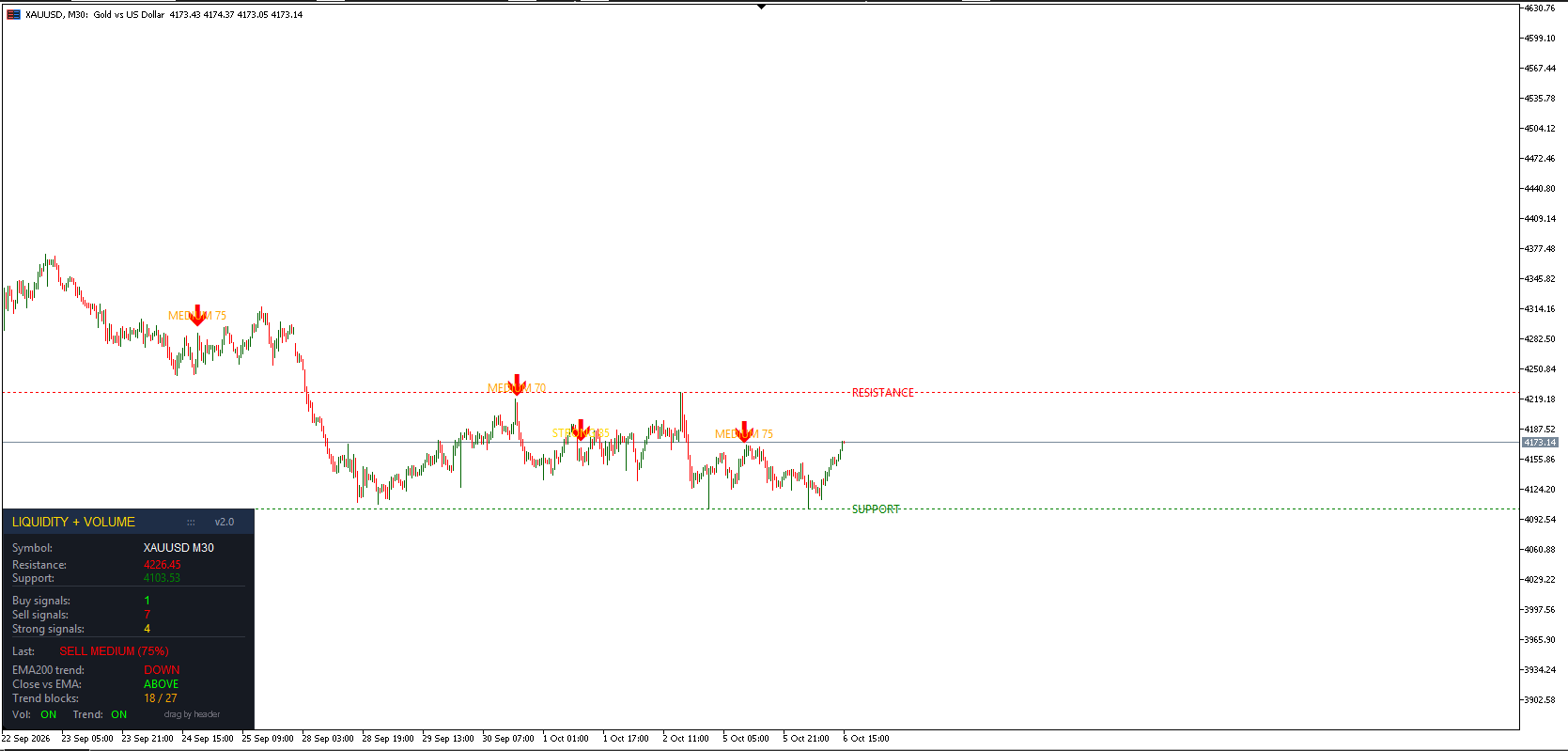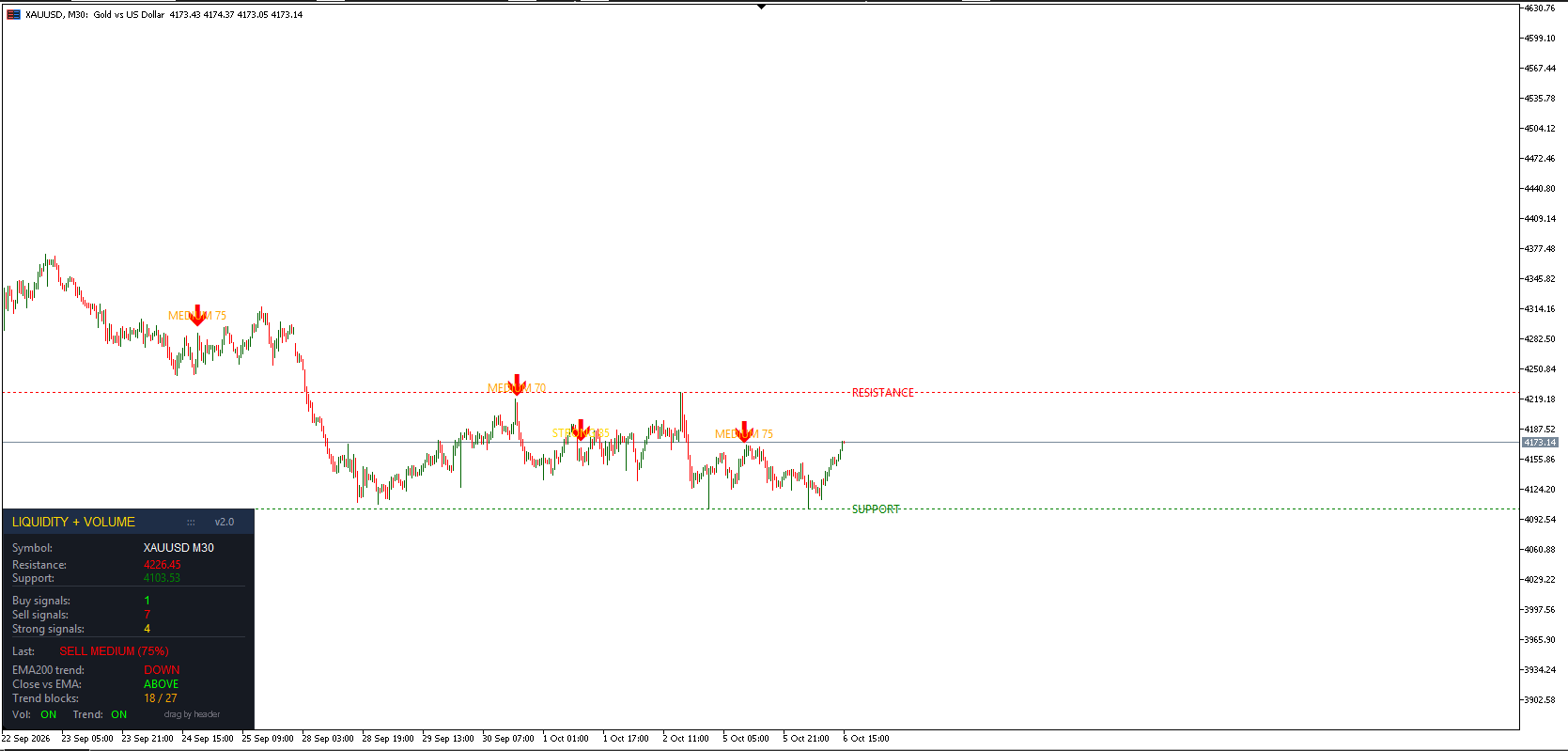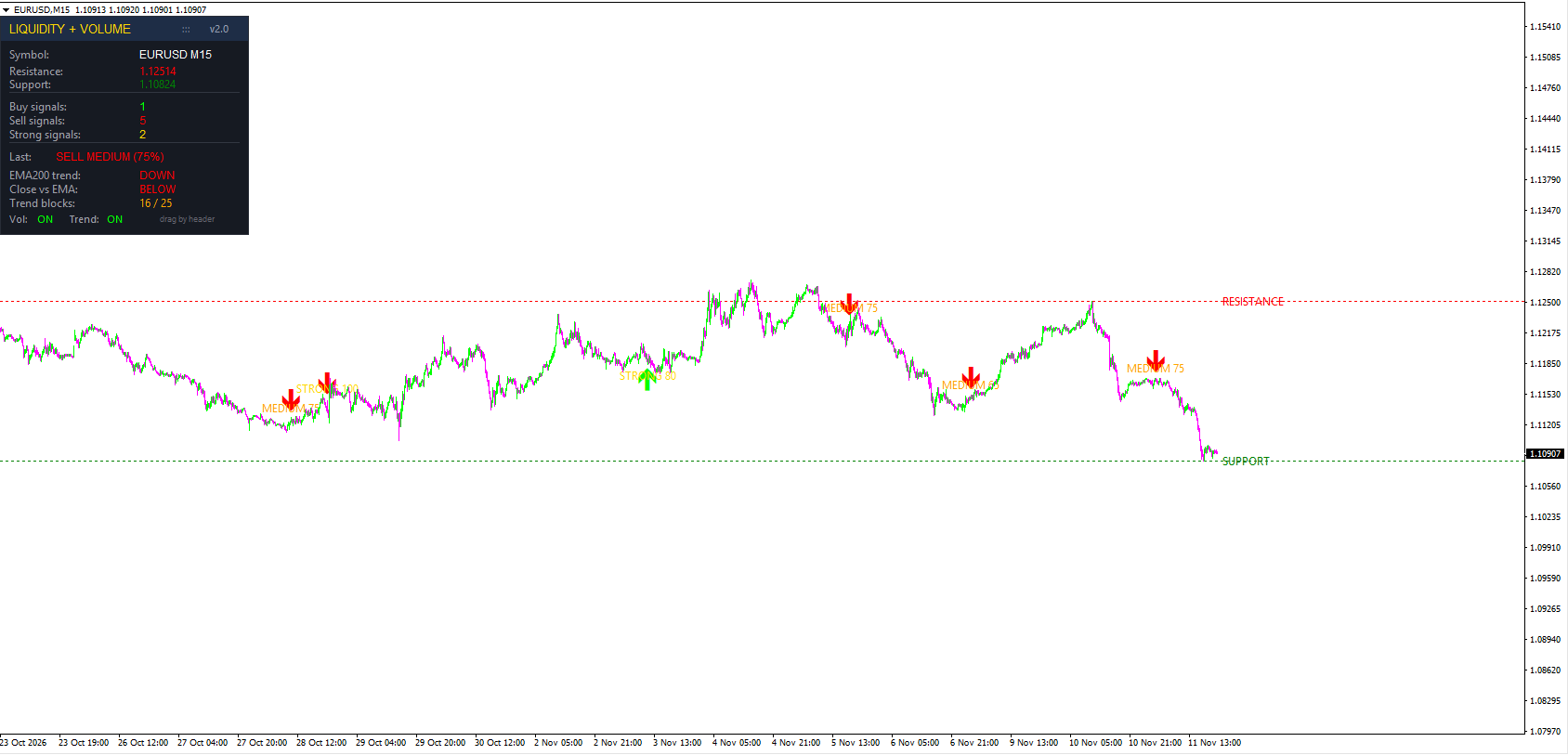


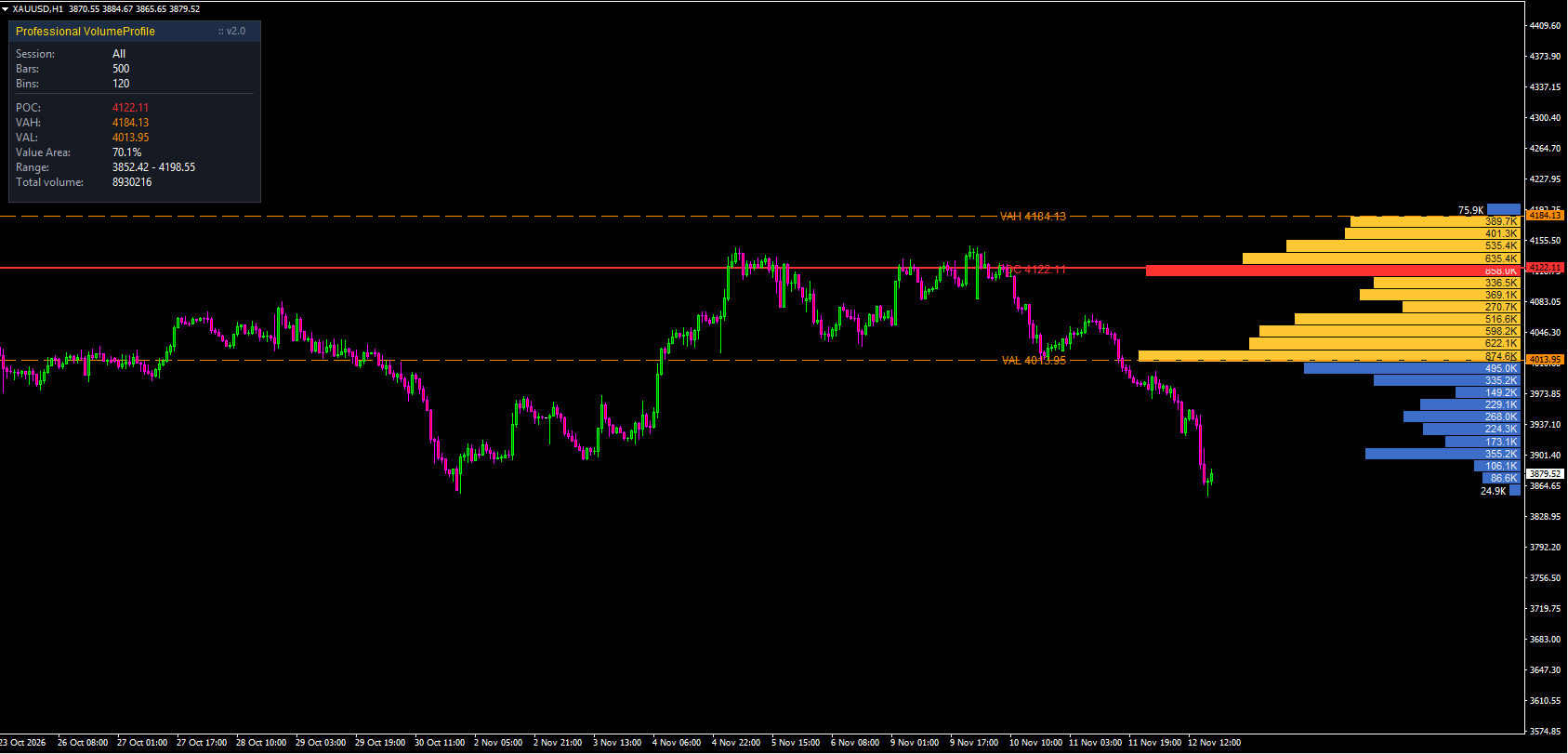
Friends, I am glad to announce a major update to the Professional VolumeProfile v2.0 indicator!
We have completely reworked the rendering engine to make volume analysis even more visual and convenient.
🎉 Attention for current owners:
The update is already available! To get the new version, open your MetaTrader 4 terminal, go to the "Market" -> "Purchased" tab, find the indicator, and click the "Update" button. If you don't see the button, simply restart the terminal.
What's new in version 2.0:
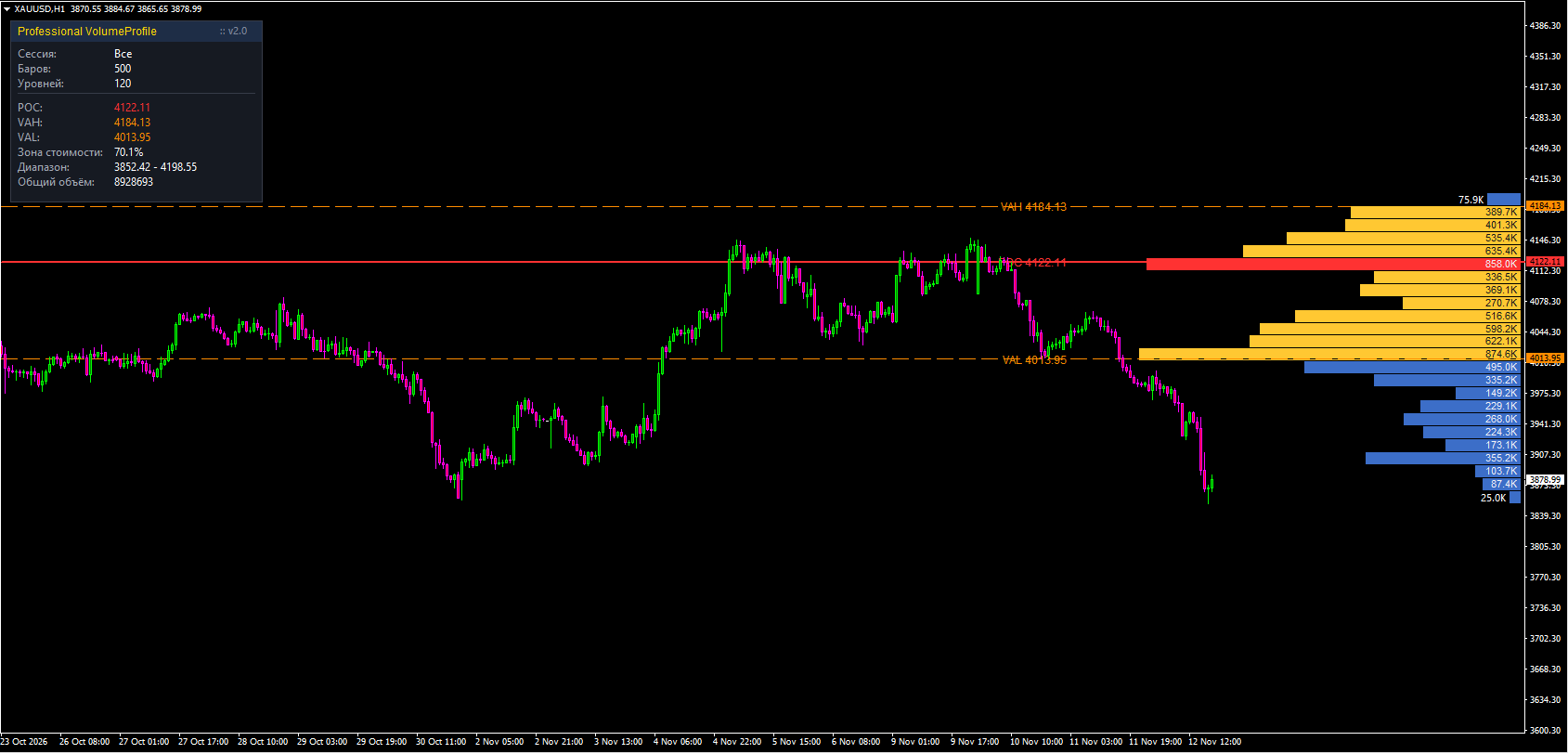
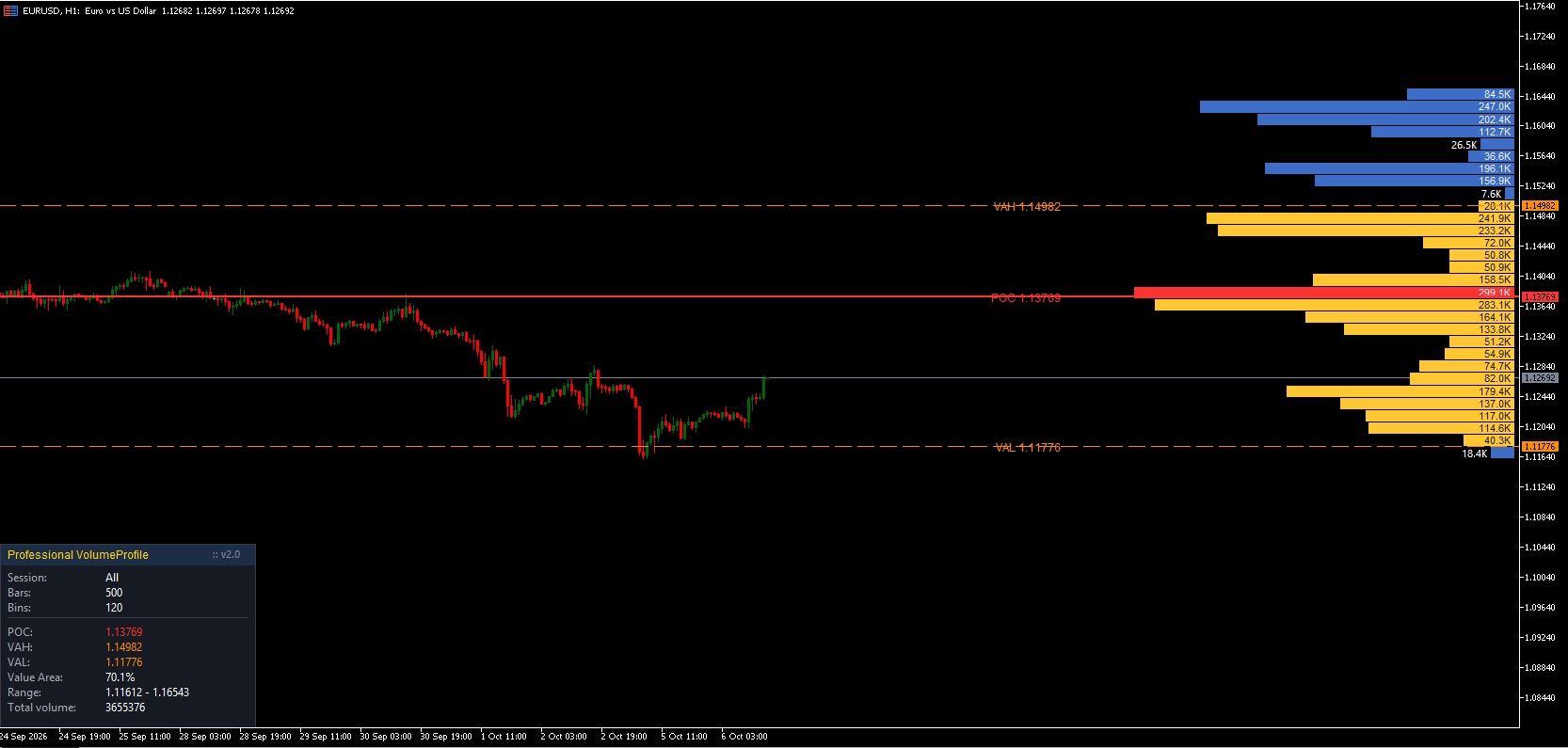
📊 1. Volume Values on Bars
You can now display numerical volume values (or percentages) directly on the histogram. Added smart auto-contrast text and compact number formatting (1.5K, 2M).
📏 2. New Histogram Styles
Choose between solid bars (Filled) and separated lines with gaps (Lines). Adjust thickness and minimum spacing to your style.
🖥️ 3. Interactive Panel
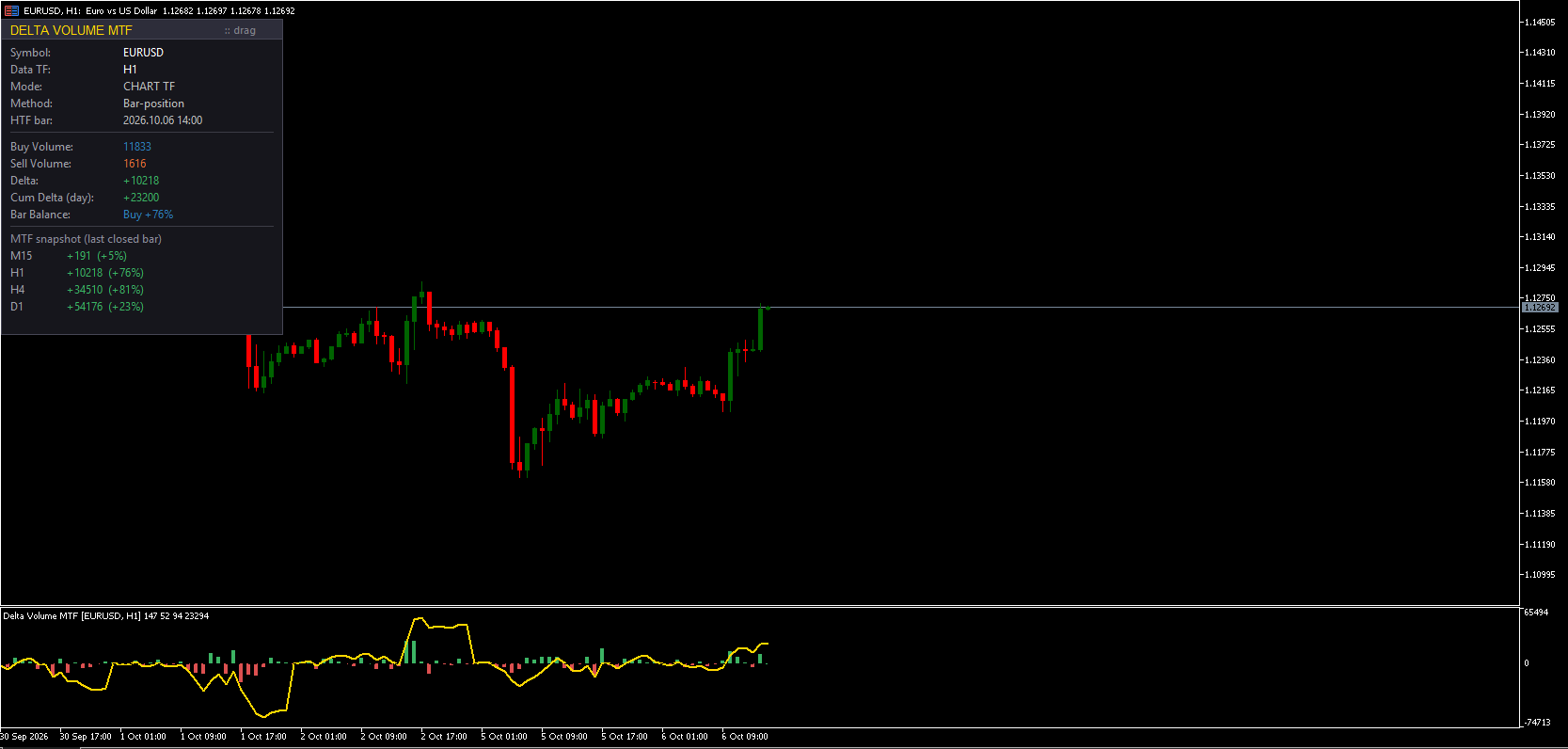
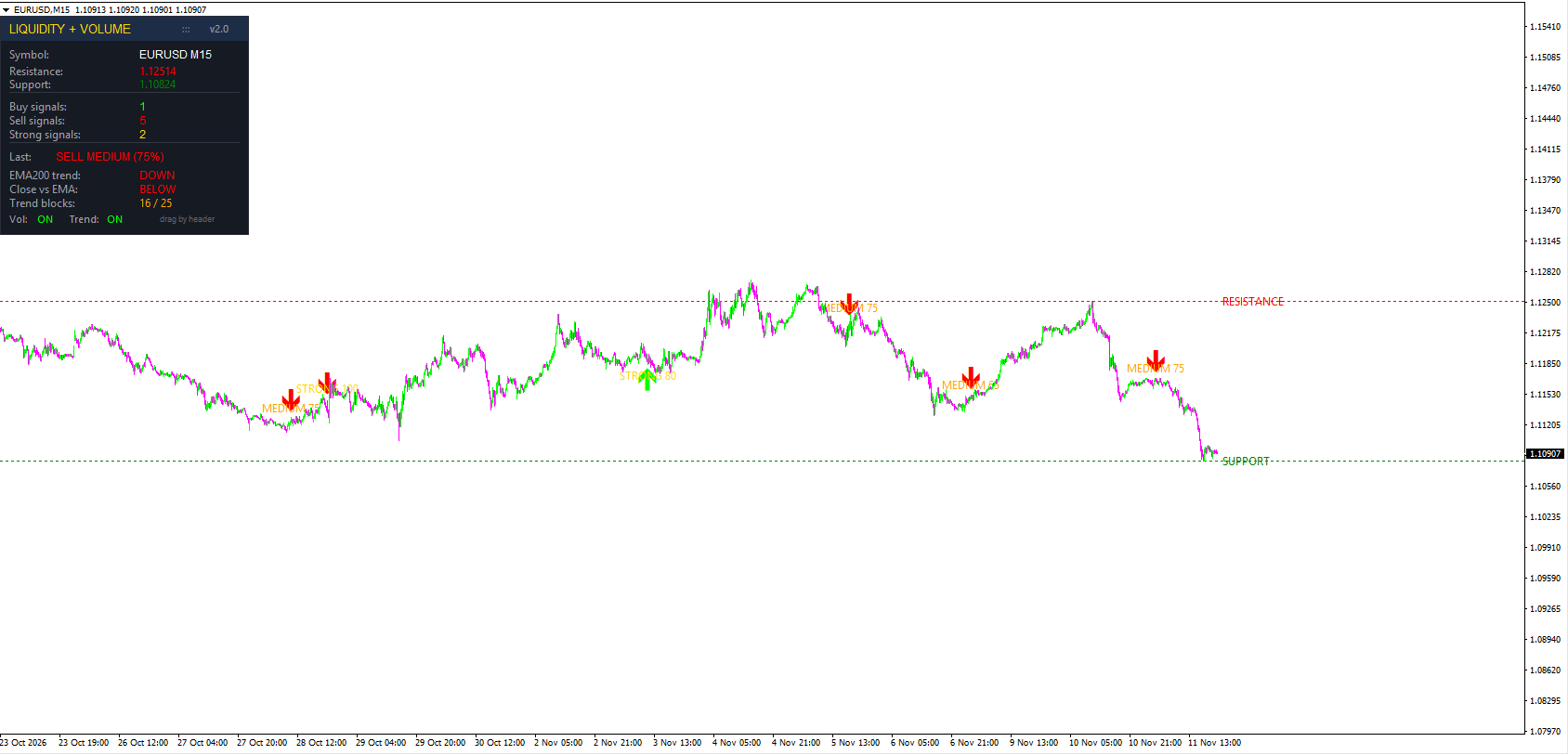
The statistics panel can now be dragged with the mouse. It remembers its position individually for each symbol and timeframe, and its design has been updated (dark theme).
⚙️ 4. Smart Scaling
Added calculation of the minimum bar size in pixels. The indicator automatically adapts to the screen size, preventing levels from overlapping.
🌍 5. Multi-language & Optimization
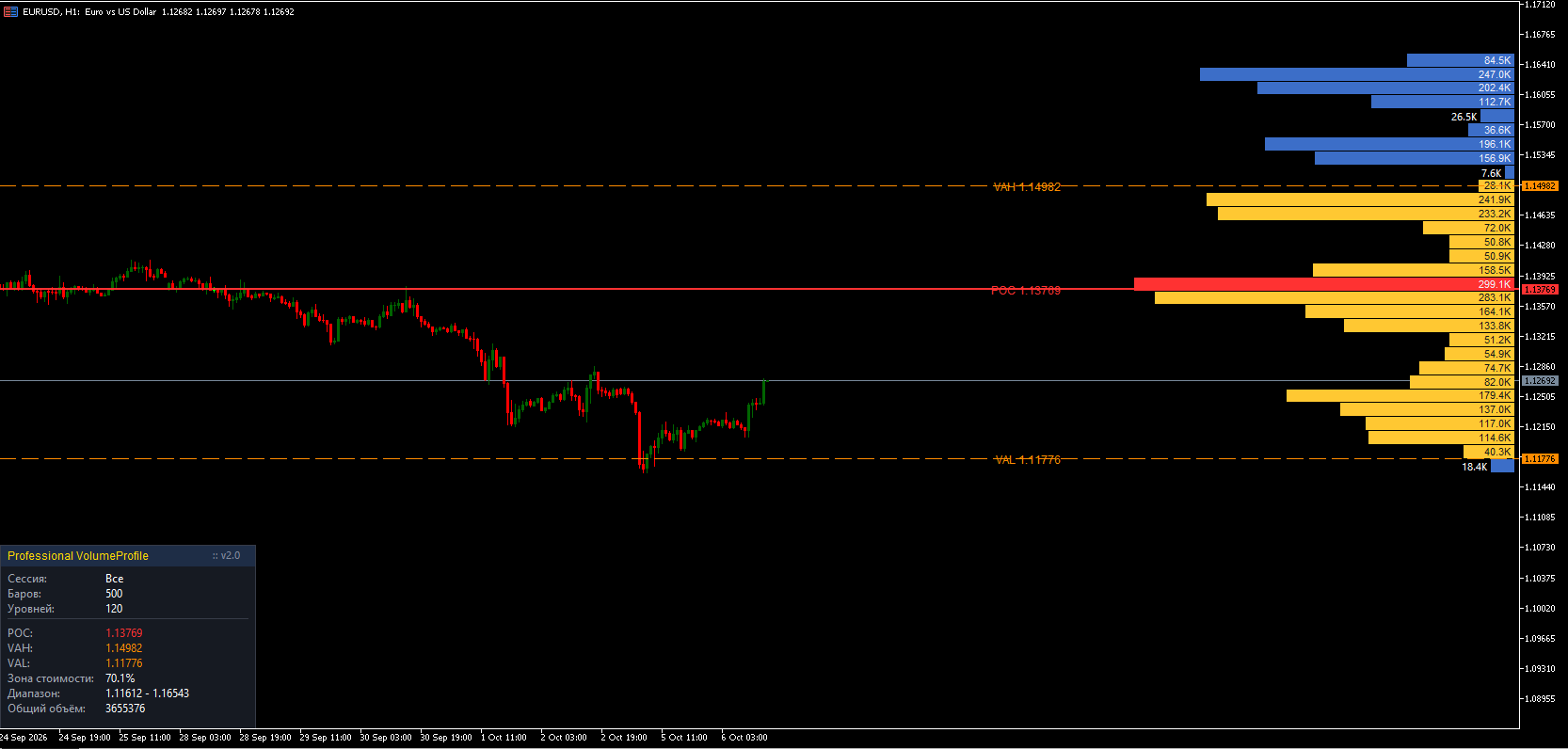
The interface automatically adapts to your terminal language (12 languages). Graphical objects are now reused, reducing terminal load.
👉 Volume Profile Professional: https://www.mql5.com/ru/market/product/198153?source=Site+Market+My+Products+Page
👉 LiquidityVolumePro: https://www.mql5.com/en/market/product/198210
👉 Smart Liquidity Sweep Pro: https://www.mql5.com/en/market/product/207243
👉 MQL5 Profile: https://www.mql5.com/en/users/musa1994
👉 Full product lineup: https://www.mql5.com/en/users/musa1994/seller
🌐 Official website and portfolio: https://developer-mql4-mql5.netlify.app/
I look forward to your feedback! Happy trading! 📈
分享社交网络 ·
1