Goldfish MT5
- Experts
- Elvira Zalalutdinova
- Version: 1.13
- Mise à jour: 28 novembre 2025
- Activations: 10
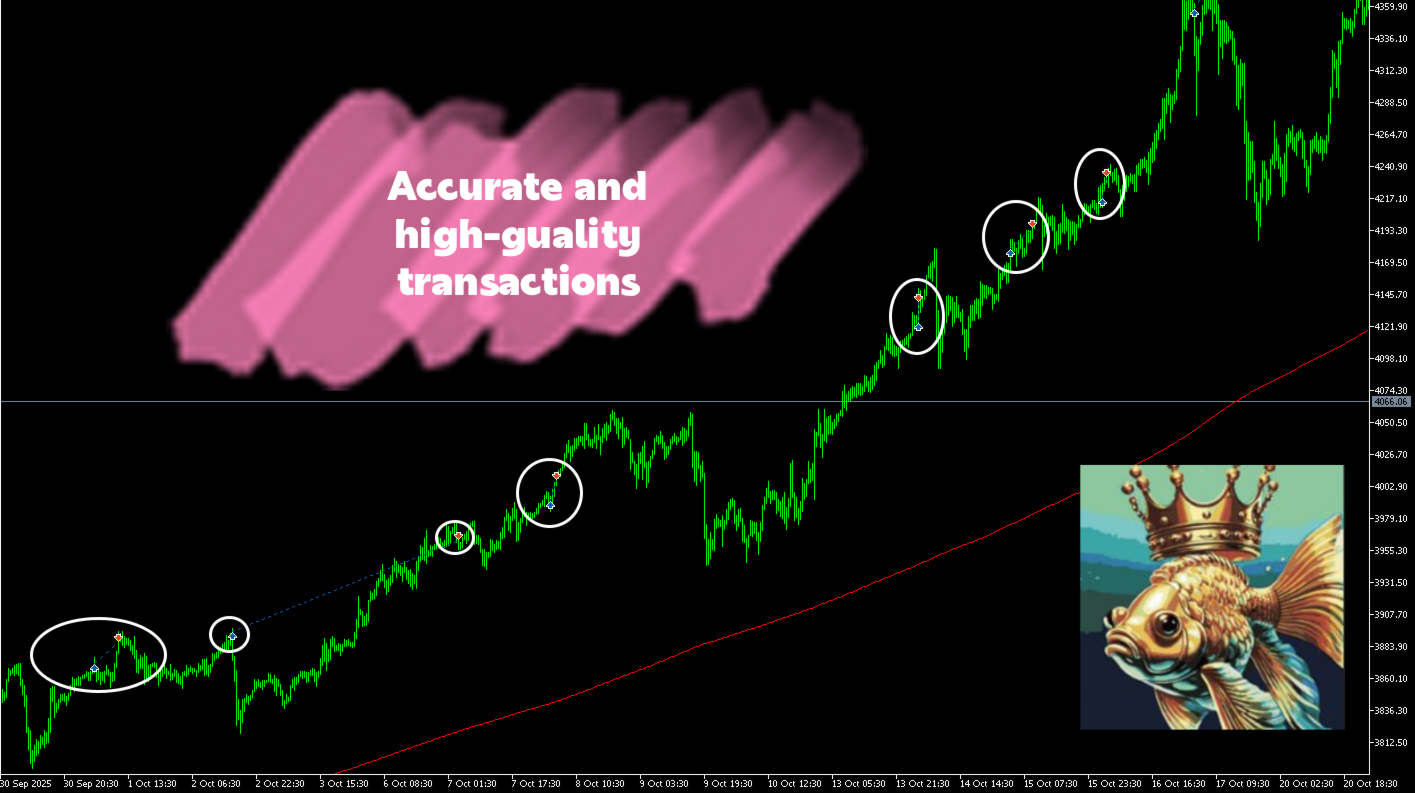
Goldfish MT5 - is an automatic trend hunter for Gold. It catches the trend before it starts
Goldfish MT5 - is not just a robot, it is your strategic advantage in the Gold market based on advanced AI technology
This expert advisor is an ensemble system of models trained on a space of synthesized high-dimensional features
He uses a system that identifies trend levels and automatically breaks through strong global levels based on market conditions.
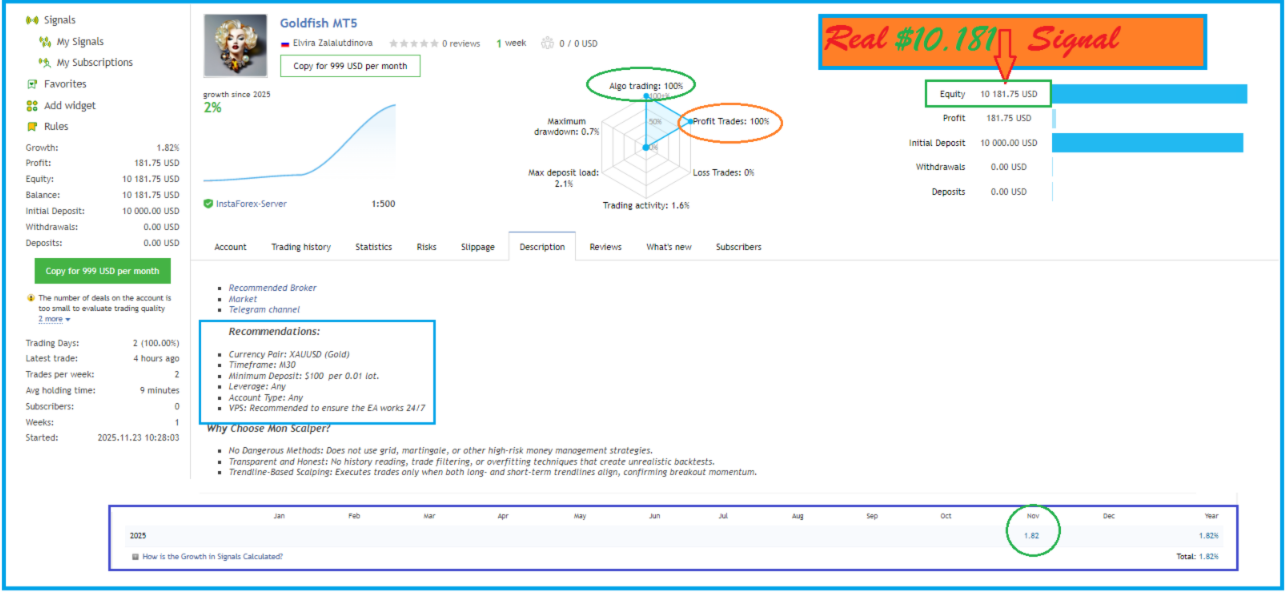
Real -Time Signa /https://www.mql5.com/ru/signals/2345071/
Risk Warning:
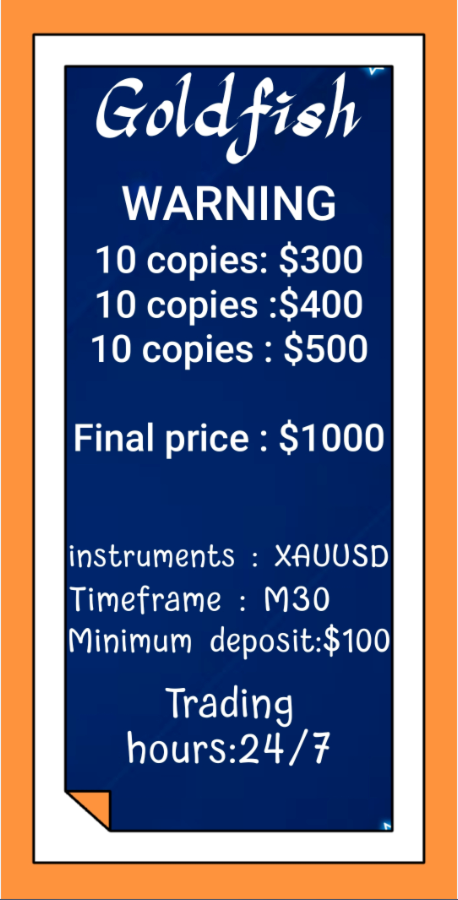
Pricing:
- Launch Price: $300
- Pricing policyIncremental Price Increase: The price will increase by $100 after every 10 purchases.
- Final Price: $1000
Why Choose Goldfish?
- No Dangerous Methods: Does not use grid, martingale, or other high-risk money management strategies.
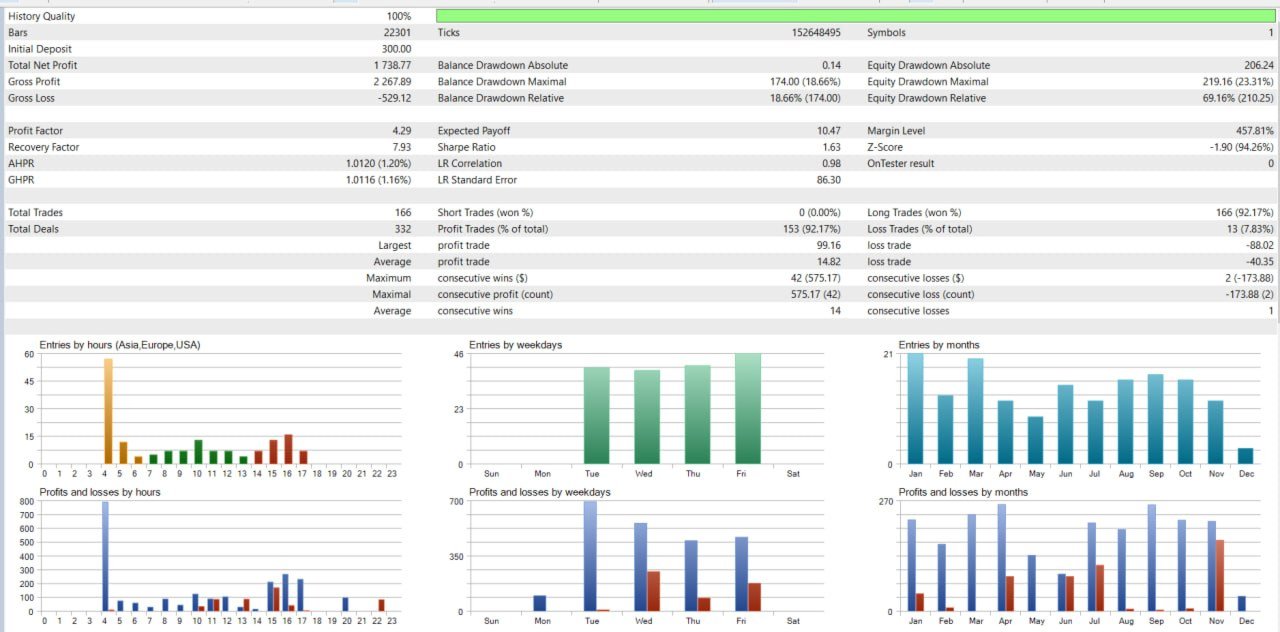
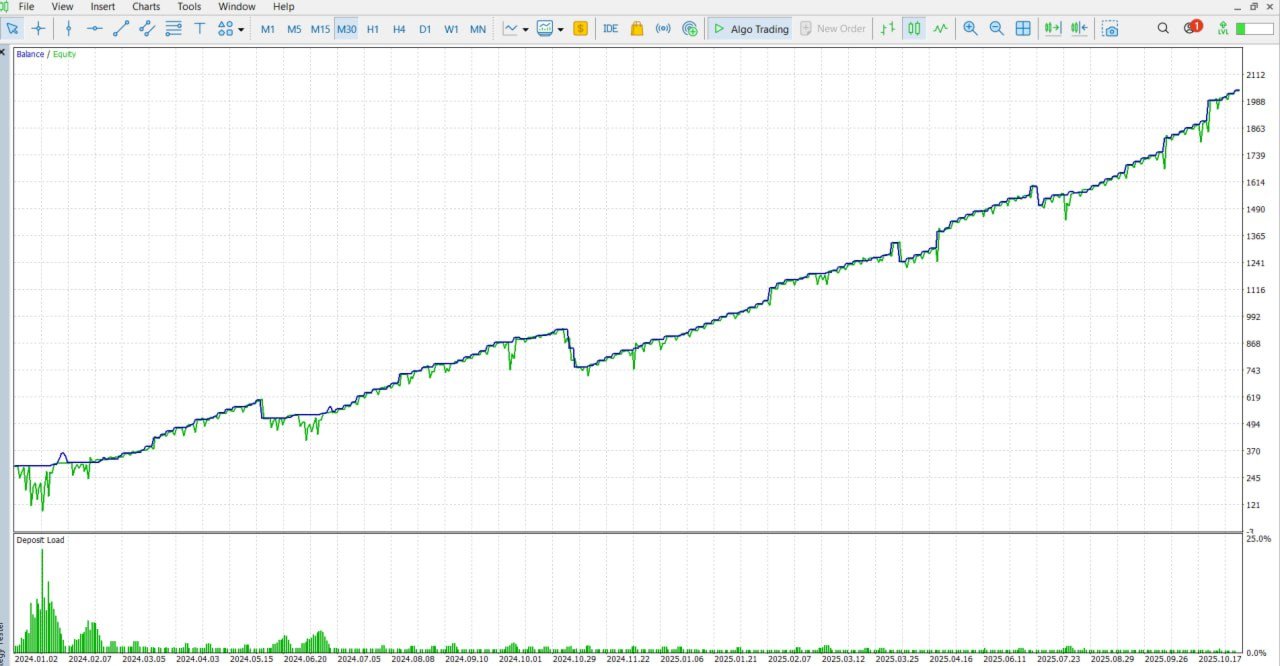
- Transparent and Honest: No history reading, trade filtering, or overfitting techniques that create unrealistic backtests.
- Trendline-Based Scalping: Executes trades only when both long- and short-term trendlines align, confirming breakout momentum.
Recommendations: - Currency Pair: XAUUSD (Gold)
- Timeframe: M30
- Minimum Deposit: $100 per 0.01 lot.
- Leverage: Any
- Account Type: Any
- VPS: Recommended to ensure the EA works 24/7
Specifications:
- Every trade is protected with a stop loss.
- Easy to install—default settings are optimized for most brokers.
- Does not use grid, martingale, or other high-risk strategies.
- Compatible with any broker
Risk Warning:
Trading involves risks. Users are strongly advised to evaluate both backtest and live trading results to make informed decisions. Only trade with funds you can afford to lose and use appropriate risk management.
Specifications:
Risk Warning:
Trading involves risks. Users are strongly advised to evaluate both backtest and live trading results to make informed decisions. Only trade with funds you can afford to lose and use appropriate risk management.
Pricing policy
- The rental option is temporarily unavailable. If you want to rent, please send me a message and I will enable the rental option for a specific period
News filter setup
- Go to terminal's menu Tools>>Options>>Expert Advisors.
- Allow "Web Requests" and add to the list news calendar link "https://forexsb.com"
Please note. News filter is great protection and it works only at live trading.
Support
Original systems only at MQL5.com
I am always in touch. Feel free contact me with personal message.